Semji

Changelog

Everything we shipped, release by release.

22.5.0Minor release

35 changes

Trash & AI Overviews

Deleted drafts stay recoverable for 30 days, and AI Overview coverage is now tracked month after month across Performance, Intel Hub SEO and the Data Explorer.

New features4

Planning1
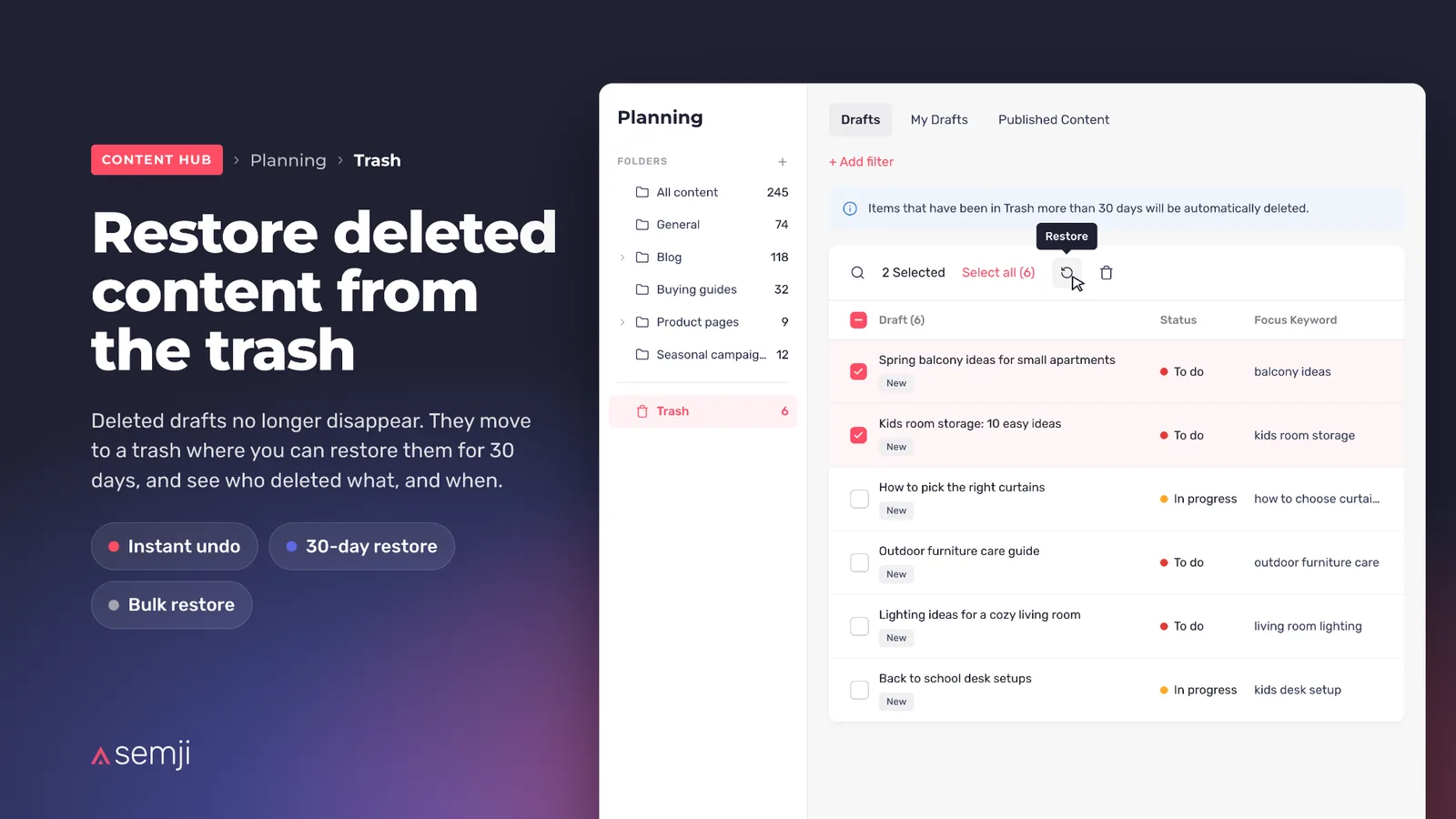
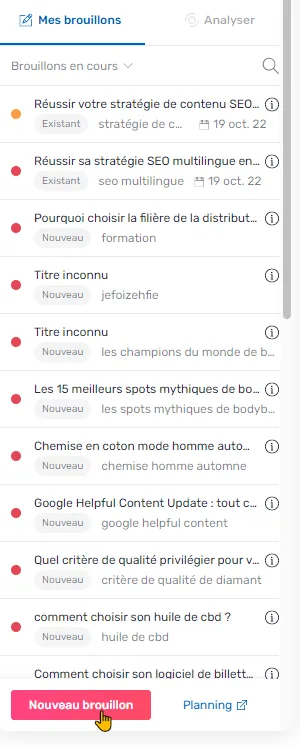
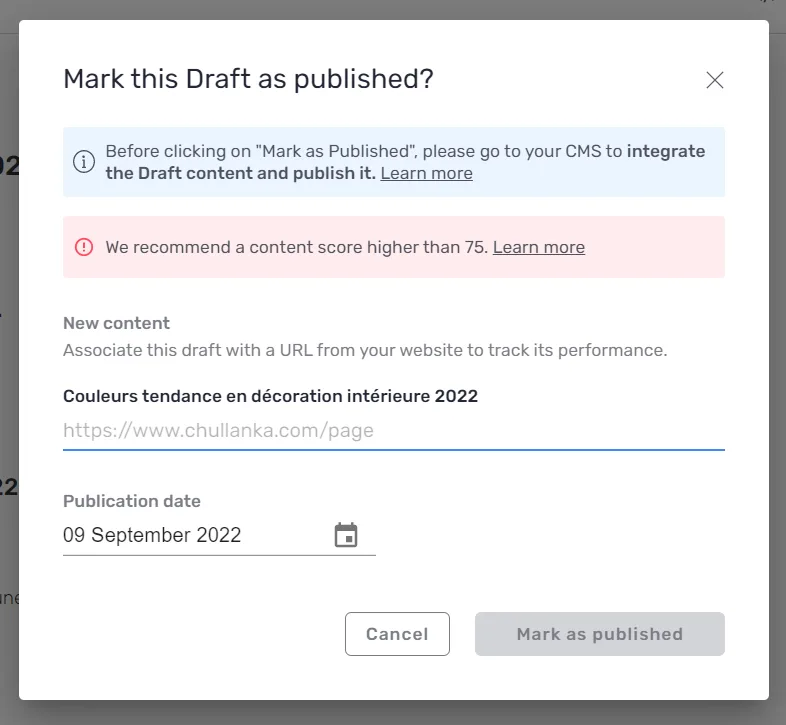
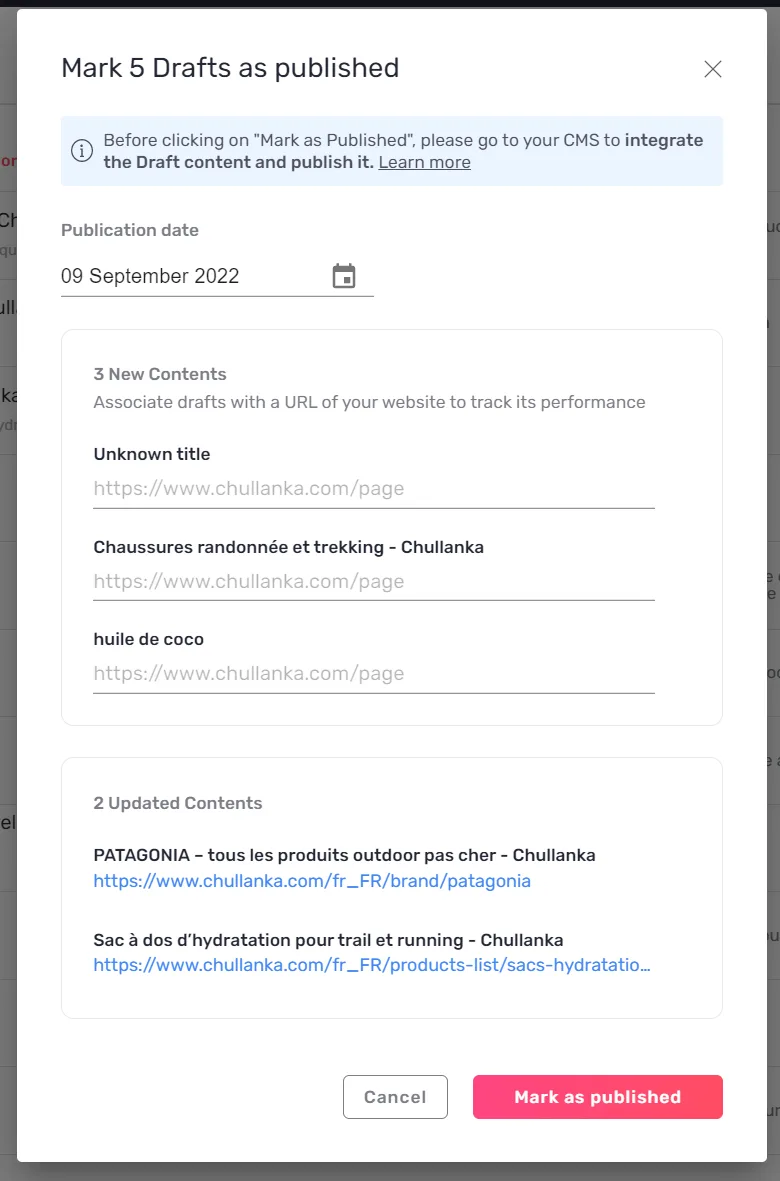
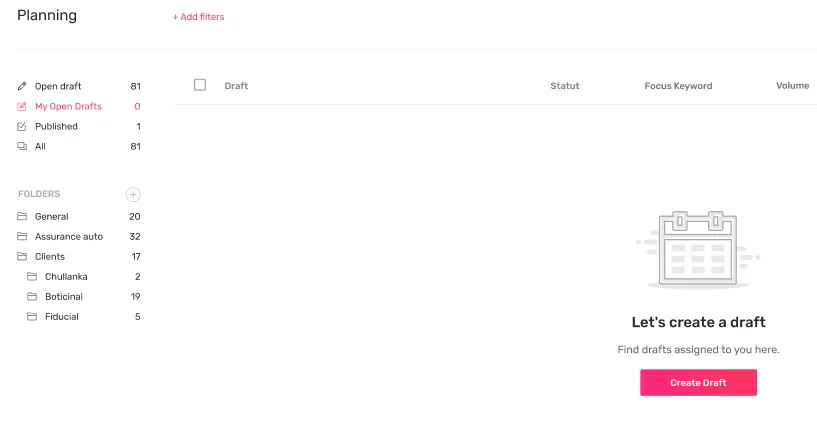
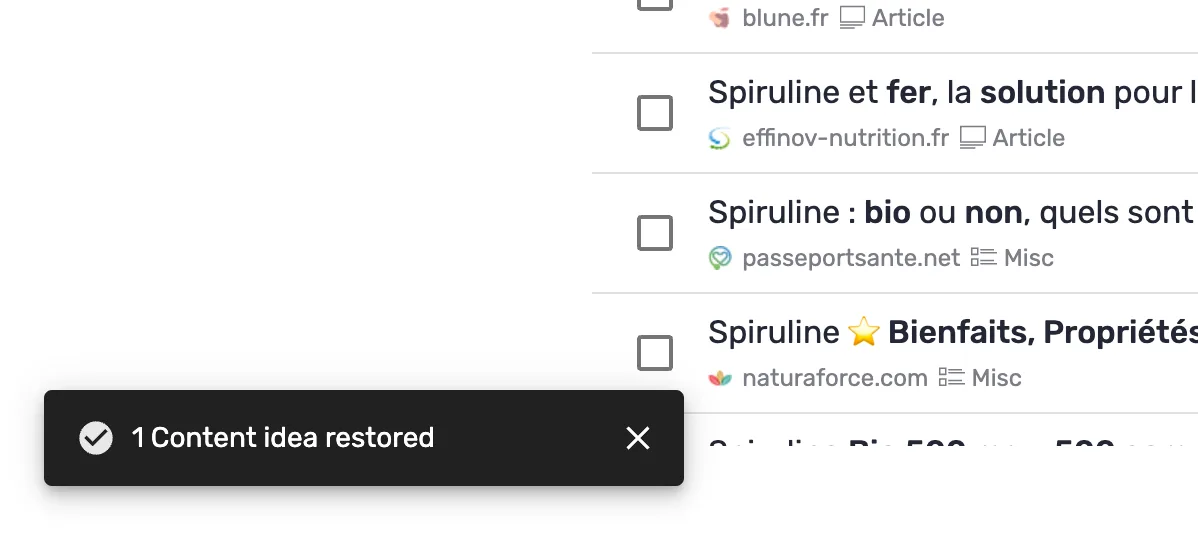
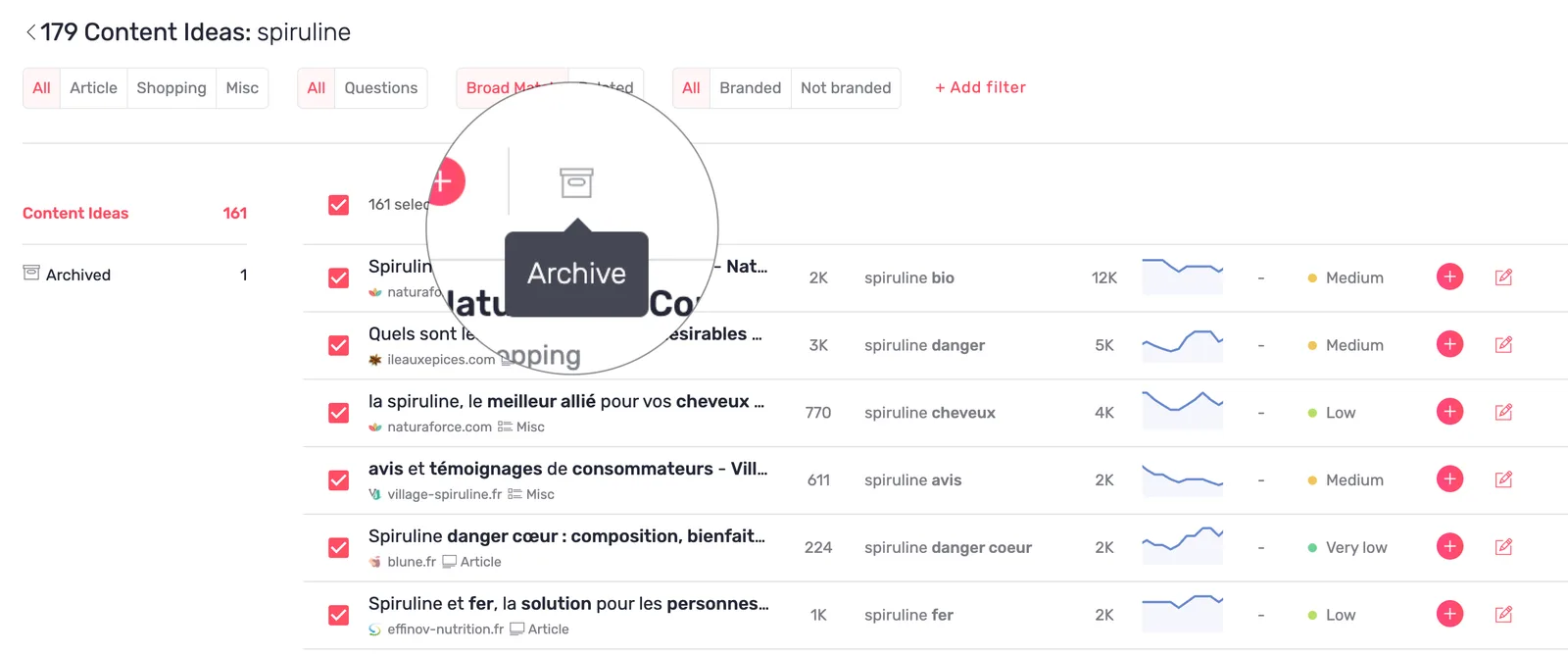
  • Restore deleted content from the trash — deleted drafts land in a trash and stay restorable for 30 days, with the name of whoever deleted them, so clearing out forty drafts and changing your mind on eight is one action.Planning trash listing restorable drafts

Performance1
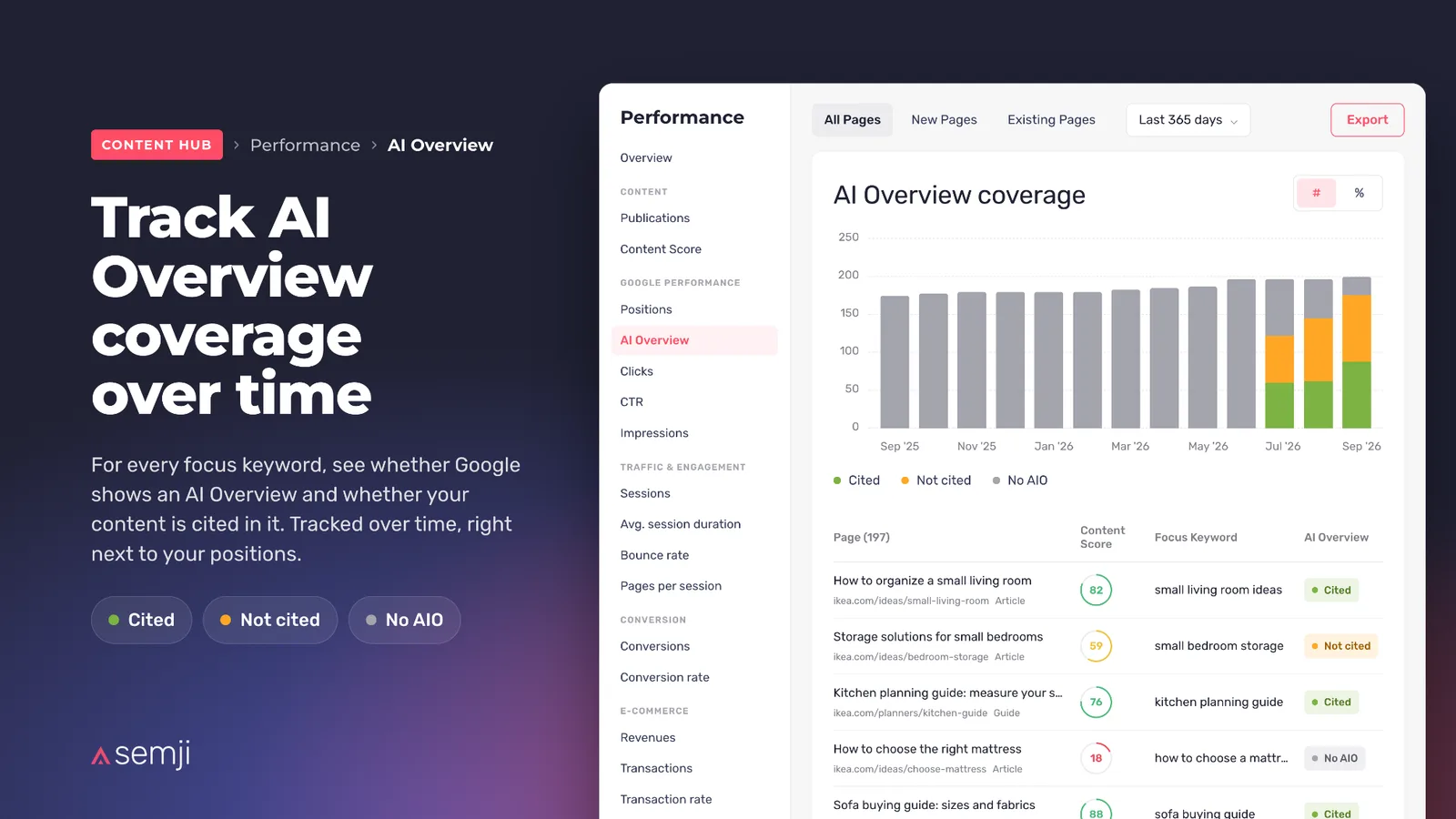
  • Track AI Overview coverage over time — the share of your keywords where Google cites you, month after month next to your positions, with a Content Score on the keywords that show an AI Overview without citing you. Available from 21 September, once the AI Overview data has finished computing.AI Overview coverage over time in Performance

Intelligence Hub — SEO1
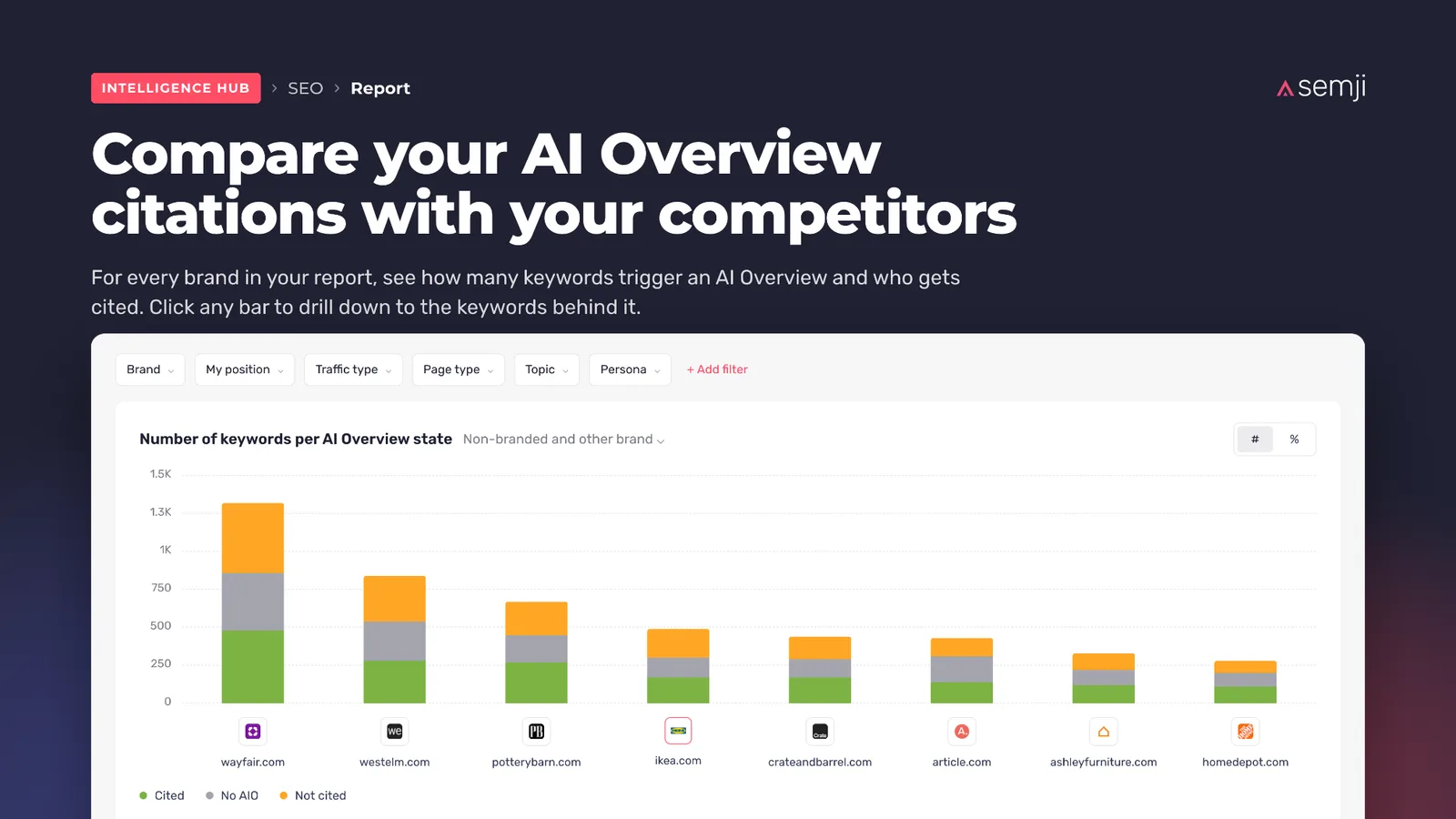
  • Compare your AI Overview citations with your competitors — one chart shows who gets cited on your keyword universe, brand by brand, and clicking a competitor who is ahead opens the keywords carrying the gap. Available from 21 September, once the AI Overview data has finished computing.AI Overview citation share by competitor in Intel Hub SEO

Data Explorer1
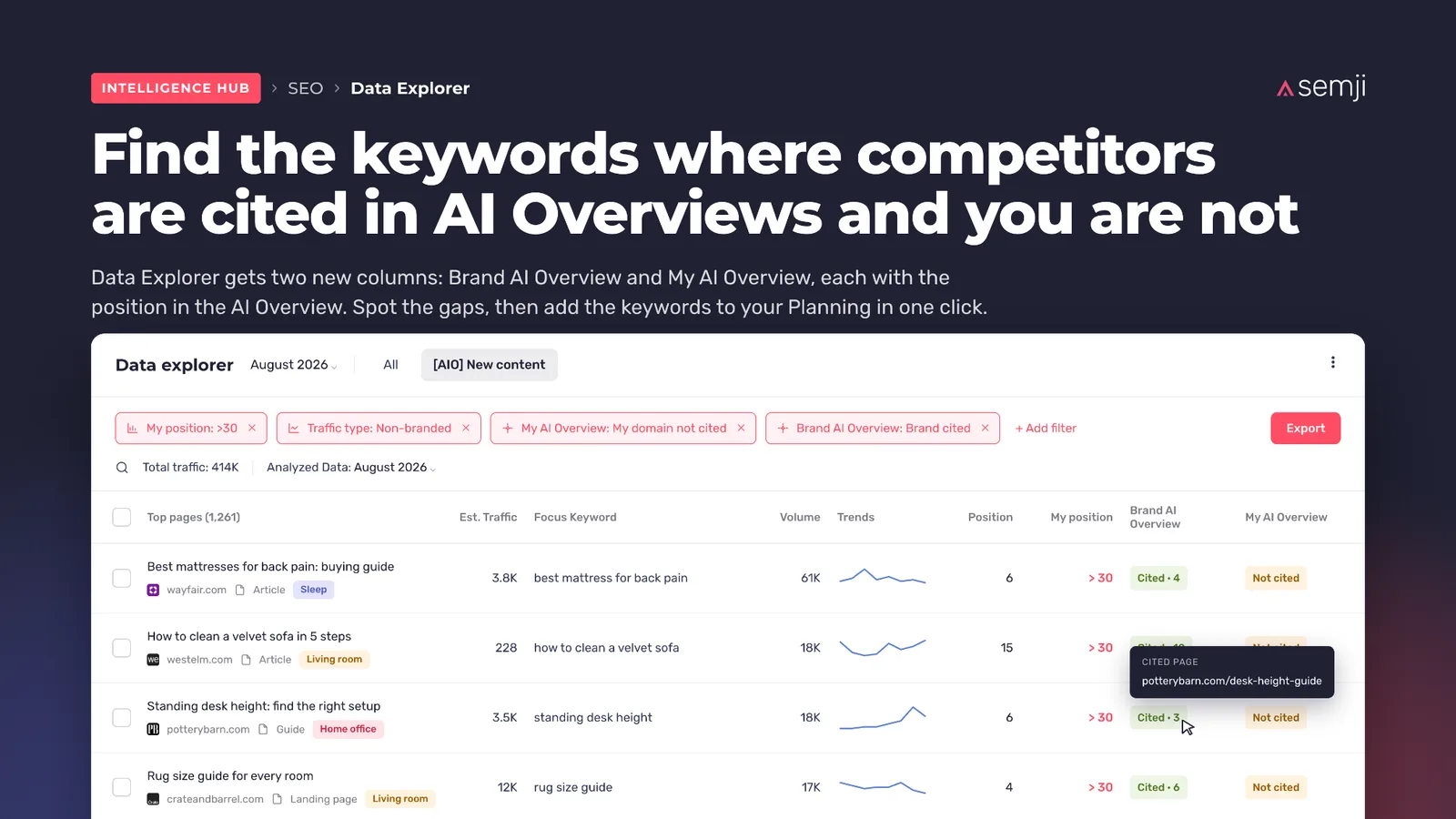
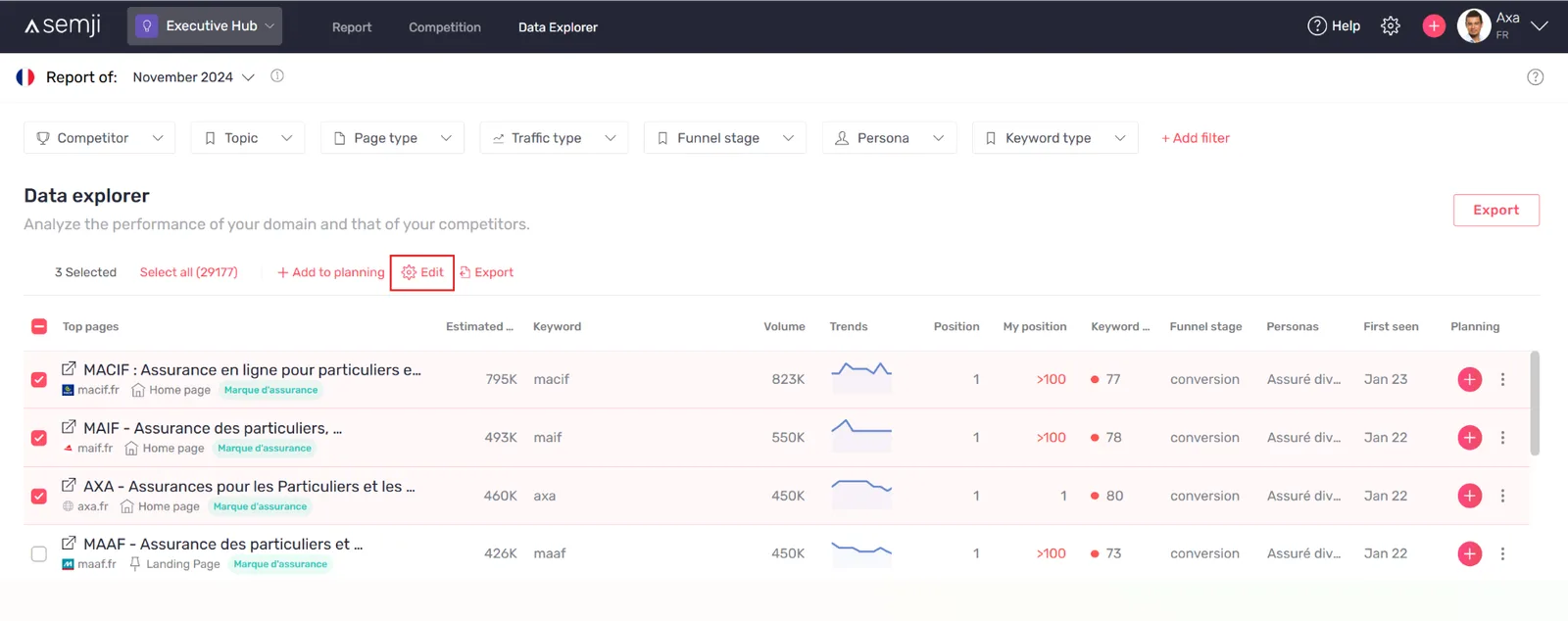
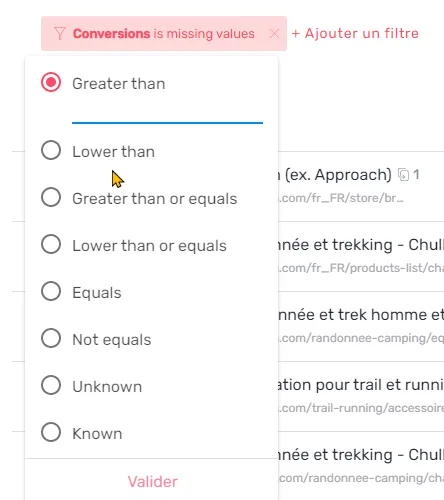
  • Find the keywords where competitors are cited in AI Overviews and you are not — the keywords a competitor owns in the AI Overview while you are absent, ranked by volume and ready to add to the Planning. Available from 21 September, once the AI Overview data has finished computing.Data Explorer filtered on keywords cited for a competitor only

Improvements5

Performance2
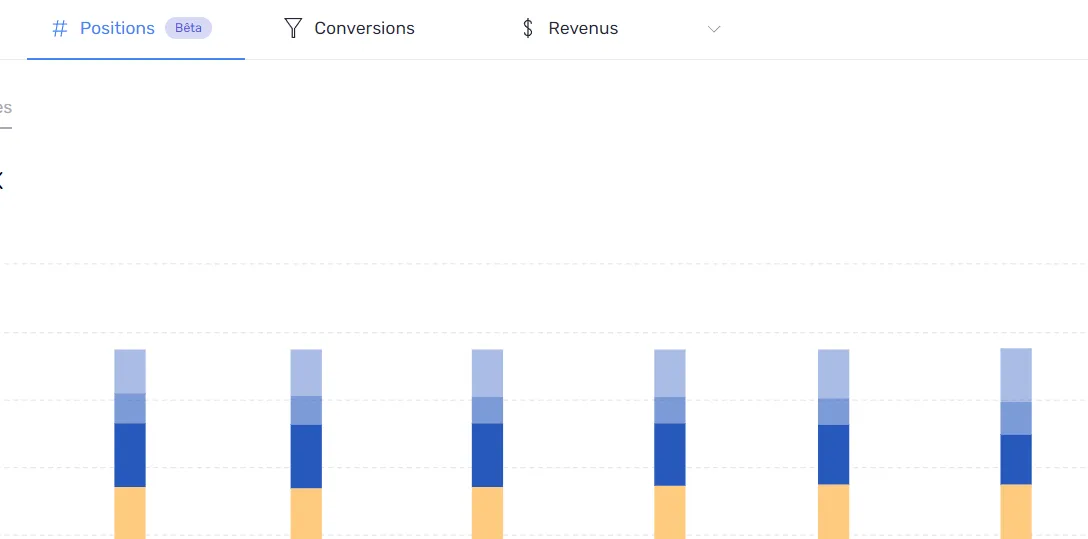
  • Positions back to seconds — the Positions tab and its charts load without timing out, including on the largest workspaces over a 365-day range with a year-over-year comparison.

  • AI Assistant replaces the AI Search channel — the channel comes straight from GA4's native channel group, Claude joins ChatGPT, Perplexity, Gemini and Copilot as a tracked engine, and unrecognised sources land in "Other" instead of being dropped.

Intelligence Hub — GEO1
  • Manage your own brand aliases — aliases can be added, edited and deleted from the Brand screen without going through support. Adding competitors stays with the Semji team.

MCP1
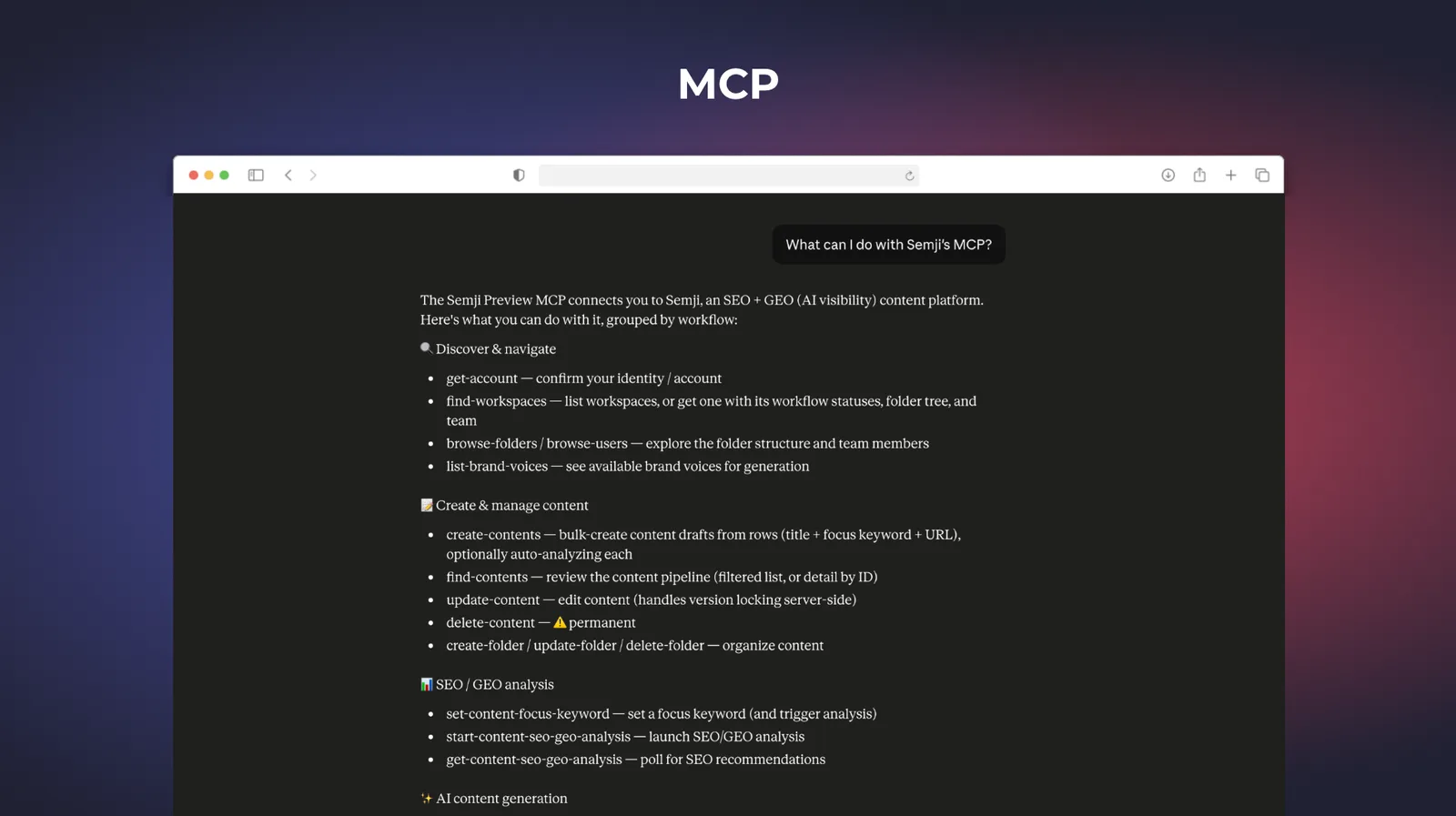
  • AI Overview data over MCP — Performance, Pages and Planning expose their AI Overview data, and the GEO focus prompt can be read, set and analysed from your AI assistant.

AI Writing1
  • Latest generation of models for body copy and Ask AI+ — generated content no longer contains em dashes.

Customer-reported fixes9

Performance3
  • The Positions screen loads again on a 365-day range with a year-over-year comparison, instead of hanging and returning a network error.

  • The folder filter "is not" no longer silently drops every content without a folder, so the content and click totals are correct again.

  • Hiding a channel in a chart legend keeps that channel hidden when you change period.

Editor1
  • AI Overview previews show their real content and their cited sources again, instead of empty bullets and opaque Google links.

Content Ideas1
  • The link to the associated pages opens the list already filtered.

Planning3
  • A keyword filter stays applied when you switch between Drafts and Published Content.

  • Launching Atomic Content on a bulk selection no longer crashes the whole page.

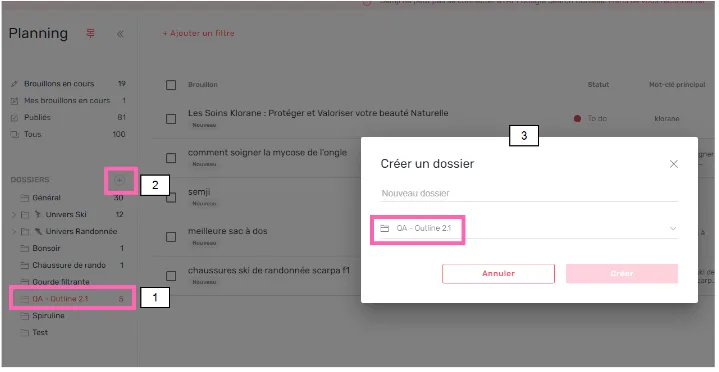
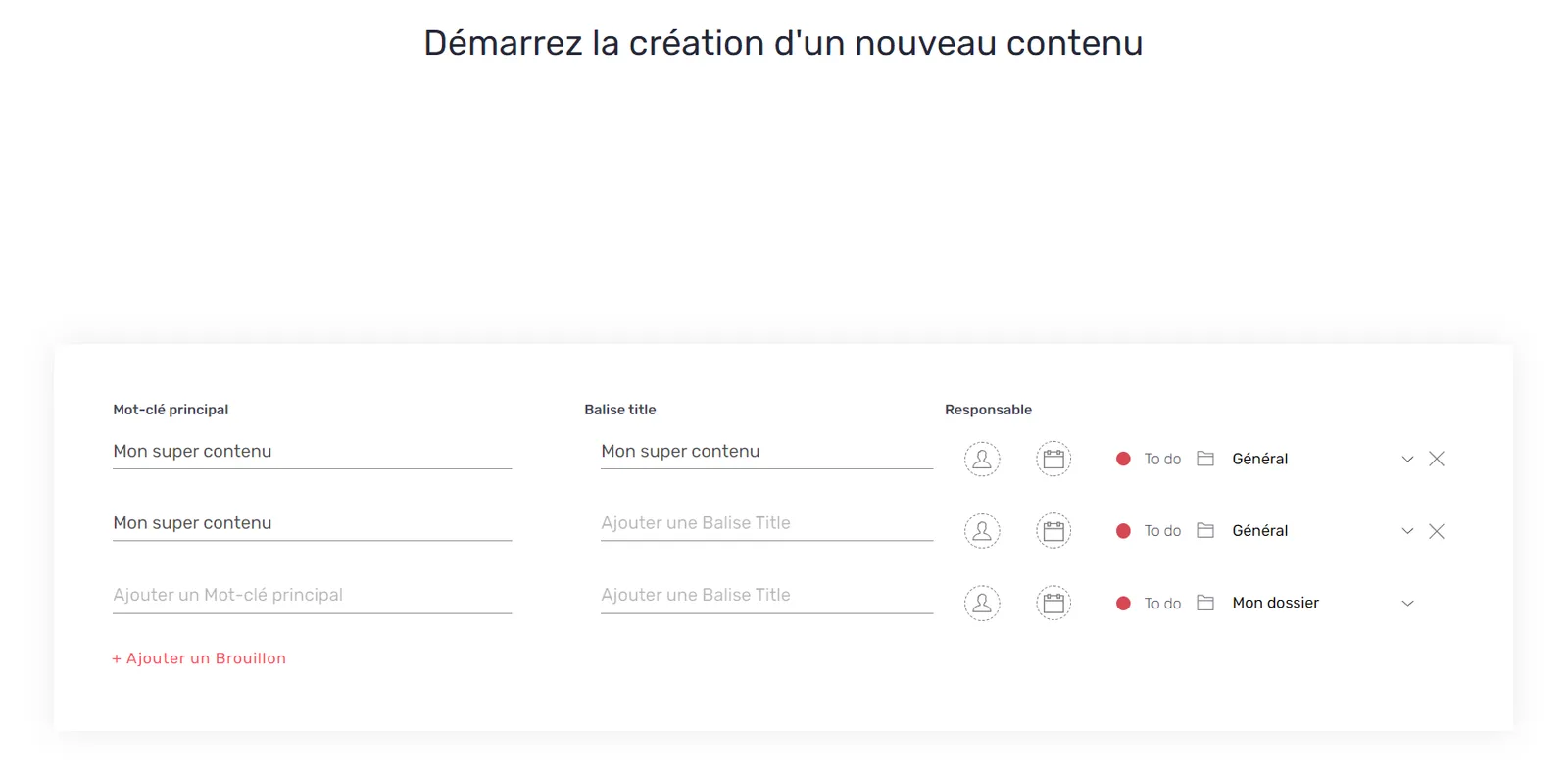
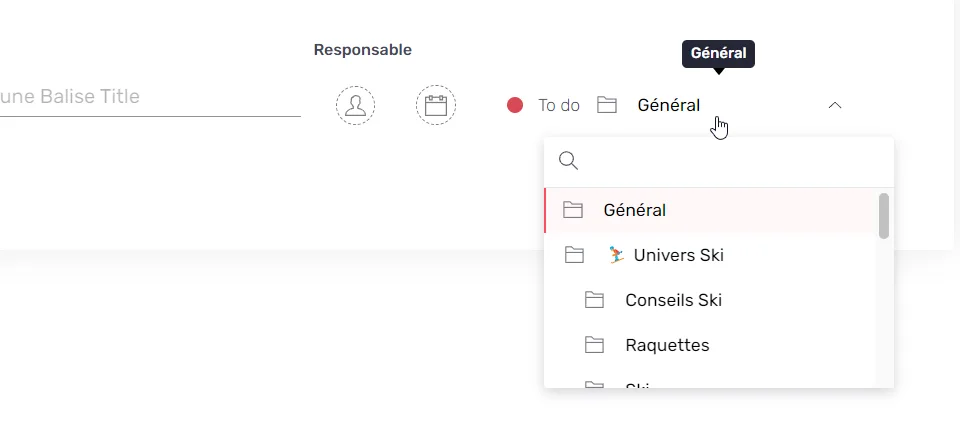
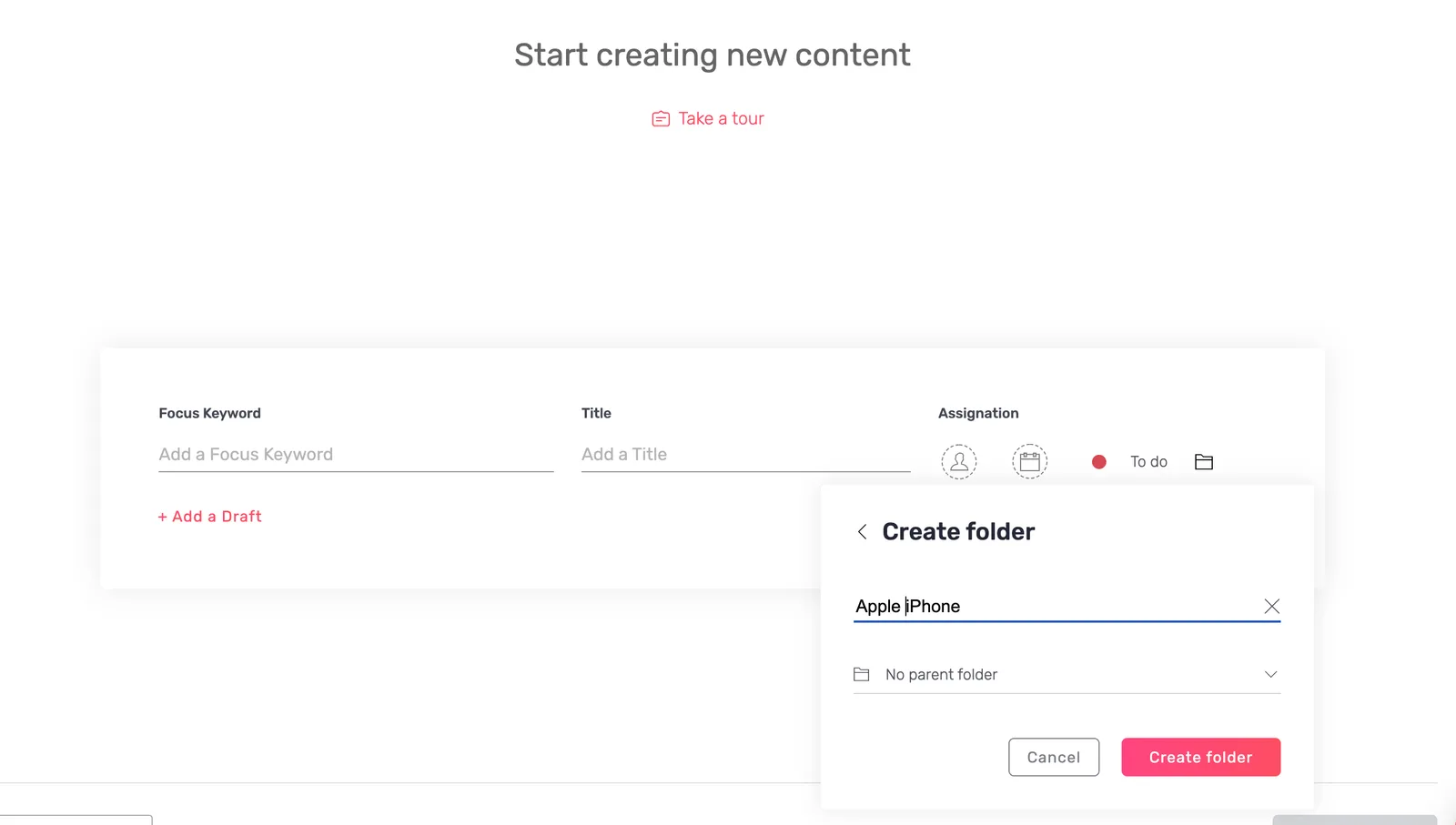
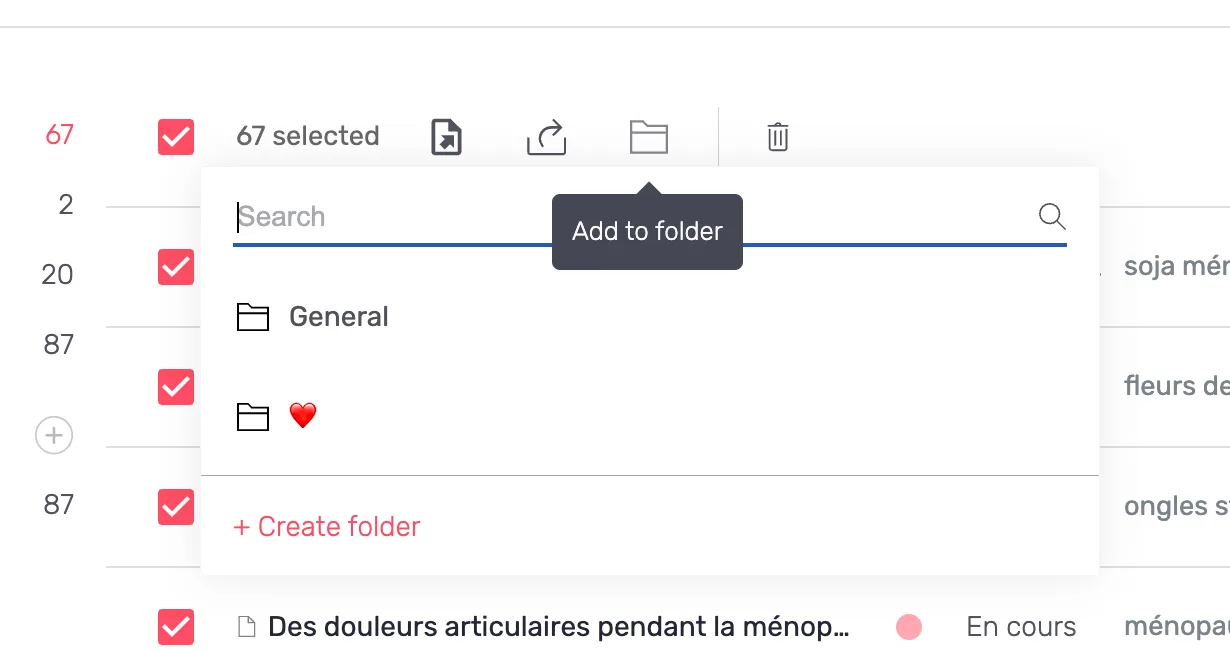
  • The folder selector on content creation shows the real folder instead of "General" while the list loads.

Settings1
  • The AI Usage workspace rankings show workspace names instead of technical identifiers, and only the workspaces you can access.

Fixes17

Planning3
  • The selection counter no longer freezes after "Select all", so the cap can be cleared.

  • Pasting several existing URLs on draft creation works again.

  • Created drafts carry a last modified date.

Performance4
  • The AI Overview chart and the table below it share the same filter.

  • The publications chart compares the right periods again.

  • The Focus keyword positions chart no longer counts unpublished pages.

  • The chart shows a loading state instead of freezing when you switch view.

Pages1
  • The HTTP badge no longer shows 301 on every redirected page.

Intelligence Hub — SEO2
  • Launching a report that is already running now says so explicitly.

  • Competitor reports are no longer blocked by a page count validation, and their SERP is refreshed every month.

Intelligence Hub — GEO1
  • The prompt metrics load in seconds with a filter applied.

AI Hub2
  • The Agents menu is reachable from the Agents and Activities tabs, and the "Run by" column is filled on older activities.

  • A Workspace agent can no longer be saved without a channel, and the agent configuration form no longer breaks when the text area is resized.

MCP1
  • The wording no longer refers to "Search Intelligence".

Editor1
  • Atomic Content no longer errors on a double click on Continue, and the sidepanel button and the assignee avatar display correctly.

Settings1
  • Sorting by name respects ascending and descending order, the workspace name is saved, and "Send to CMS" has a default.

Platform1
  • The Content Hub search resets when you change tab, and an explicit error is shown for URLs without workspace access.
22.4.0Minor release

37 changes

MCP v2, saved views and the Competitive Intelligence agent

A monthly agent that reports on what your competitors changed, twice as many MCP tools with the Semji connector listed in ChatGPT and Claude, and saved views on every table screen.

New features6

Agents2
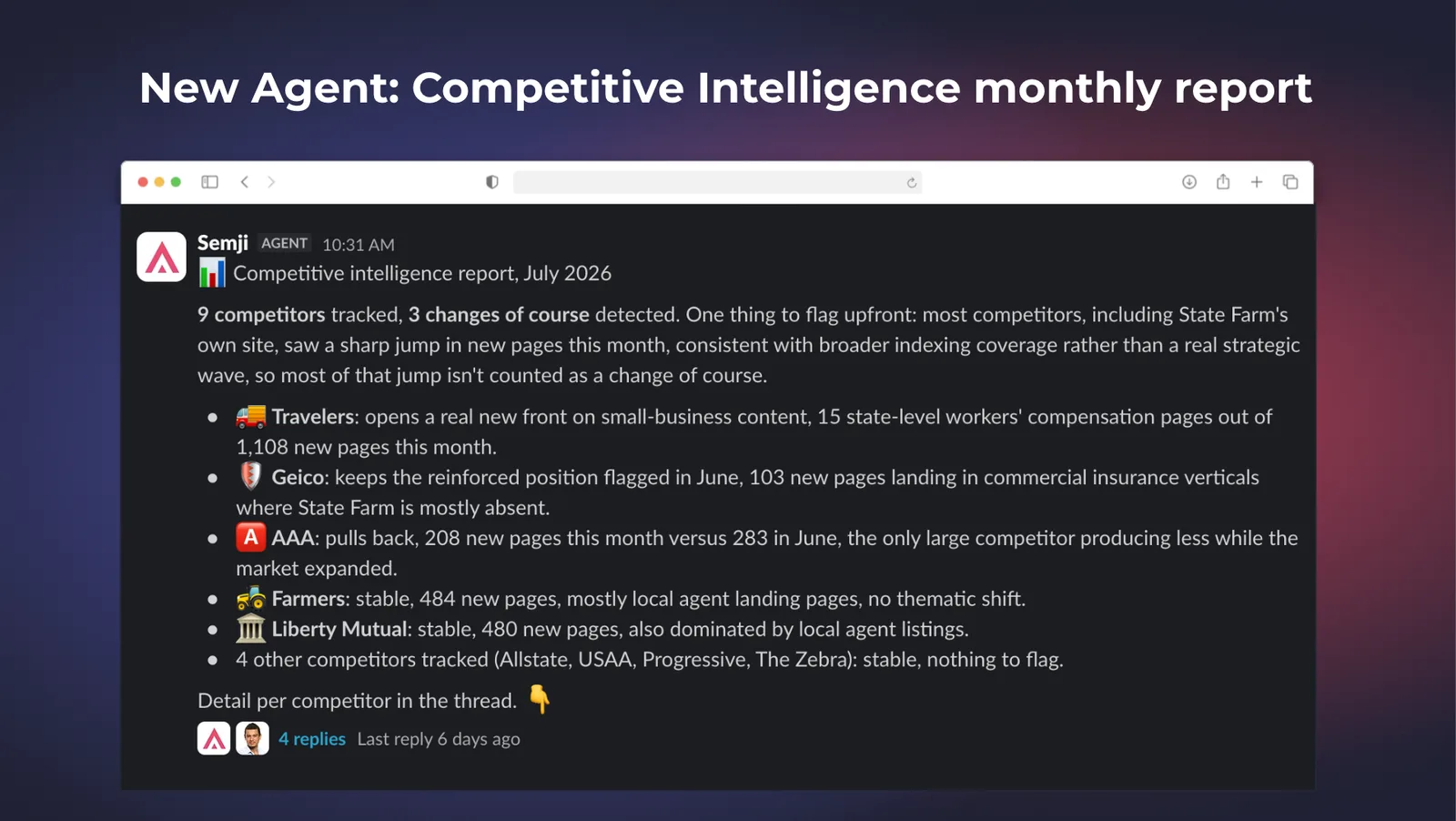
  • New Competitive Intelligence agent — it runs every month alongside the Intel Hub SEO report, detects the competitors that changed course (new page clusters, local deployments, editorial pushes on topics where you are absent) and posts a structured report in Slack or Teams with an example keyword, a recommendation and a link to the matching Intel Hub view.Competitive Intelligence agent report

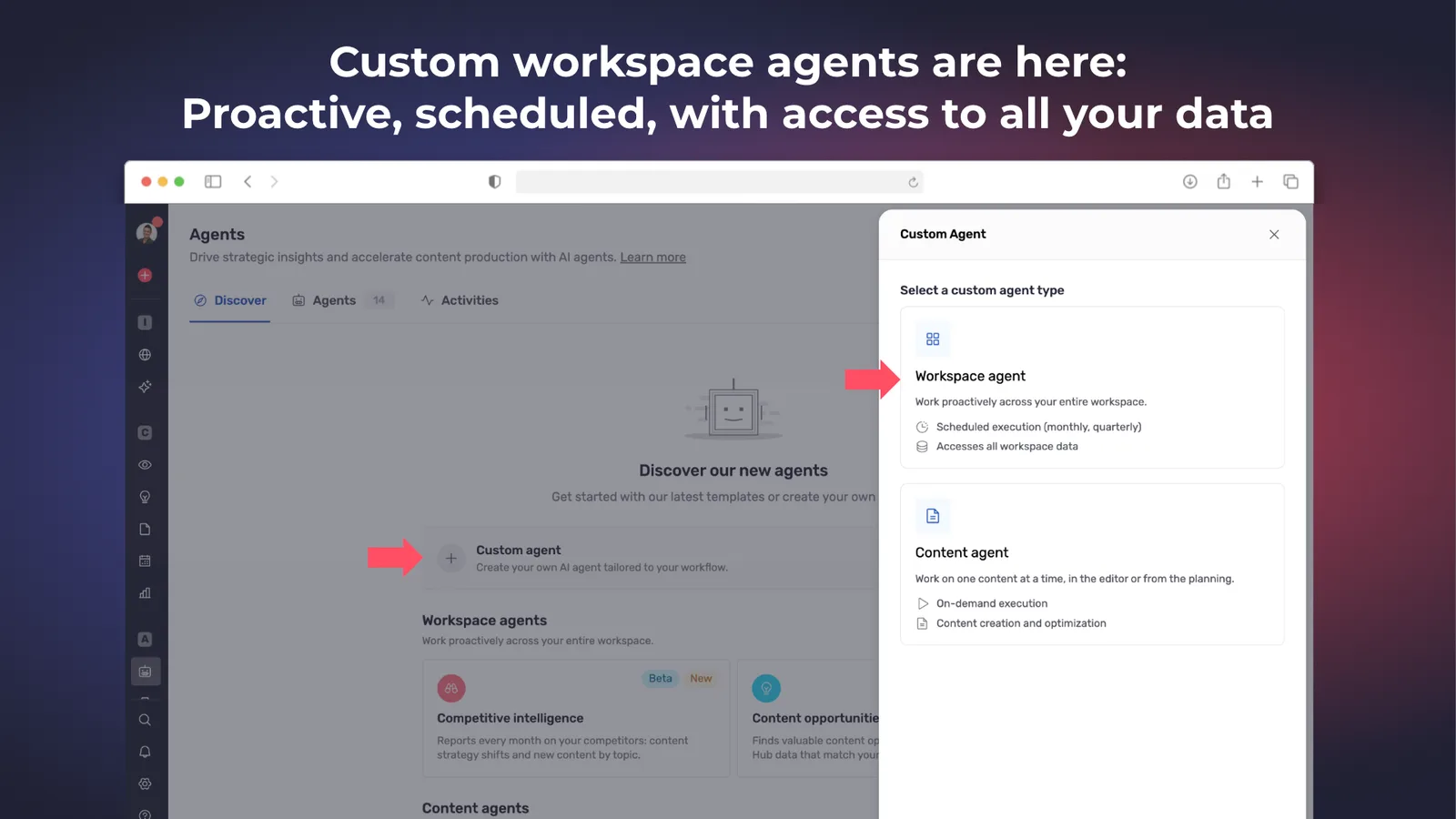
  • Custom Workspace agents — an agent with access to your whole workspace analyses Intel Hub data, adds drafts to the Planning and publishes what it did in Slack or Teams, on a daily, weekly or monthly schedule. Some tools are still missing for Workspace agents to reach parity with MCP, and are being added progressively.Custom Workspace agent configuration

MCP1
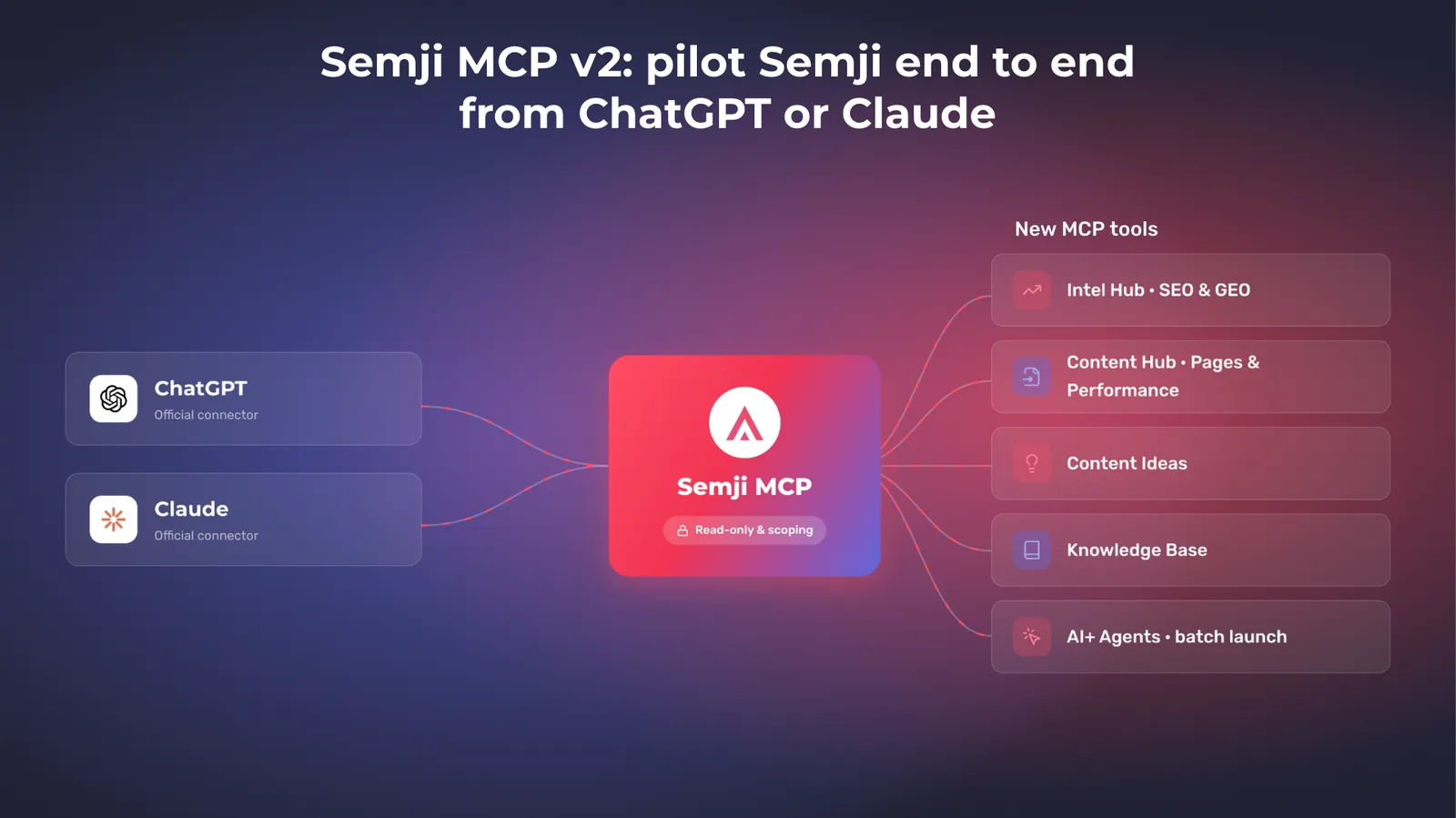
  • Semji MCP v2 — the server doubles its number of tools, covering the SEO Data Explorer, GEO prompts and sources with their recommendations, Pages and Performance, Content Ideas searches, Knowledge Base writes, editor comments, user listing and invitations, and agent launches on a batch of contents. Every toolset is enabled by default, with a read-only mode and per-toolset scoping, and the Semji connector is listed in the official ChatGPT and Claude connector libraries for one-click install.Semji MCP v2 toolsets

Platform1
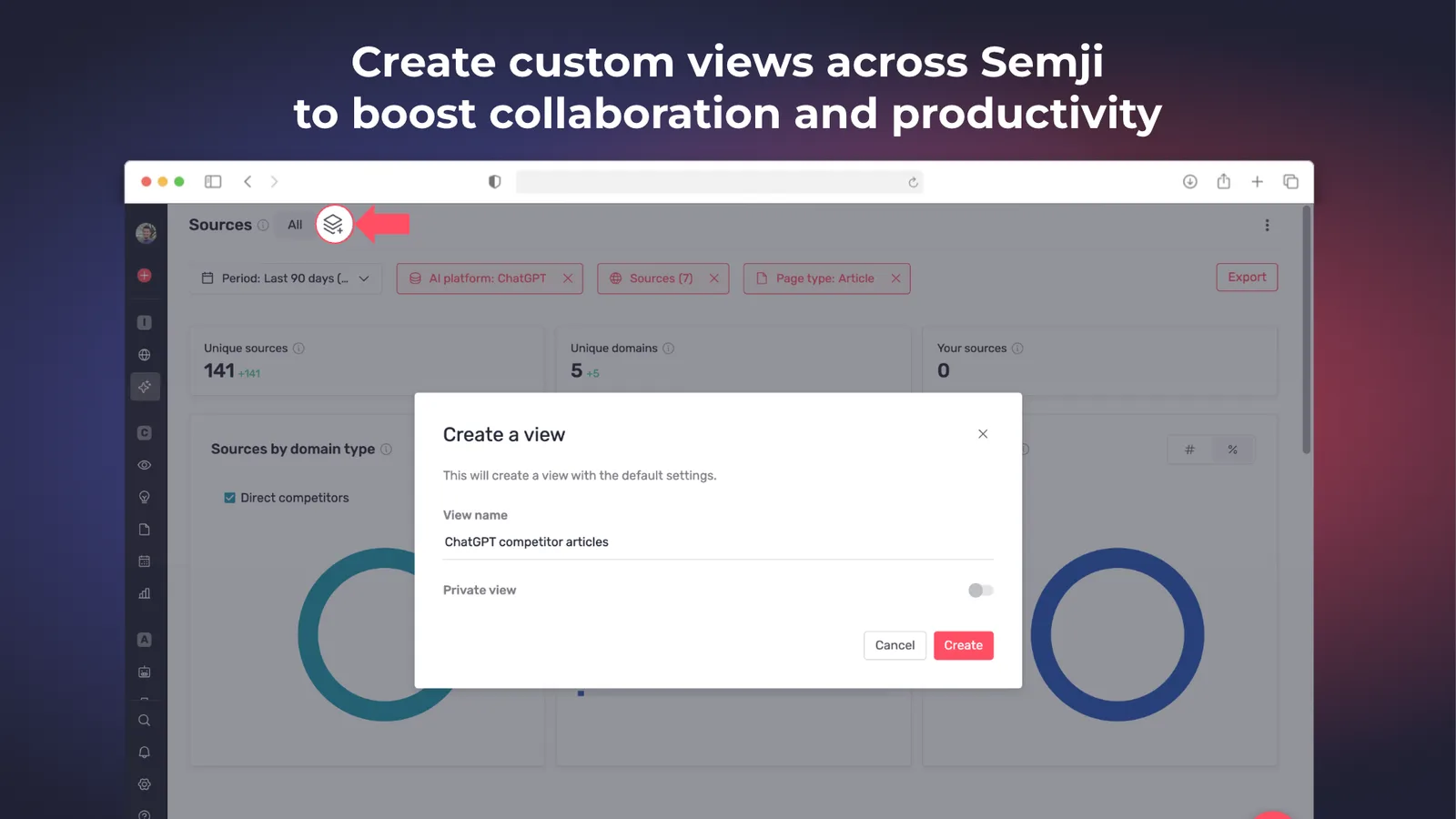
  • Saved views on every table screen — Intel Hub SEO and GEO, Pages, Planning, Content Ideas and Performance save your filters, columns, sort order and display mode in a named view, reopened in one click from the chips at the top of the screen and shareable with the whole workspace. Default views ship on every screen, on current offers only.Saved view chips on a table screenSaving a named view

Performance1
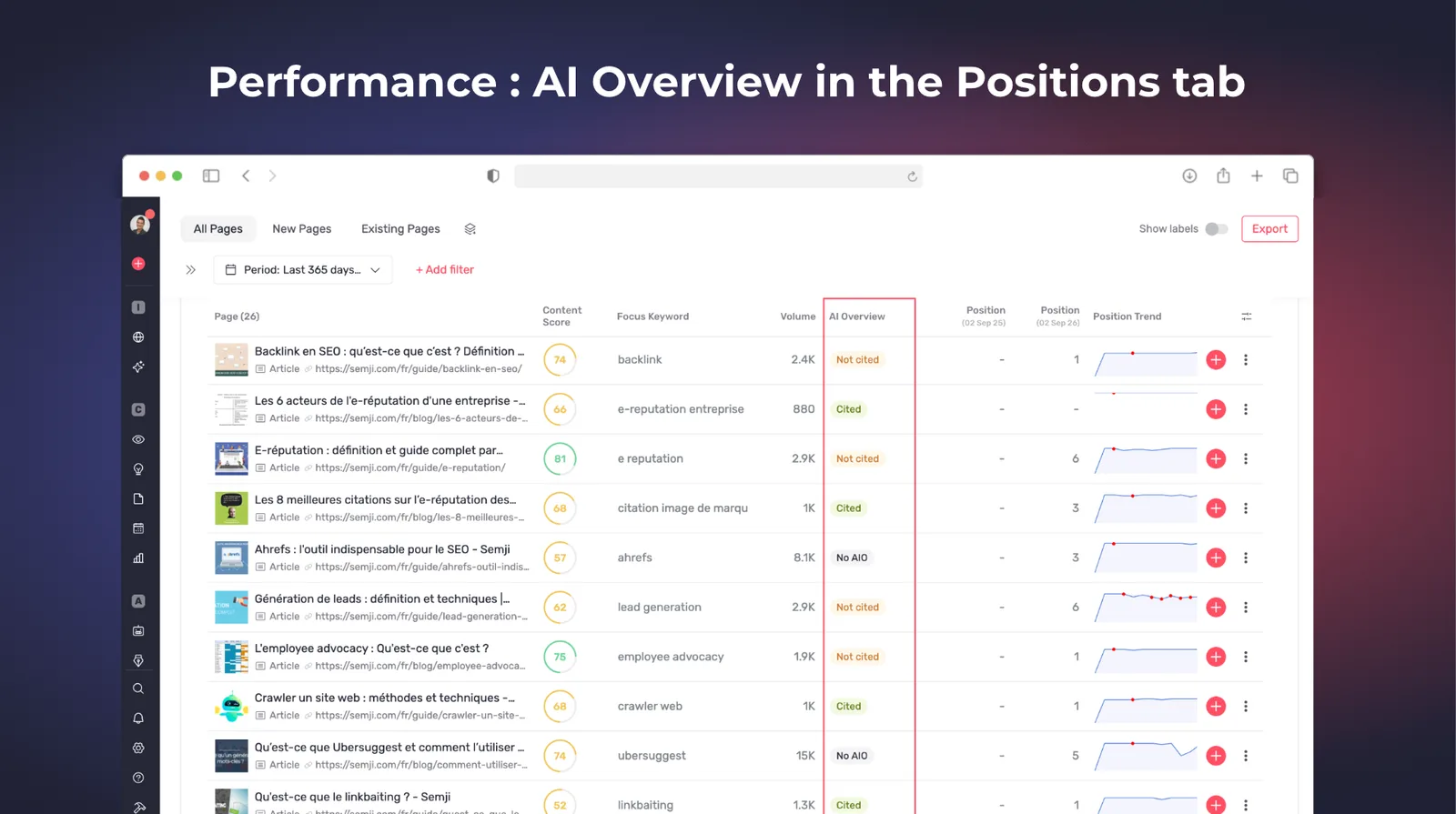
  • AI Overview column in the Positions tab — a filterable column qualifies each tracked position as no AI Overview, AI Overview present and cited, or AI Overview present and not cited, which is the missing explanation behind a traffic drop on stable rankings. Positions tab only in this first version.

Public API1
  • Content Ideas in the public API — launch a search on a keyword, check its status, list its results with all their data and the same filters as the app, and delete a search. Editing a single idea is not exposed in this version.

Improvements4

Integrations1
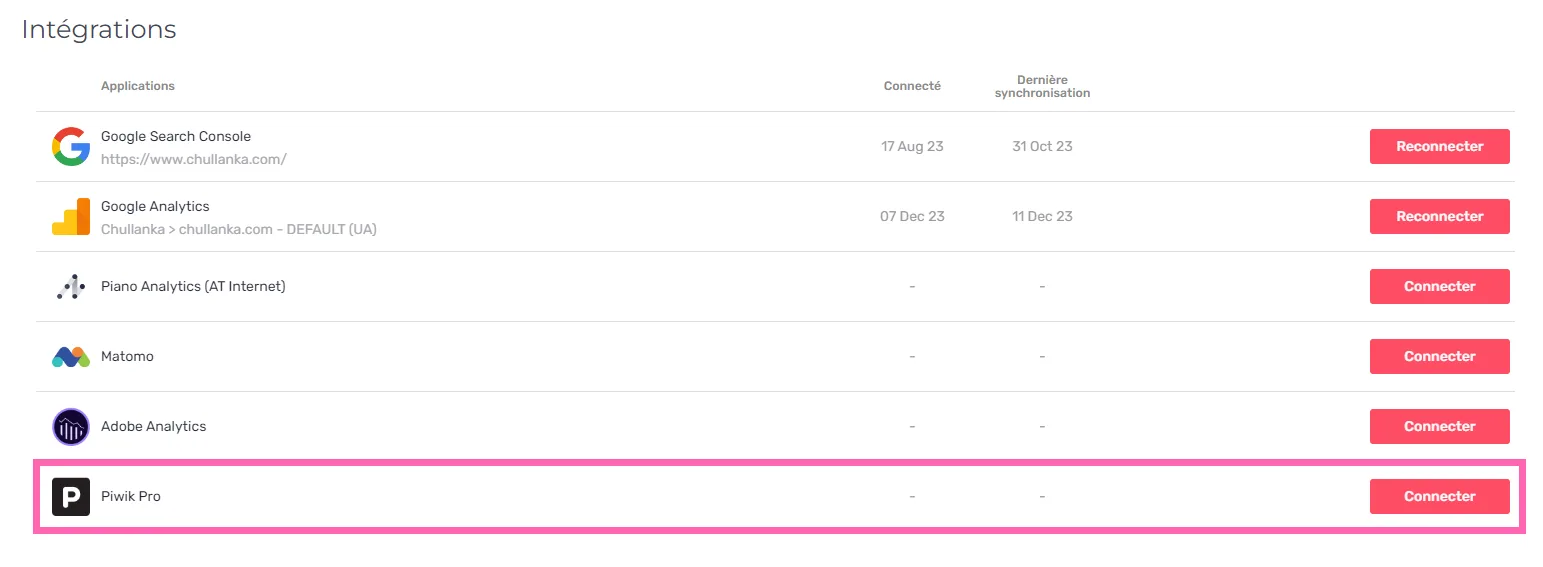
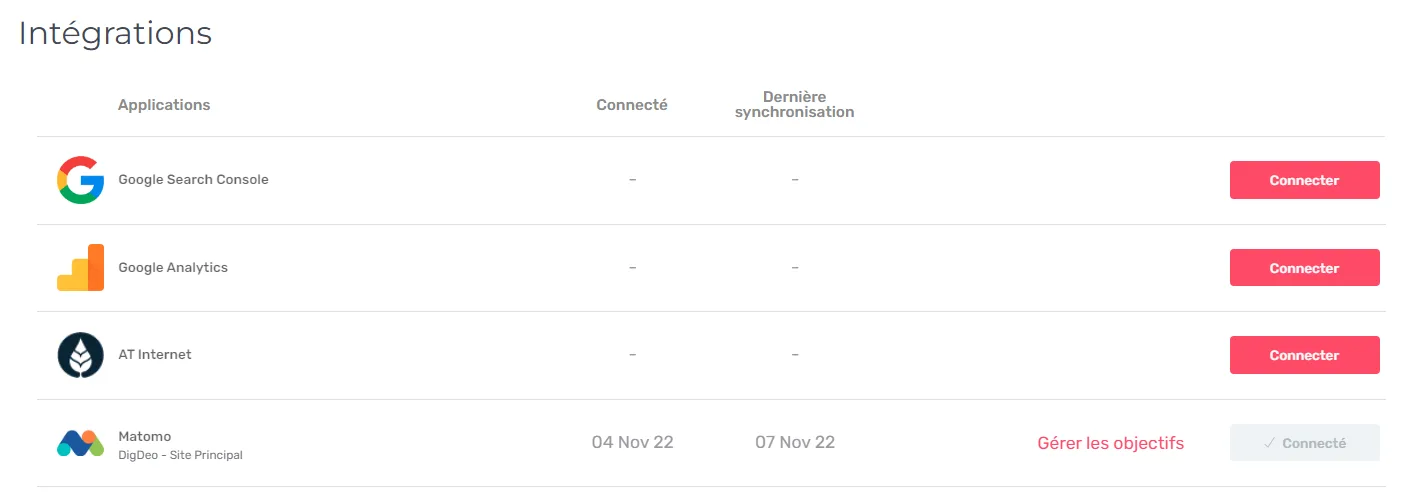
  • The Integrations screen layout has been improved.

AI Writing1
  • AI+ runs on the latest generation of Claude models — the outline, title, introduction, key points and FAQ steps all moved.

Editor2
  • Retrying a title or meta description in Ask AI+ proposes something new — instead of a near copy of the previous try.

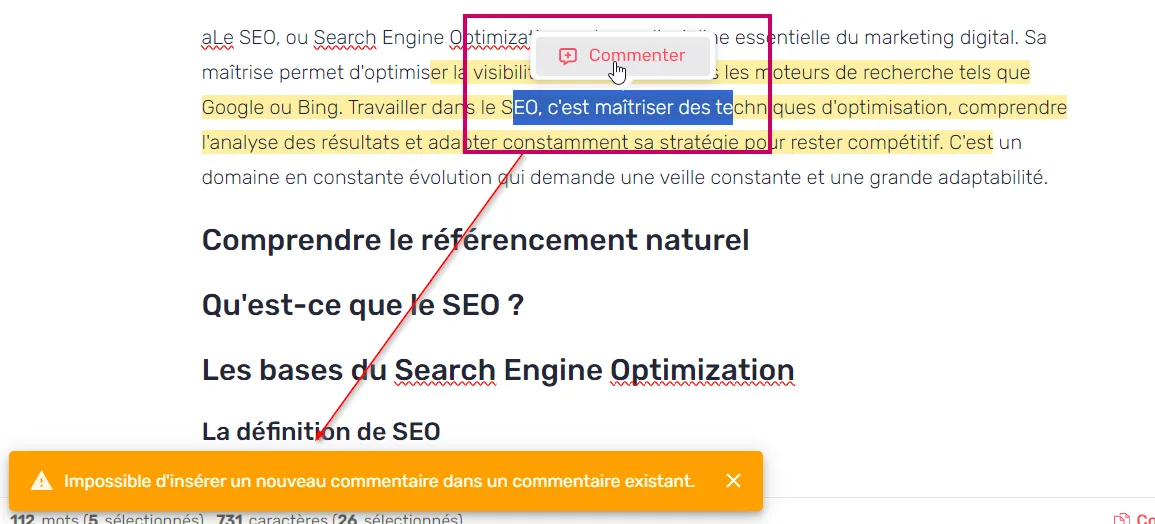
  • A text selection inside a link can now be commented.

Customer-reported fixes17

Integrations1
  • AI assistant traffic from ChatGPT, Gemini and Perplexity feeds the AI Search channel again after Google's new "AI Assistant" channel group in GA4.

Agents3
  • Agents fill an empty title and meta description reliably, whichever way they write, so bulk product sheets no longer come back half done.

  • External MCP servers connected to an agent are available again on the latest Claude models.

  • An unreachable external MCP server no longer fails the whole agent run.

Planning4
  • The Content Score no longer disappears from the Planning after a focus keyword change.

  • Related keyword suggestions no longer fail when a keyword has no search volume.

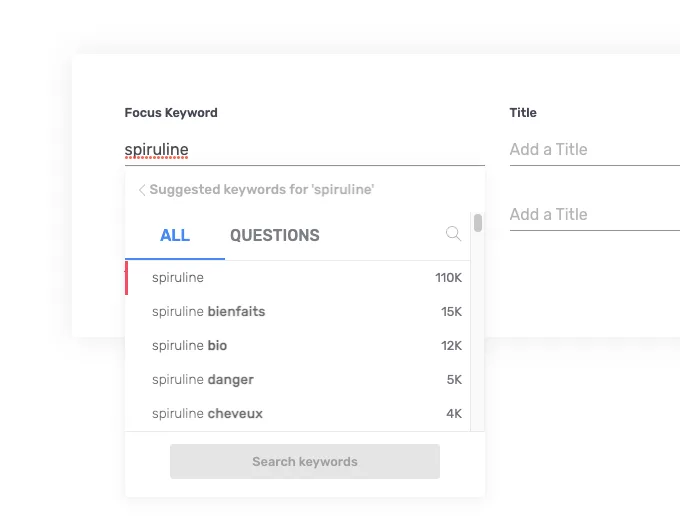
  • The focus keyword field on content creation shows the full keyword and lets you place the cursor and edit it.

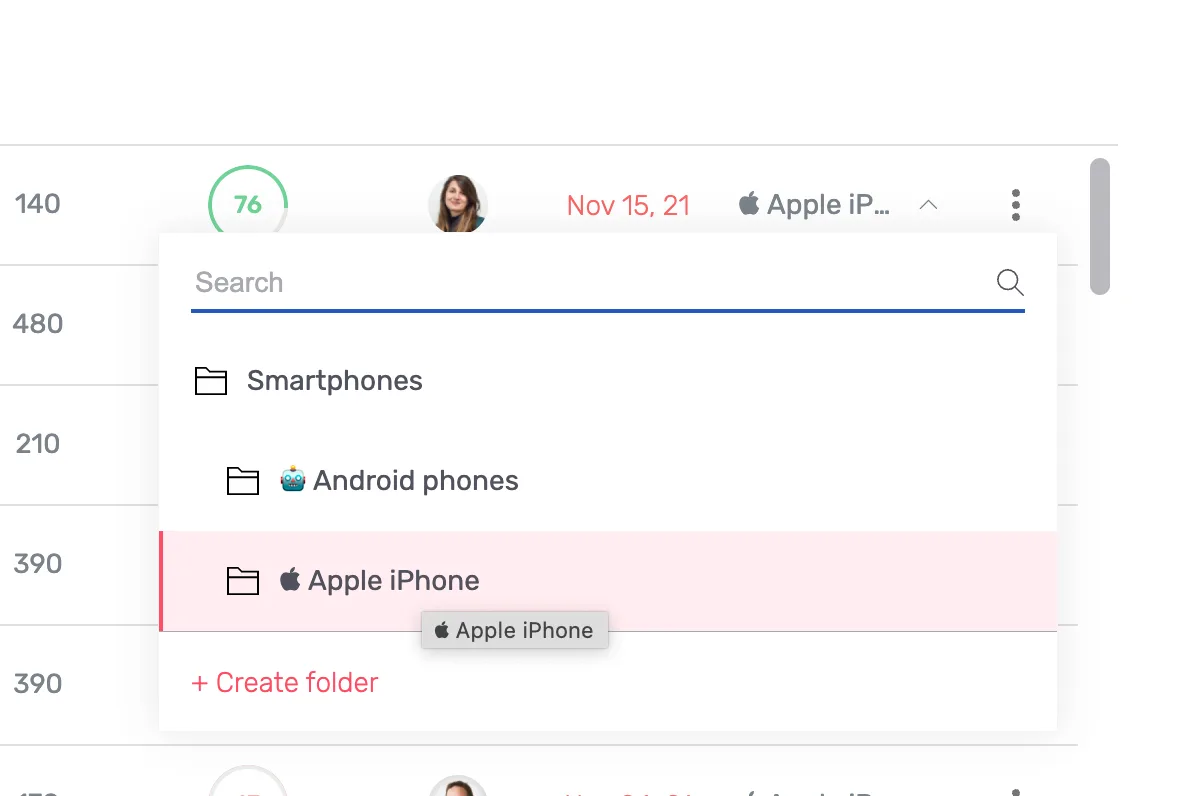
  • The folder lists on the content creation grids are complete from the start, on every row.

Editor3
  • On Greek and Bulgarian workspaces, competitors are detected in Search intents and search volumes are populated.

  • SEO analyses no longer fail when Google serves an anti-bot page in place of results.

  • AI Overview sources show their real URL and domain instead of a Google redirect link.

Intelligence Hub — GEO1
  • Visibility, mention and citation rates can no longer turn negative when a day's analysis finishes late.

Settings1
  • The AI Usage rankings show user names instead of identifiers, and the User filter is populated.

Atomic Content1
  • A generation interrupted by an infrastructure restart no longer stays "in progress" forever, and its credits are refunded.

MCP1
  • Custom instructions accept up to 5000 characters, the same as the platform.

Performance1
  • Keyword positions no longer error on a single-day date range, and the custom date mode can be cleared again.

Billing & Credits1
  • Ask AI+ template usage shows a readable label in the credit history.

Fixes10

Intelligence Hub — GEO2
  • The "Mentioned brand" filter of the Prompts Explorer no longer keeps prompts without a real mention.

  • The prompts list with a mentioned or cited filter loads in seconds instead of timing out.

Editor4
  • SEO analyses no longer fail on long search intent lists.

  • Launching an AI+ generation in a predefined block no longer erases its content.

  • The FAQ template custom instruction in Ask AI+ is no longer rendered as markdown.

  • The fact-checking filter dropdown displays correctly, and version labels share the same font weight.

Agents1
  • The duplicated Name field is gone from the custom agent forms.

MCP1
  • Writes that reference a folder no longer fail with a permission error.

Settings1
  • The workspace dropdown displays correctly when adding a user to an organization.

Platform1
  • Creating a workspace no longer crashes.

22.1.0Minor release

23 changes

AI Overviews in France and the AI Usage dashboard

AI Overview coverage is switched on across every French workspace, and a new organization dashboard shows what your team produced against the AI credits it spent.

New features3

Pages1
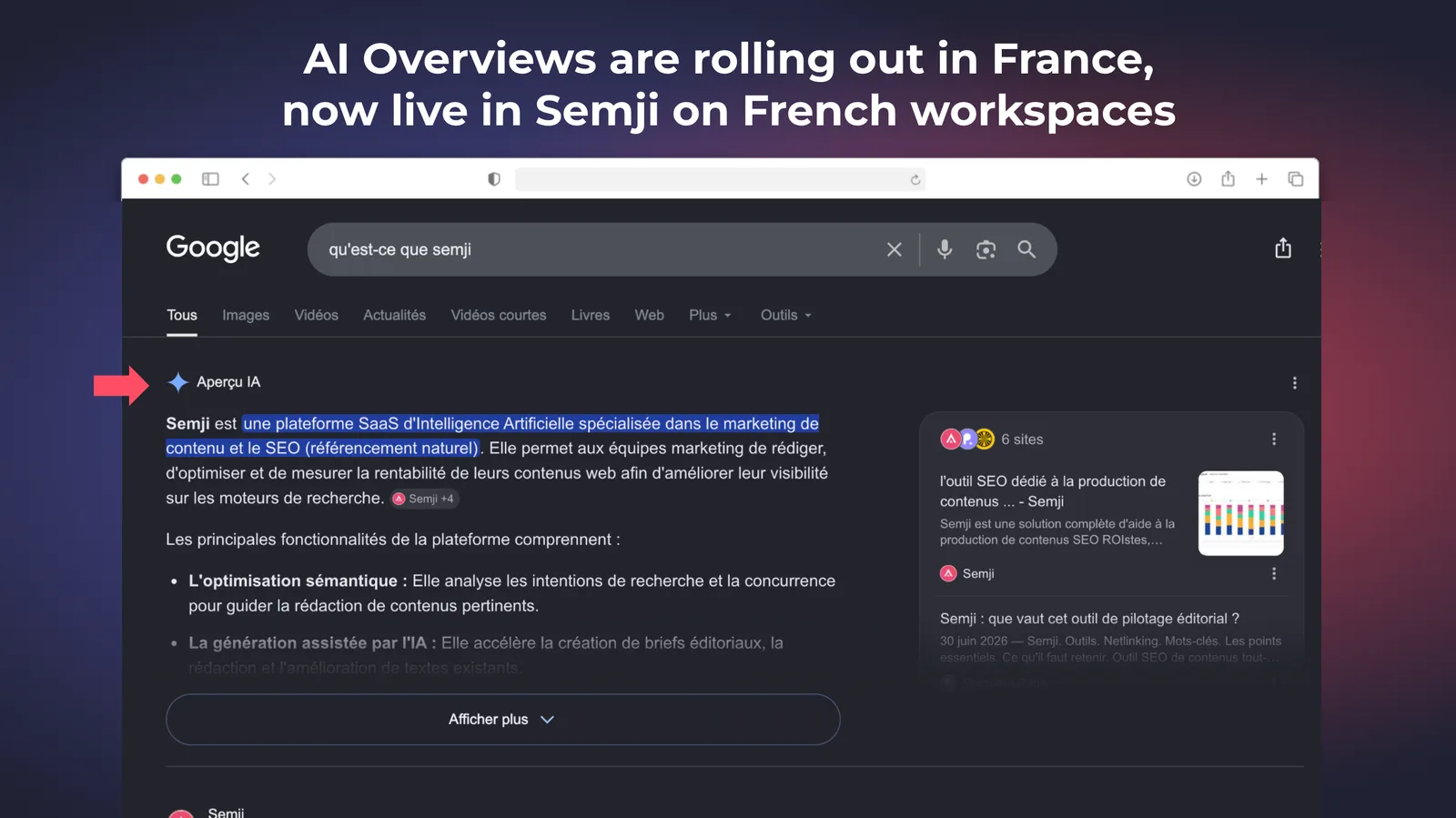
  • AI Overviews go live in France — Google has started rolling out AI Overviews in France and AI Overview coverage is switched on across all French workspaces, so a French keyword that triggers one gets GEO recommendations. They mostly trigger on informational and question-type keywords, and coverage grows as the rollout progresses, which is also why a keyword can show an AI Overview to a signed-in Google user and none in private browsing.GEO recommendations on a French keyword with an AI Overview

Settings1
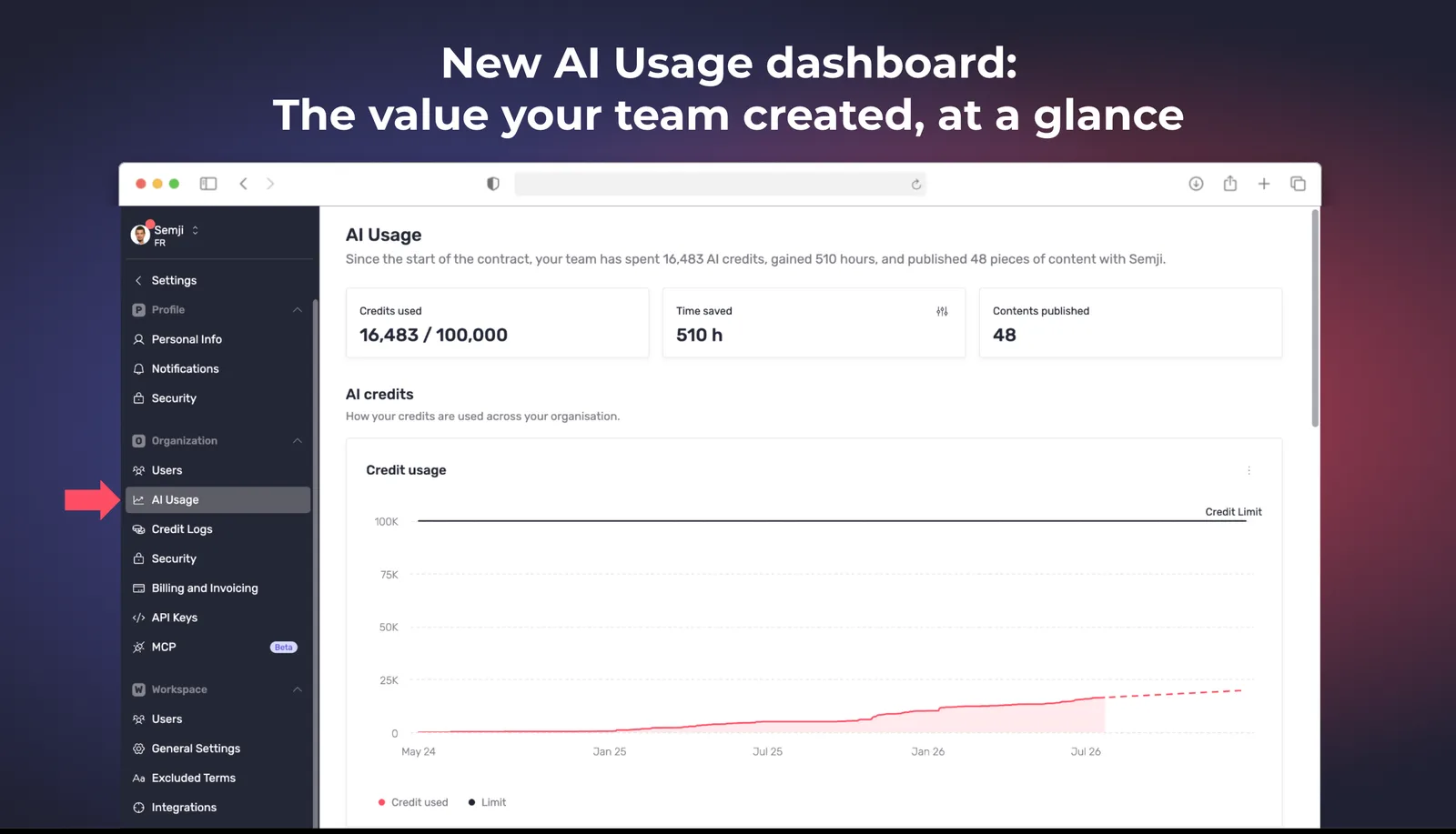
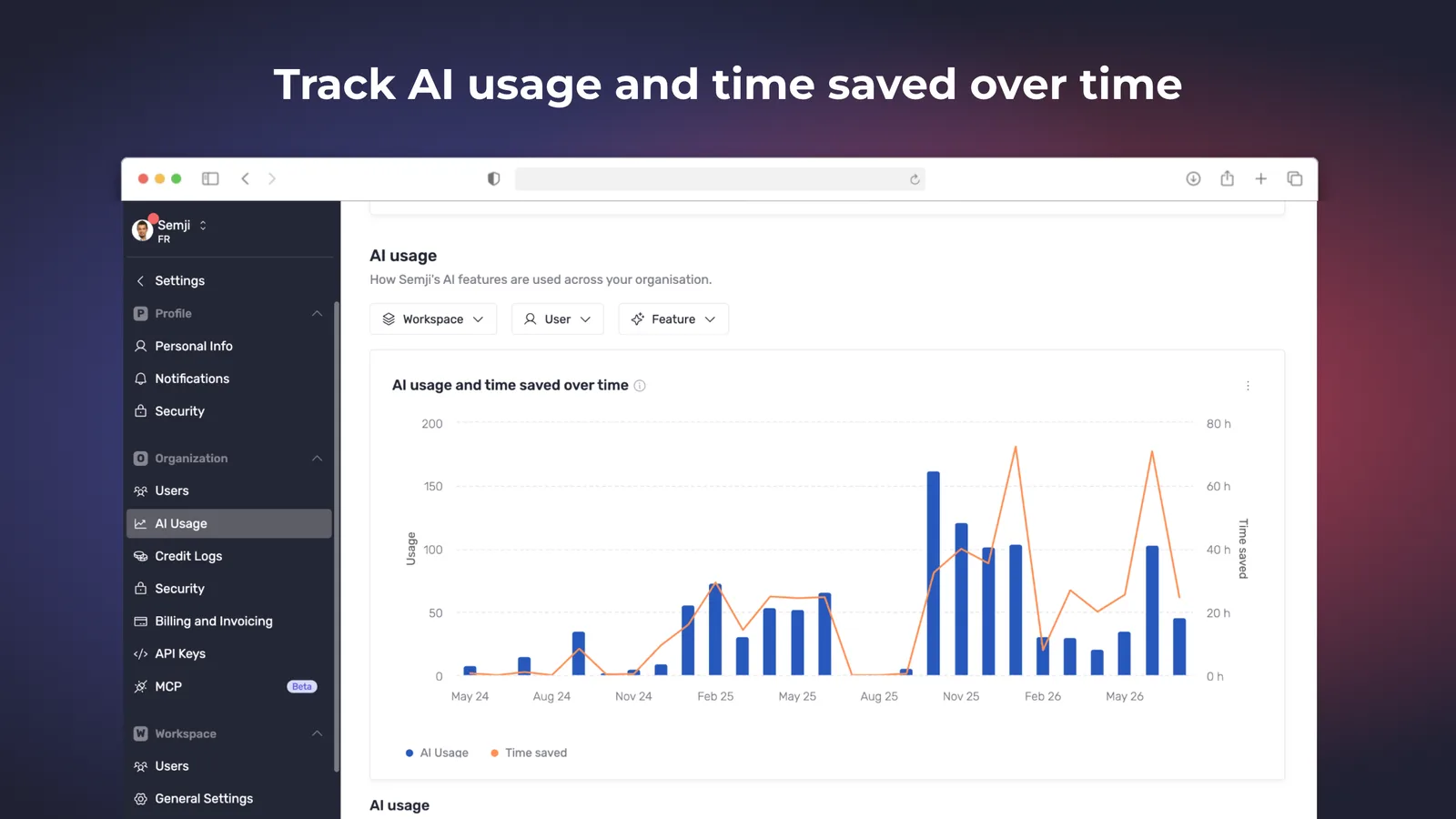
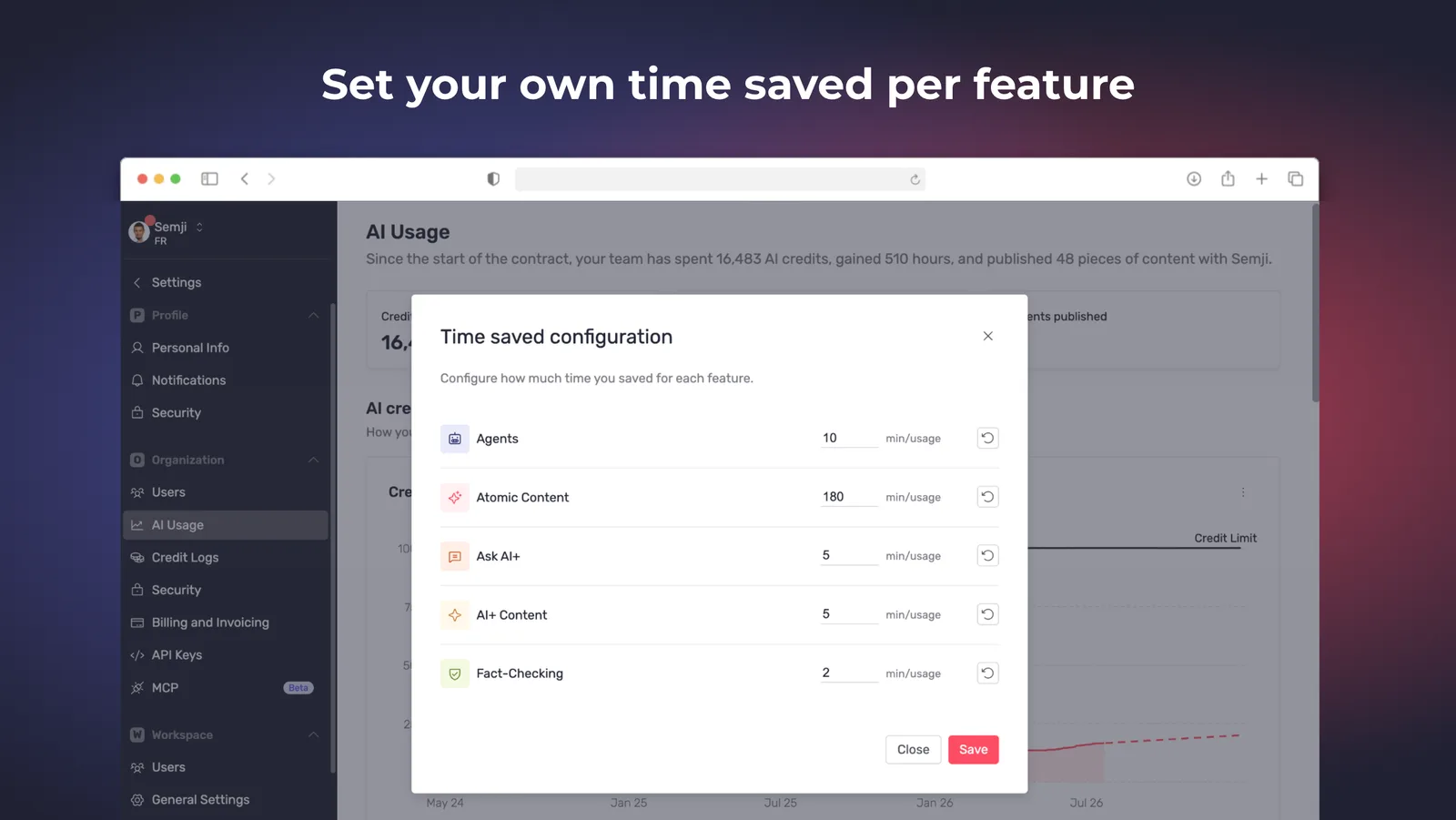
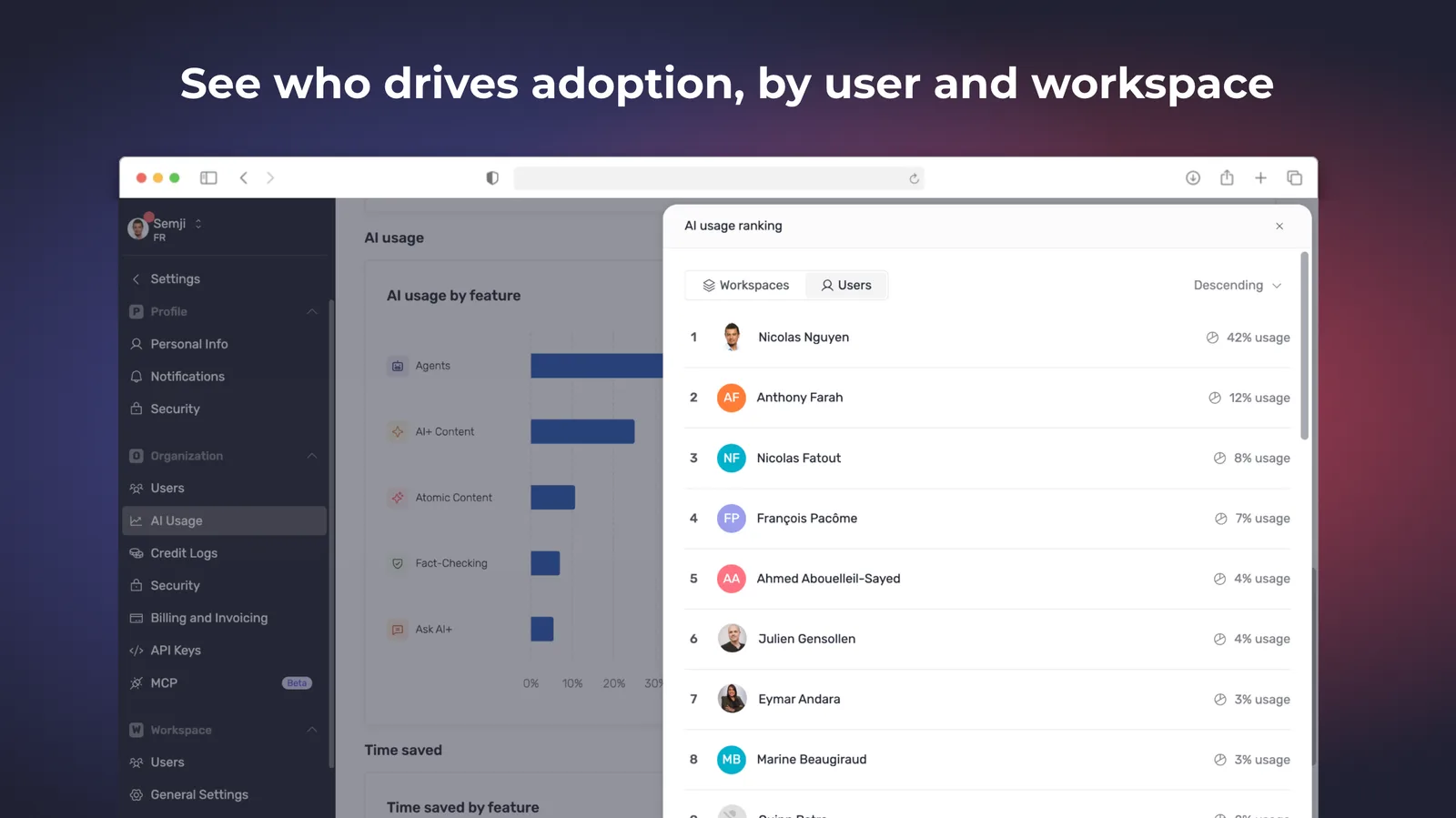
  • AI Usage dashboard — an organization-level view of the content published and the hours saved next to the credits consumed, broken down over time and by workspace, user and feature, so a manager can see who drives adoption.AI Usage dashboardAI usage over timeTime saved by workspaceTop contributors by AI usage

Intelligence Hub — GEO1
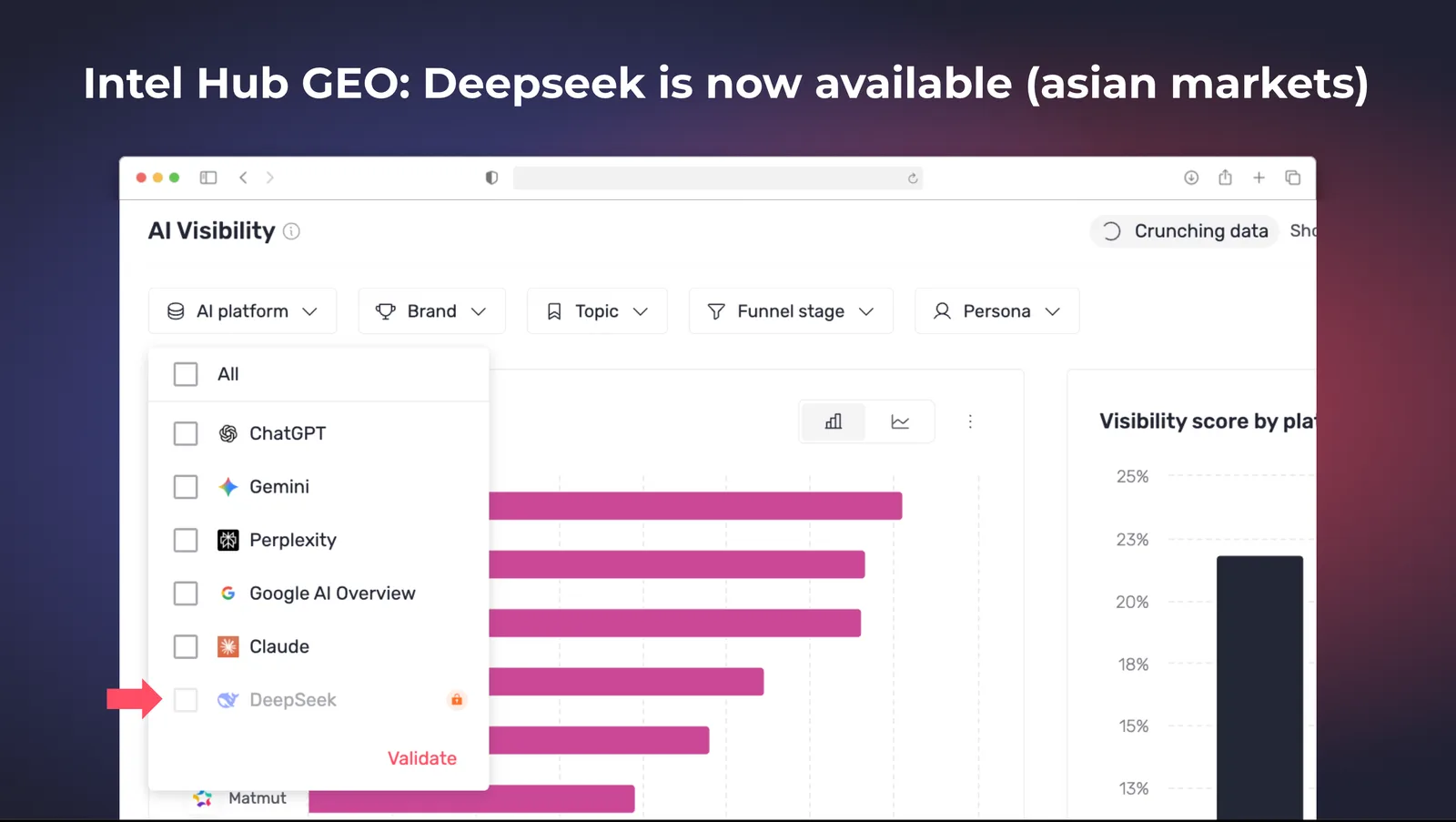
  • DeepSeek coverage — DeepSeek joins the AI engines tracked in Intel Hub GEO, so brands competing on the Chinese market can monitor their AI visibility there. It tracks brand mentions only; source citations are not available for this engine.DeepSeek in the tracked AI engines

Improvements4

Intelligence Hub — GEO2
  • The Sources view is easier to read — a new Prompts column shows how many of your tracked prompts cite each source, top domains are aggregated by root domain rather than one line per subdomain, and percentage trends display in points.

  • Suggested prompts can be filtered by keyword.

Agents1
  • Every content agent runs on the latest AI models — for more reliable generation across the editor and the Agents.

Pages1
  • Synchronize every page of a workspace in one action — the 100-page batch limit is gone, so a large workspace no longer needs dozens of manual syncs.

Customer-reported fixes1

Editor1
  • Generating with Ask AI+ on a selection ending in a table cell no longer opens a stray side panel or writes outside the editor, and the result is inserted normally.

Fixes15

Performance2
  • The clicks table respects the web and Discover channel filter instead of summing both channels.

  • Performance tracking no longer disappears after editing a content.

Intelligence Hub — GEO2
  • A platform whose scrape is running late no longer disappears from the "Visibility score by platform" chart.

  • Filters applied on the SEO side are no longer silently carried over when navigating to GEO.

Reports1
  • A competitor set up as a folder no longer overwrites its parent domain's bar in the report charts.

Intelligence Hub — SEO1
  • SEO and GEO exports use distinct file names.

Brand Voice1
  • Editing the name or site of "My brand" in the AI Context is saved correctly.

Planning2
  • Creating a draft to update an existing URL launches the analysis automatically again.

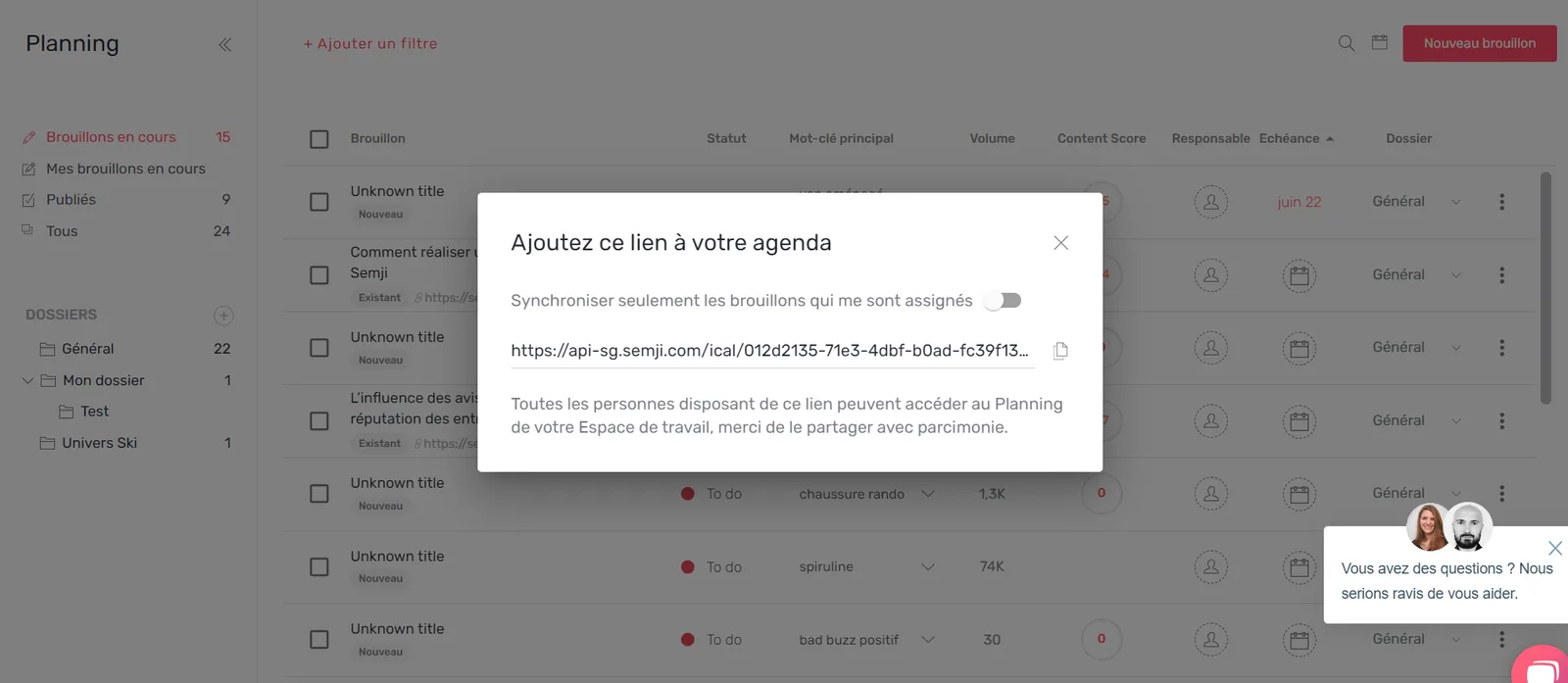
  • The "Sync with your calendar" button opens again.

Integrations1
  • A Google OAuth error no longer breaks Search Console metrics and top-keyword data.

Editor2
  • Content analyses no longer fail by timeout on the new analysis pipeline.

  • AI+ content generation no longer adds unwanted bold to paragraphs.

Public API1
  • Multi-organization users no longer hit a 403 when calling the public API.

Platform1
  • Opening the comments tab from a notification email works.

Billing & Credits1
  • The Basic plan no longer shows unlimited credits.

22.0.0Major release

12 changes

Next-generation agentic workflows

Agents publish straight to your CMS, remember the corrections you give them, and can reach your own tools through custom MCP connectors.

New features3

Agents3
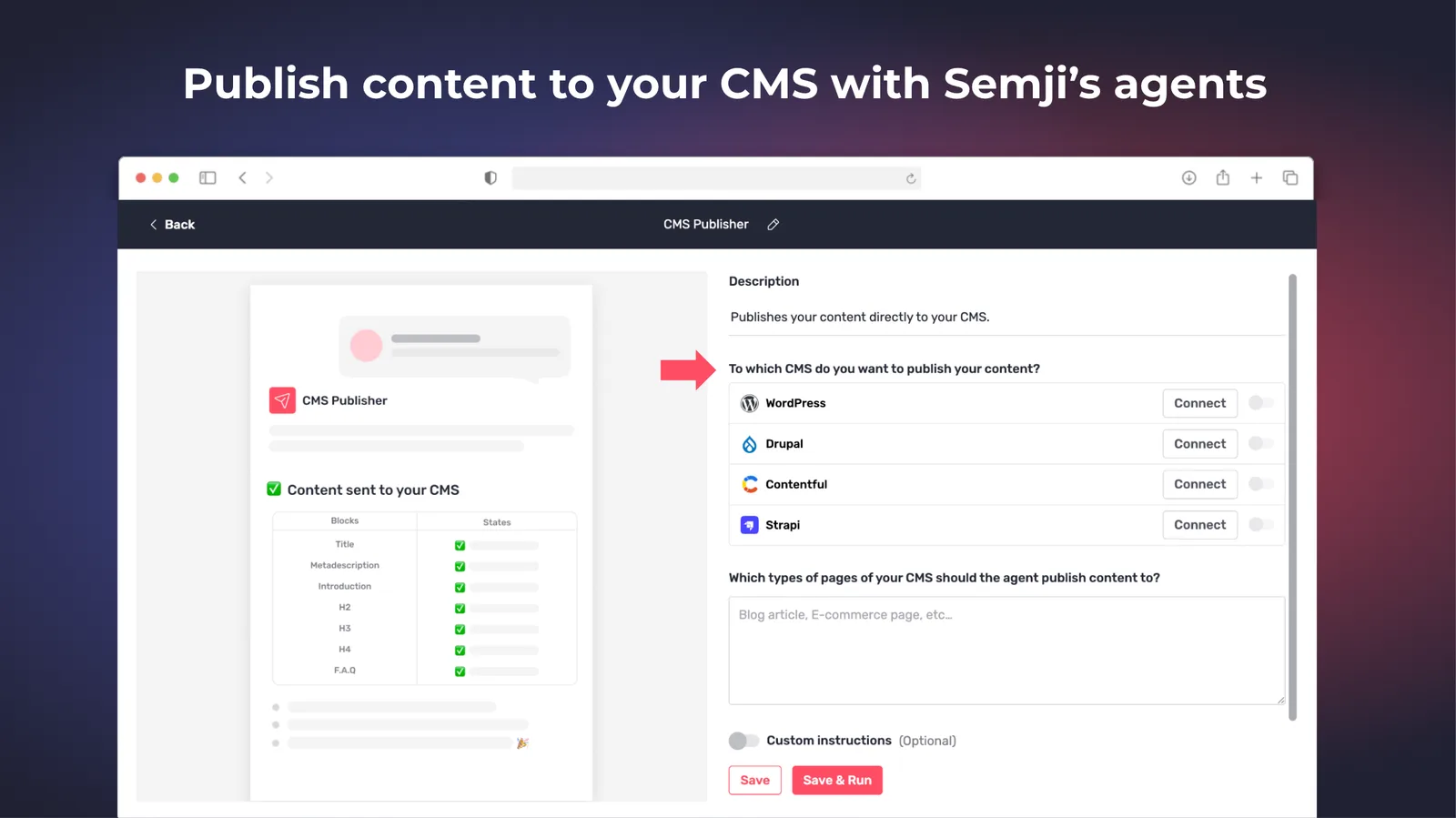
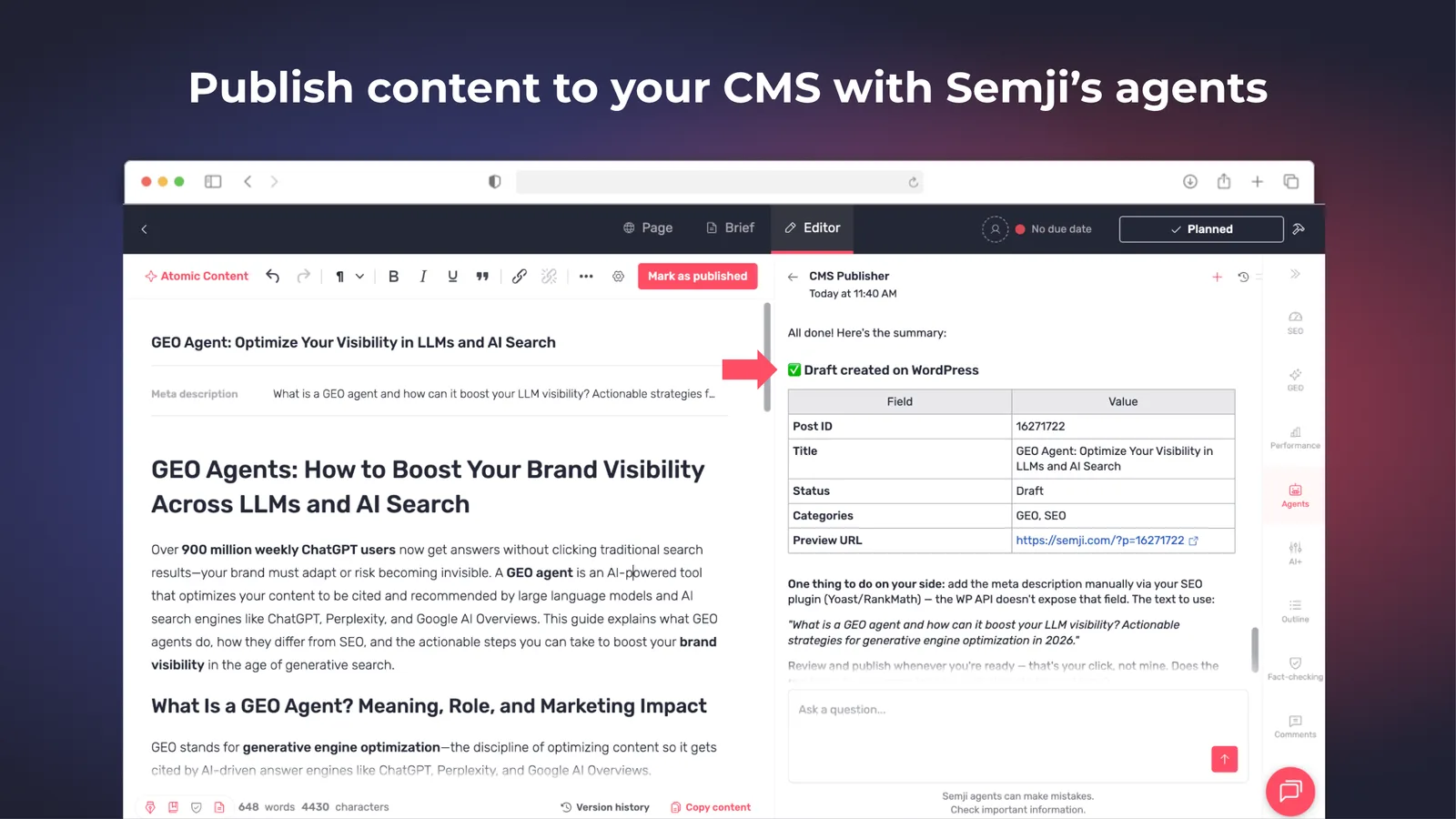
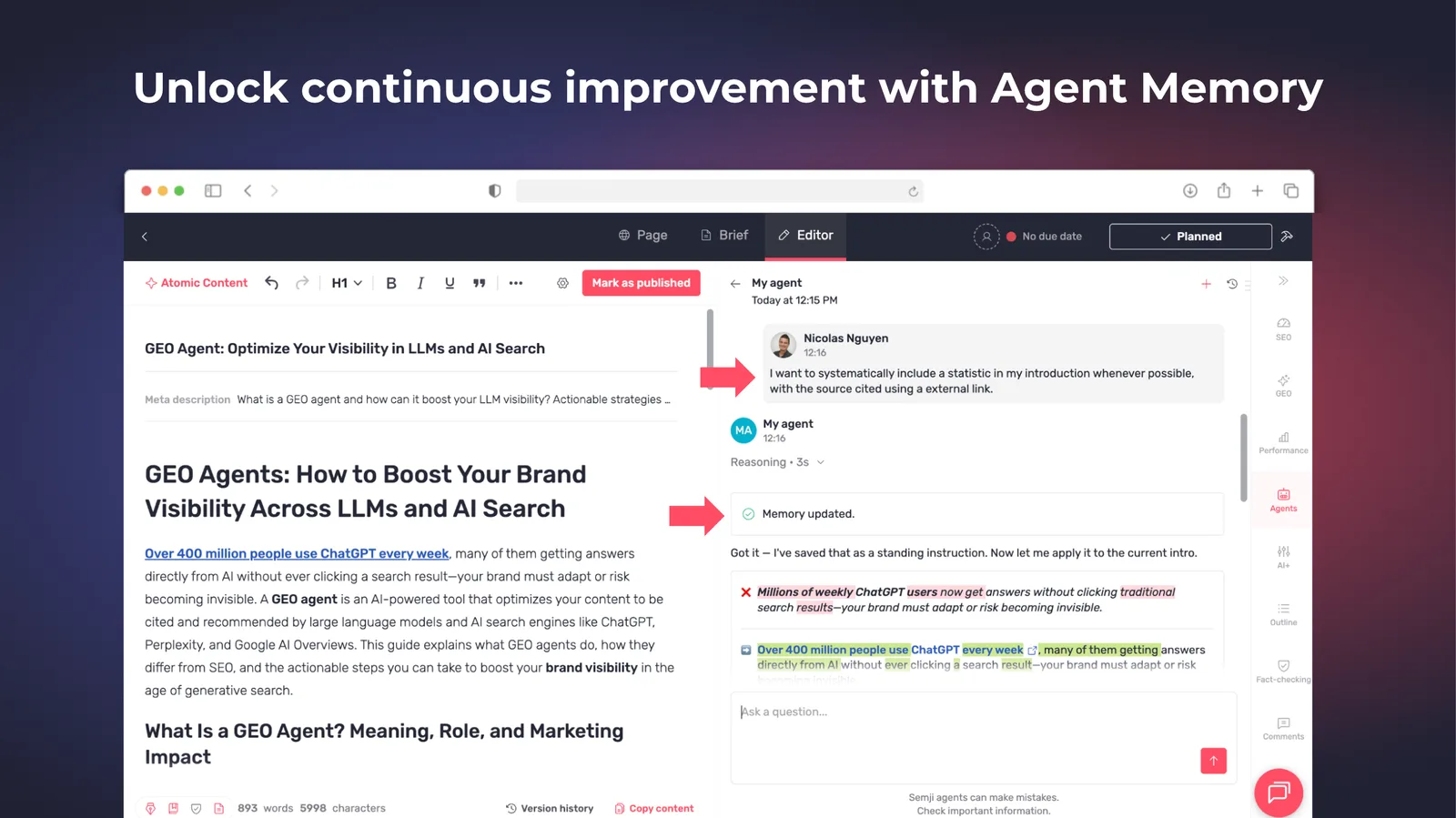
  • CMS Publisher agent — it takes a finished piece all the way to WordPress, Strapi, Contentful or Drupal, learning how your existing articles are built (their content blocks and their structure) and reproducing that layout when it publishes. It has memory, so a correction you give it once holds for the next publication.CMS Publisher agentCMS Publisher matching an existing article structure

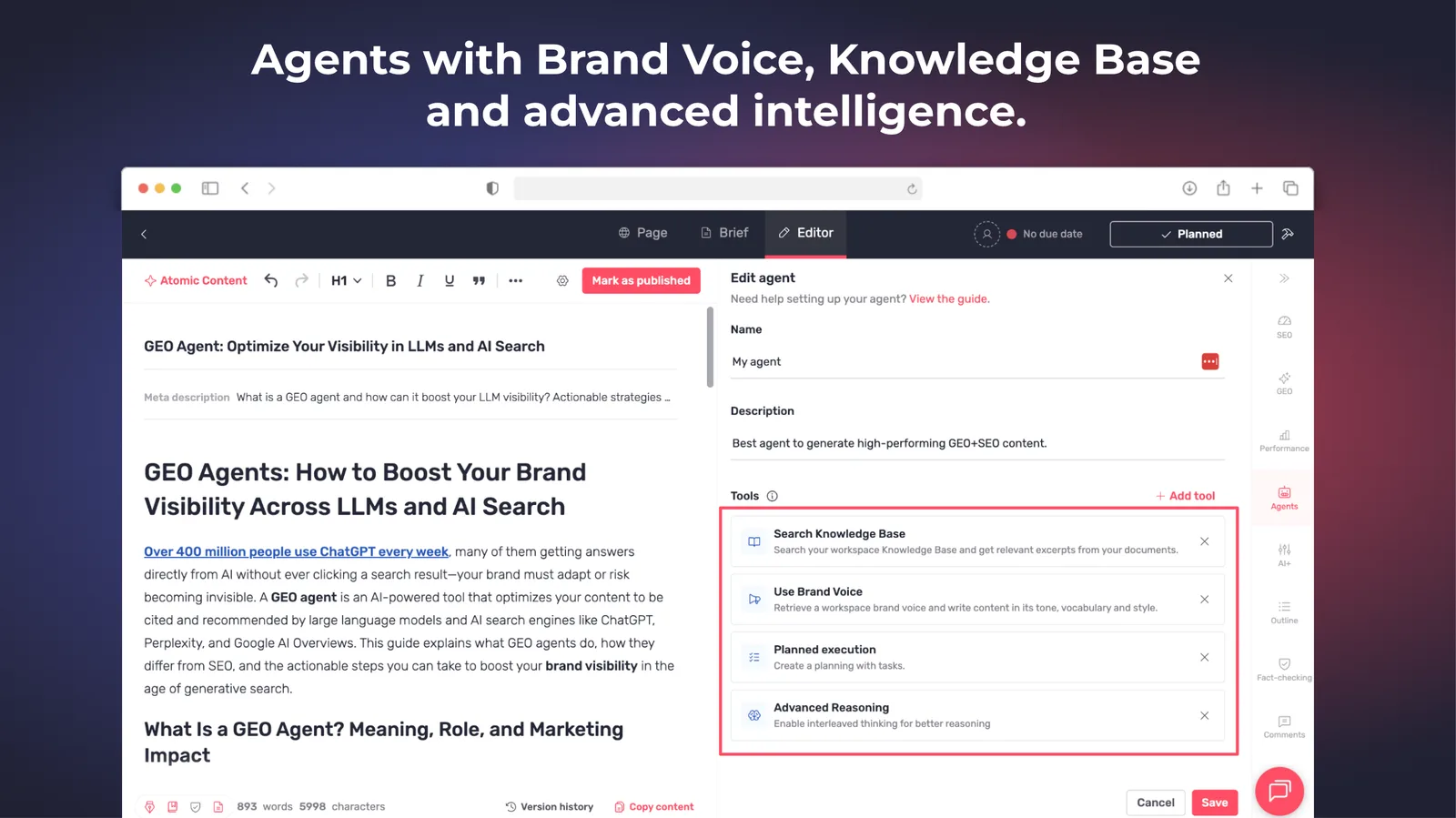
  • A new generation of agents — Content Master, EEAT Editor, Product Fact-checker, the GEO expert and your Custom agents all learn from your feedback and remember it, ground their answers in your Knowledge Base, write in your brand voice (both on by default), and lay out a plan before working through a complex task. No reconfiguration needed.Agent learning from feedbackKnowledge Base and brand voice settings on an agent

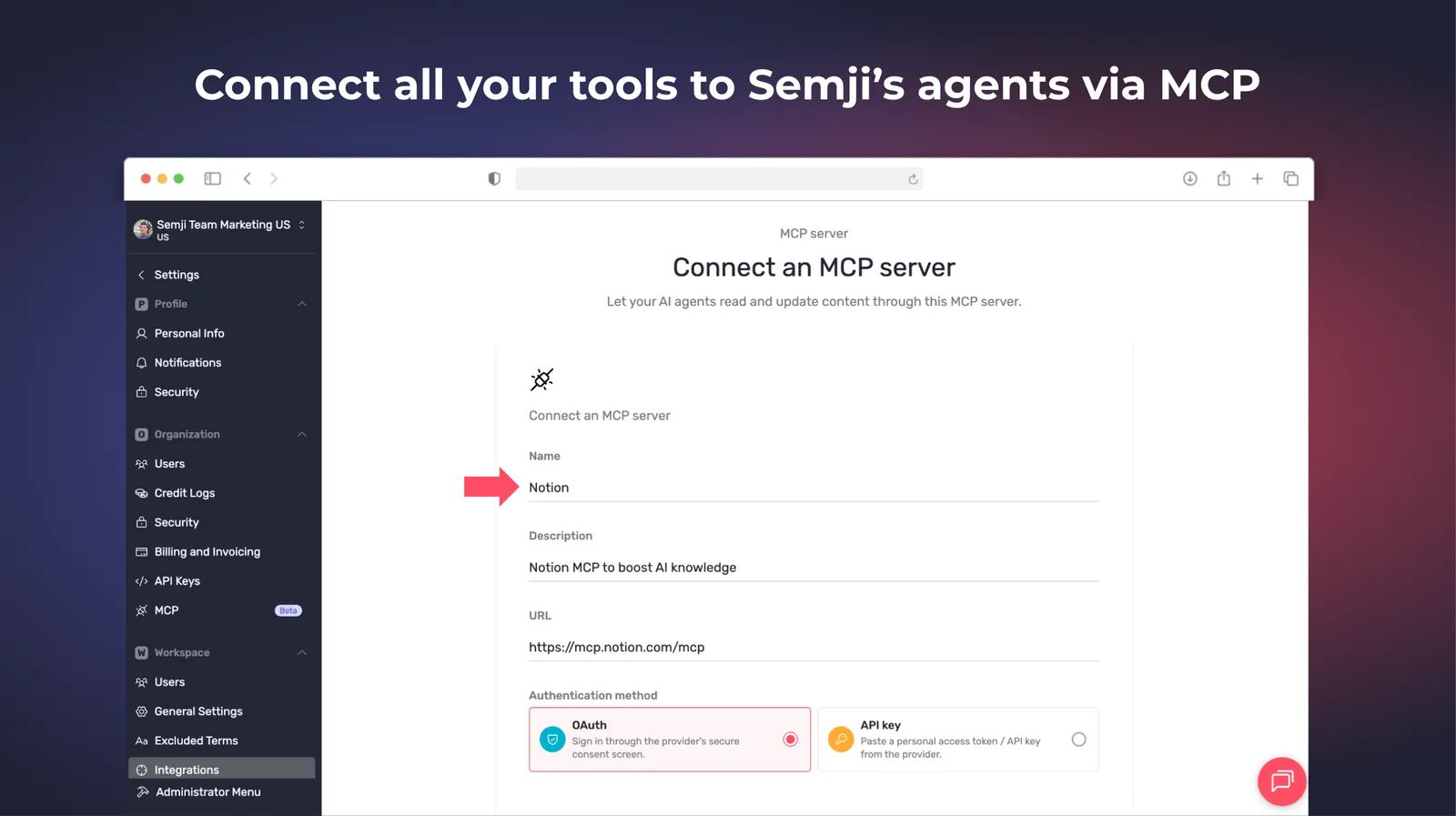
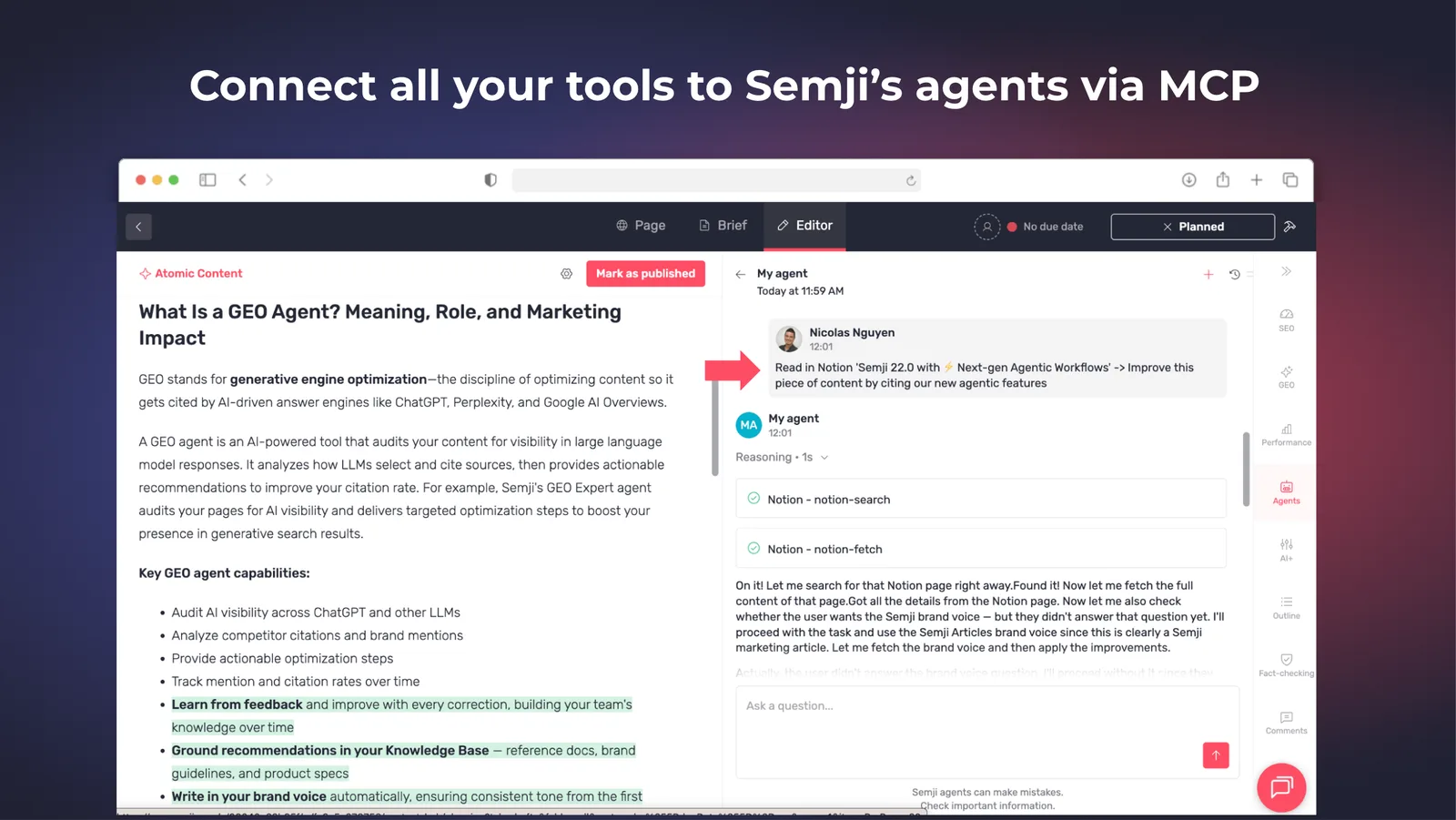
  • Connect your own tools through custom MCP connectors — add a connector once and your agents can pull data from it and act on it inside a conversation: Meta Ads to turn winning paid campaigns into organic content, your PIM for specifications, attributes and pricing, Screaming Frog to factor in broken links, missing titles and thin pages, or a document workspace to read briefs and guidelines and write output back.Custom MCP connectors on an agentAn agent using a connected tool in a conversation

Customer-reported fixes5

Editor2
  • Fact-checking tags no longer leak into the HTML agents produce or that you copy into your CMS.

  • The trash icon in the AI settings deletes file and URL sources again.

Planning2
  • Bulk optimization applies to the current draft instead of an older published version.

  • The "Sync with your calendar" button opens again.

Intelligence Hub — SEO1
  • An SEO analysis no longer fails when one competitor page is oversized.

Fixes4

AI Hub1
  • The delete-agent modal closes properly, opening a conversation from a deleted agent no longer errors, and the crawl tool returns content reliably.

Editor1
  • Atomic Content retry works again, and the plus sign in related terms is kept on extraction, for example T+1.

Intelligence Hub — GEO1
  • Clearer "incomplete configuration" message, aligned metric columns in the Prompts grid, steadier loading states, and a fixed search-volume mismatch between prompt selection and the editor.

Planning1
  • Minor layout fixes on the overview and the collapsed side menu.

21.5.0Minor release

23 changes

Agents in Teams & smarter GEO

Semji agents now run on a schedule and post into Microsoft Teams, and Intel Hub > GEO shows which web sources the AI engines cite and suggests the prompts worth monitoring.

New features4

Agents2
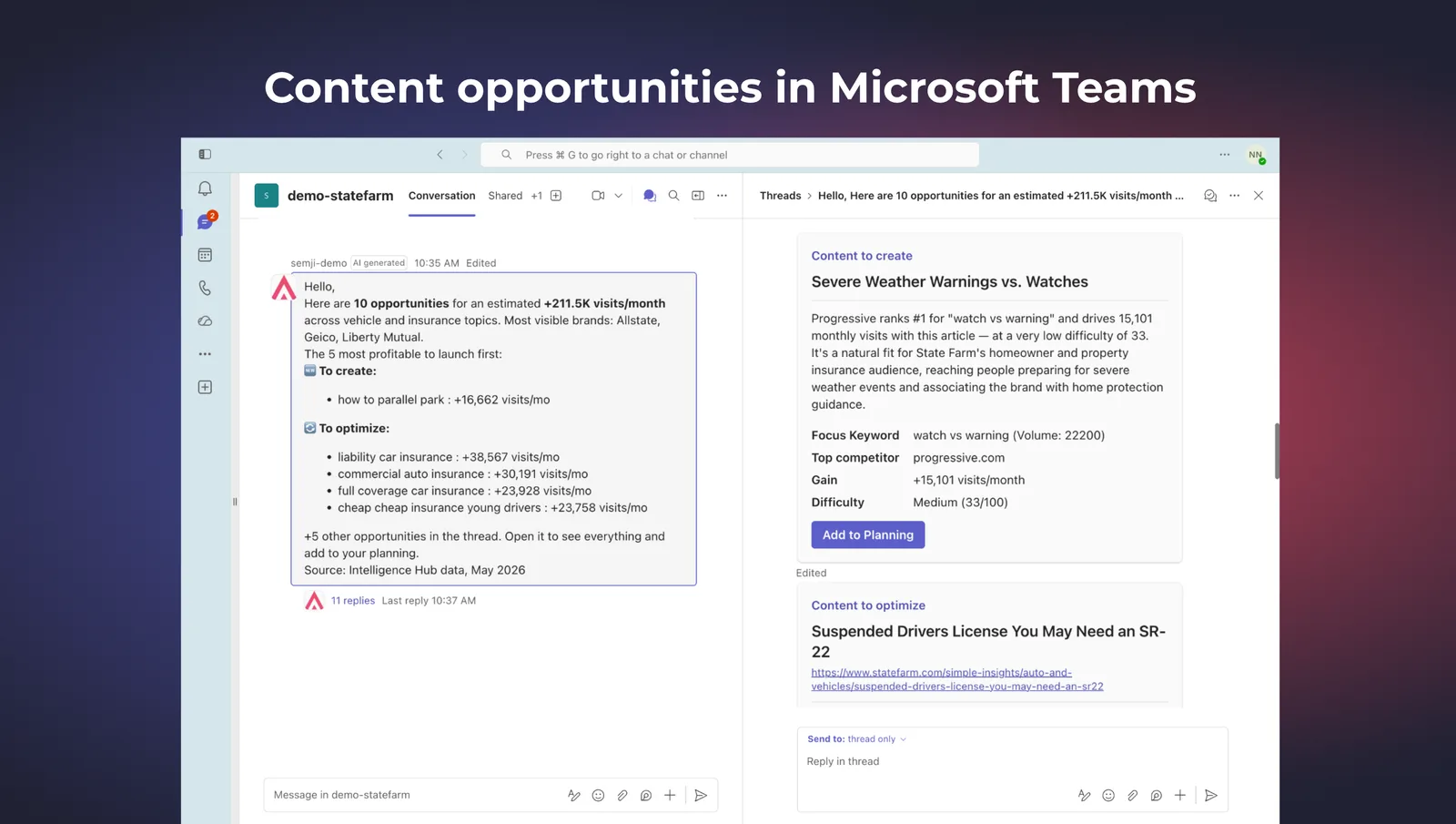
  • Proactive agents in Microsoft Teams — a new Workspace agent type runs on a schedule and posts its results straight into a Teams channel, starting with the Content Opportunity agent, so the team sees what to write next without opening Semji. Workspace agents cover Planning and the Intelligence Hub, and the Semji app is on the Microsoft marketplace.Semji agent posting content opportunities in a Microsoft Teams channel

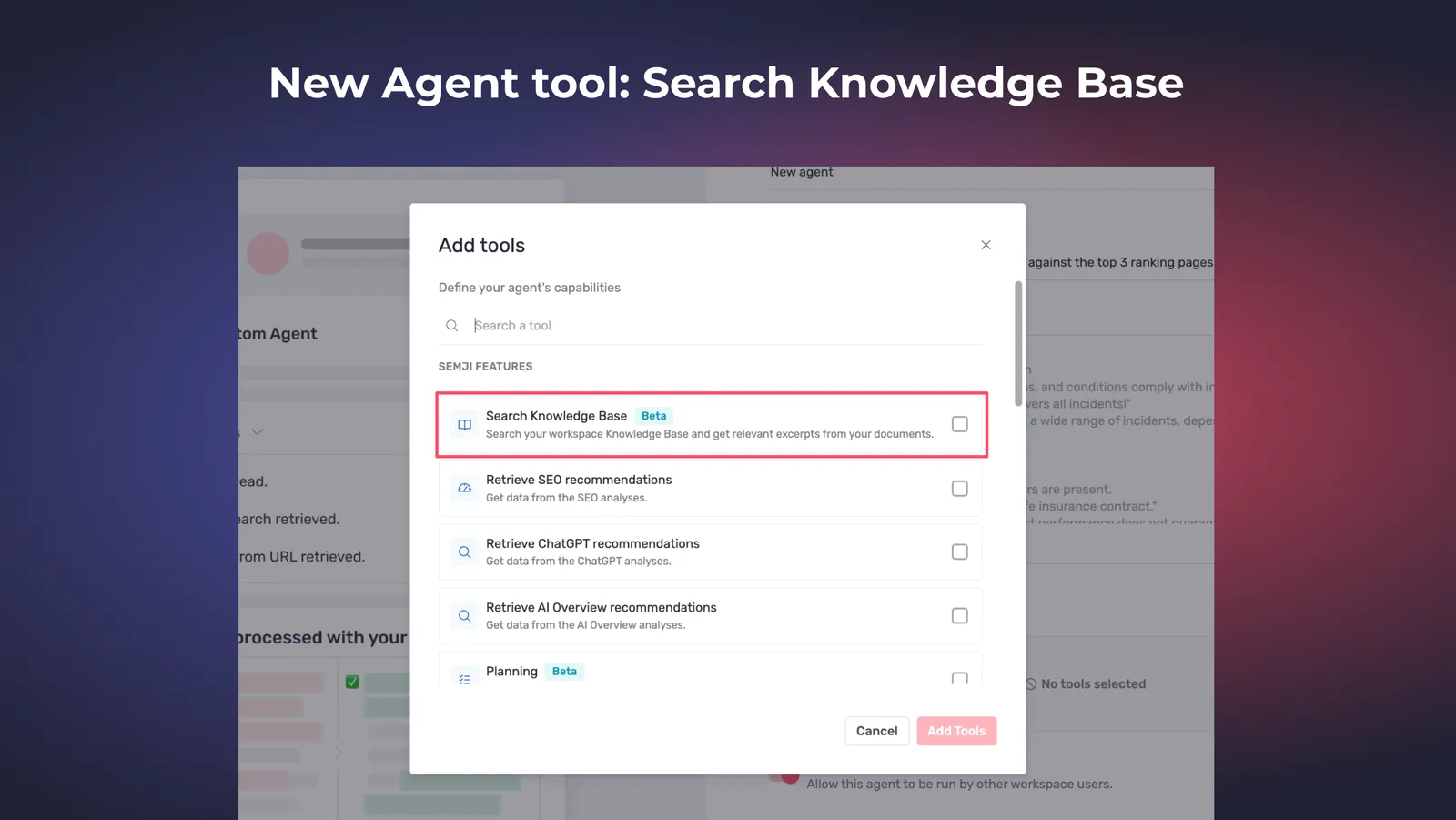
  • Agents search your Knowledge Base on their own — an agent pulls product documentation, internal references and company definitions in context while it works, with nothing to paste in by hand. Activated on 25 June 2026.AI agent reading from the Knowledge Base while writing

Intelligence Hub — GEO2
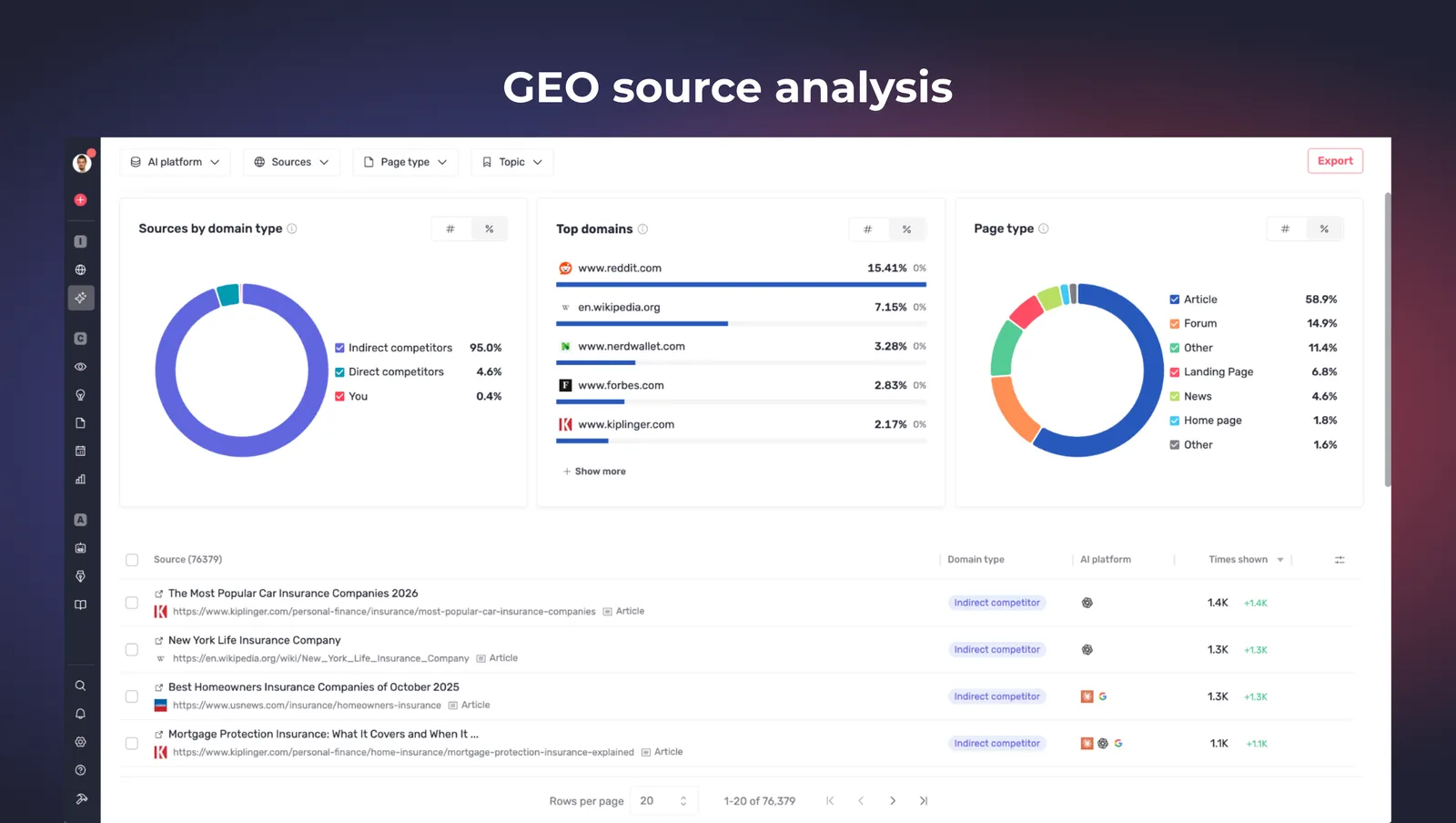
  • Sources Explorer — a Sources screen shows which web sources the AI engines actually cite on your topics, with totals for sources, unique domains and your own pages, filters by AI platform and page type, and a spreadsheet export.Sources Explorer listing the domains AI engines cite

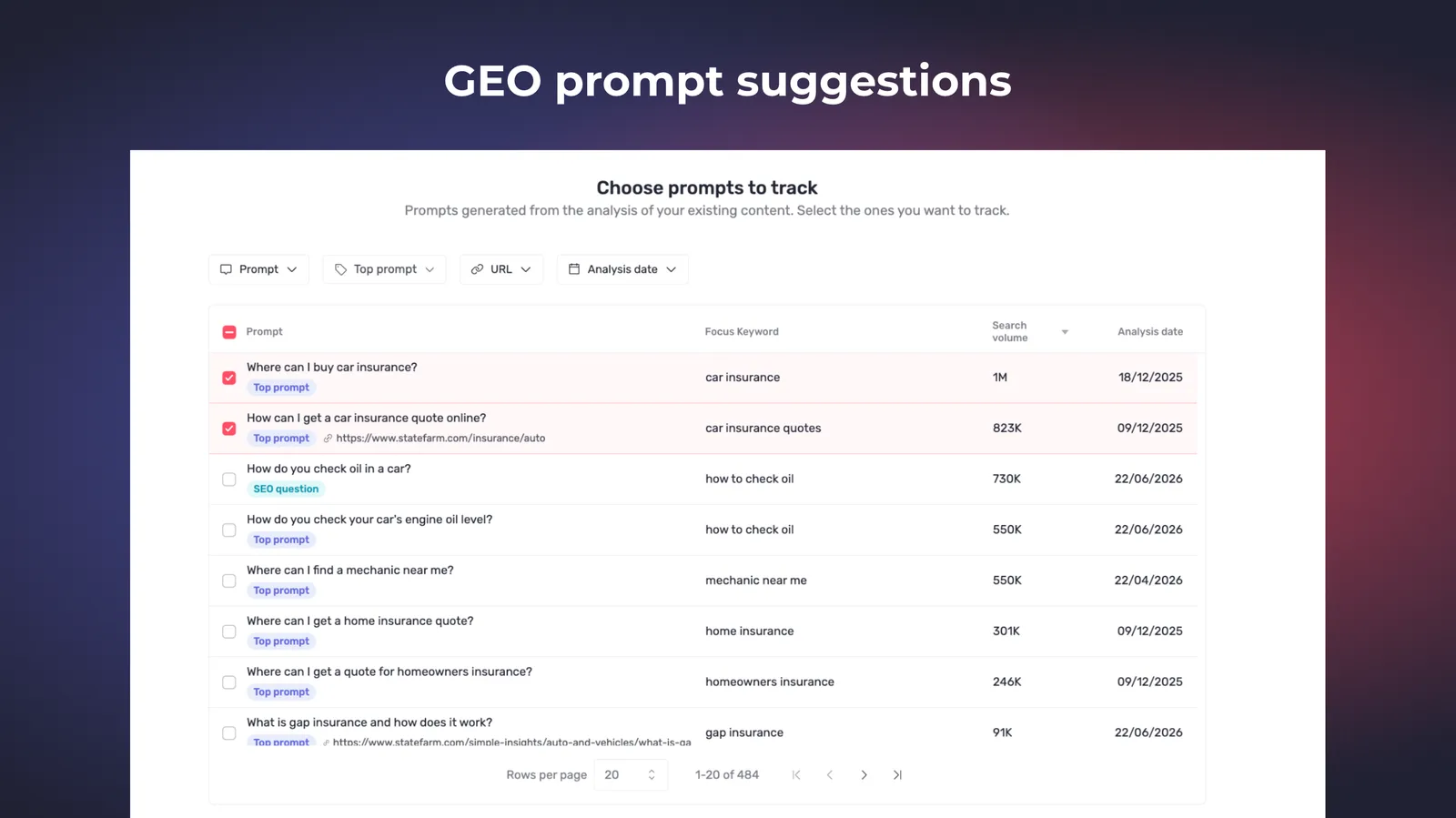
  • Automatic prompt suggestions — Semji proposes the prompts worth monitoring from your website content, classifies them by topic, and lets you filter, search and add them in bulk, so a new GEO workspace is set up in minutes.Suggested GEO prompts grouped by topic

Improvements1

Agents1
  • Custom Agents take 100K characters of instructions — the limit doubles from 50K, so detailed editorial guidelines fit in one agent.

Customer-reported fixes7

Settings1
  • Inviting a user from Settings > Organization > Users no longer fails with a "Something went wrong" error.

Planning2
  • CSV files exported from Semji can be re-imported again instead of being wrongly rejected.

  • Drafts created by a bulk import on existing pages all show up in the Planning "Drafts" list, including older imports.

AI Hub1
  • Links pointing to a PDF no longer stay stuck loading in the Knowledge Base; they import correctly or fail clearly.

Editor2
  • SEO analysis runs reliably right after a focus keyword change, with no page reload.

  • The "locate in editor" and "apply suggestion" actions work on agent suggestions that follow a quote or testimonial block.

Intelligence Hub — GEO1
  • Re-adding a competitor attaches its data to the dashboard again.

Fixes11

Intelligence Hub — GEO4
  • The AI Visibility chart respects the Brands filter.

  • The Prompts data grid no longer hides evolutions or shows wrong deltas, and numeric columns line up.

  • AI-search analysis no longer fails when an engine returns a refusal, and language detection is back.

  • Dashboard widgets no longer stay stuck loading when there is no data yet.

Intelligence Hub — SEO1
  • The page title shown is the workspace page's rather than a competitor's, and the workspace favicon displays correctly.

Editor2
  • Source links in the "Usage examples" modal for related terms are clickable again, and a stray URL no longer appears outside the link-edit modal.

  • HTML tags typed in a comment no longer disappear, and bold renders correctly on Greek labels.

Pages2
  • Workspaces with no Search Console connected see the "Connect Search Console" prompt instead of a misleading empty state.

  • A 308 redirect on URL import is no longer mislabelled as a 301.

Performance1
  • Sorting by "Last published" works reliably again, and "Manage goals" is back in the Analytics view.

Platform1
  • In the collapsed side menu, sub-menus are reachable again without opening the wrong one.

21.4.0Minor release

17 changes

AI Visibility score & MCP

One 0-100 score now summarises how visible your brand is across the AI engines, and a Semji MCP server lets an AI assistant plan and draft content straight into your workspace.

New features2

Intelligence Hub — GEO1
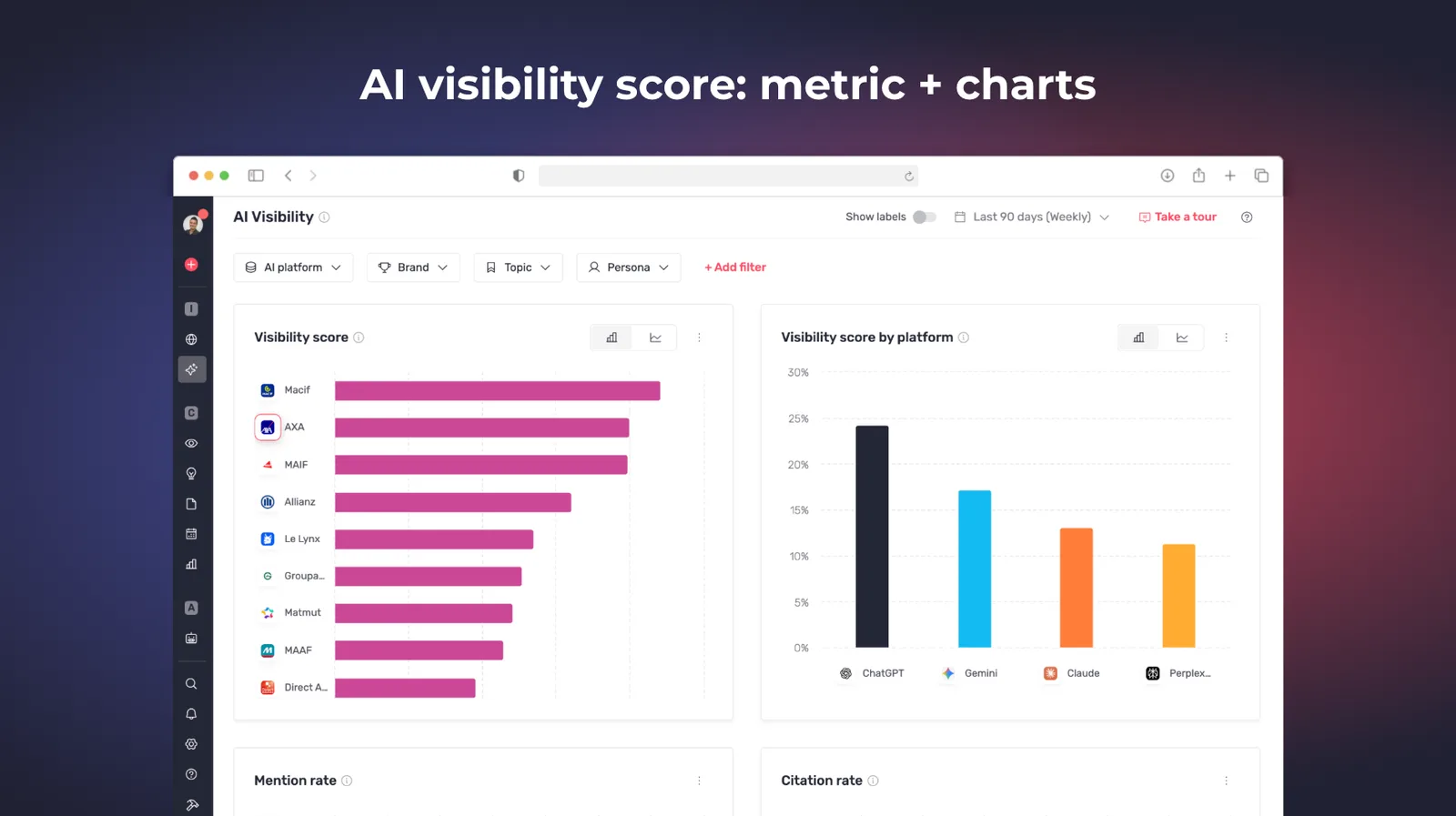
  • AI Visibility Score — a single 0-100 KPI for your brand's presence across ChatGPT, Gemini, Claude and AI Overviews, with its trend, a competitor benchmark, a per-platform breakdown and an export, from the dashboard down to each individual prompt.AI Visibility Score dashboard with trend and competitor benchmark

MCP1
  • Semji MCP server — connect an AI assistant to your workspace over the Model Context Protocol, scoped to one organization with OAuth, to plan the editorial calendar, bulk-generate Atomic Content drafts, import pages with their focus keyword, run SEO and GEO analyses and publish, then review the drafts in Semji. The reference is on developers.semji.com.Semji MCP server connected to an AI assistant

Customer-reported fixes7

Agents2
  • Agents no longer get stuck on "Thinking" in production; runs complete normally again.

  • The writing agent no longer finishes without writing the article into the editor on long content.

Atomic Content1
  • Atomic Content no longer shows an empty result while marked done; generation fails clearly instead of saving blank content.

Editor2
  • "No AI Overview found" is no longer shown when an AI Overview actually exists in the SERP, and Semji re-checks to detect it reliably.

  • SERP competitor insights display on German-interface workspaces instead of an empty block.

AI Hub1
  • Excel uploads to the Knowledge Base no longer stay stuck loading; large files are processed reliably or fail clearly.

Planning1
  • Drafts created by a bulk import on existing pages appear correctly in the Planning "Drafts" list.

Fixes8

Editor3
  • The GEO tab is reachable again after configuring a GEO Expert agent, instead of redirecting to SEO.

  • The editor "back" button is no longer slow.

  • "Already in planning" and "already a page" badges are clickable, and jump to the existing content.

Intelligence Hub — GEO2
  • AI-search responses record their sources and rankings on self-citations.

  • Fixed an error in the ChatGPT analysis rendering, and a truncation on Top Prompts question generation.

Intelligence Hub — SEO1
  • Competitor traffic normalization is accurate for workspaces scoped to a subfolder.

Settings1
  • The AI properties funnel-stage panel no longer flickers while scrolling, and the Notifications screen displays correctly.

Public API1
  • Content assignment no longer sends an incorrect assignee value.

21.3.0Minor release

21 changes

API & new AI platforms

The Public API V1 and its developer portal open to all eligible customers, and Intel Hub > GEO tracks five AI engines instead of two.

New features2

Public API1
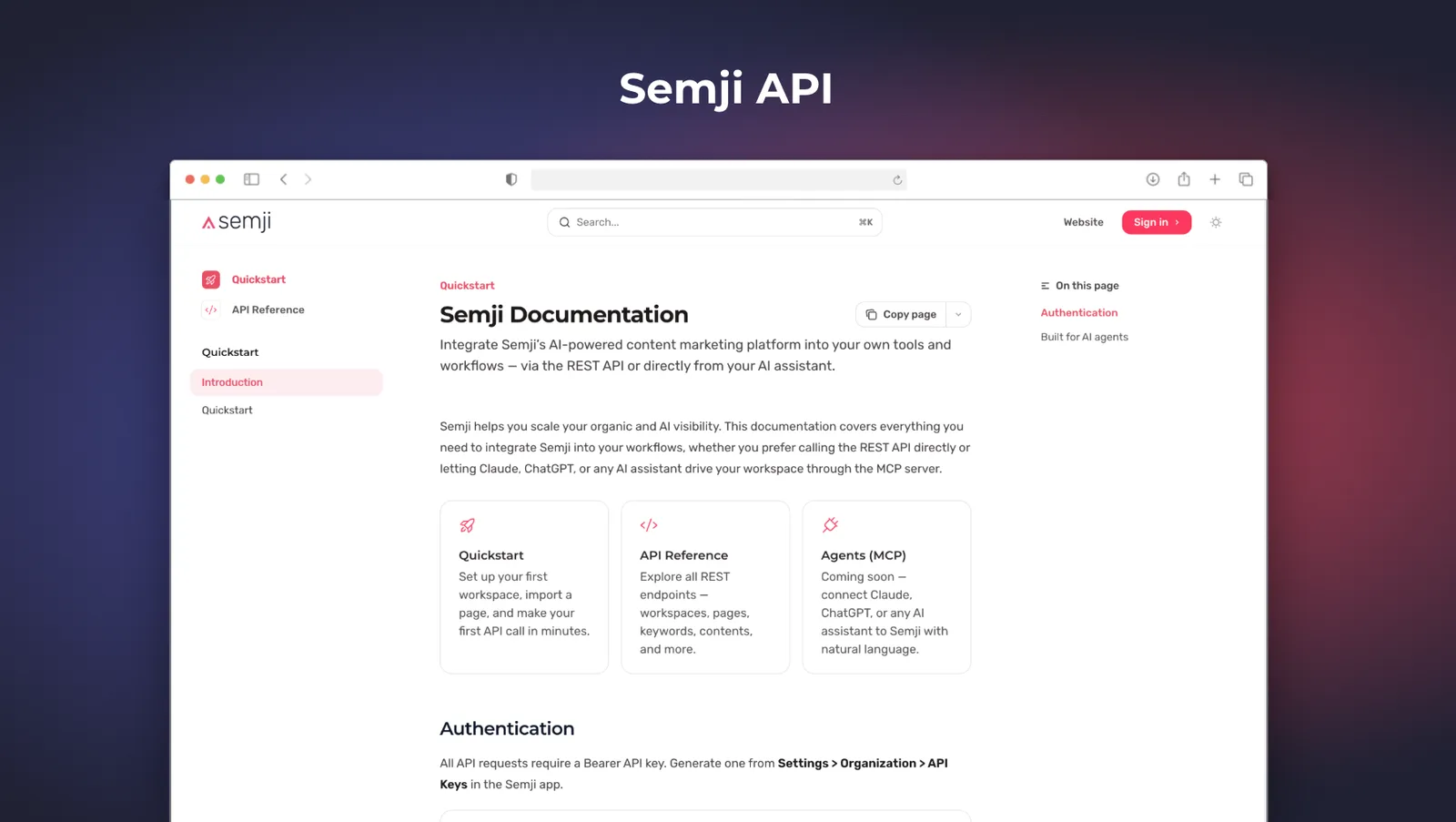
  • Public API V1 and the developer portal are generally available — create and update drafts, mark them published, launch keyword and prompt analyses and pull back the recommendations and content score, trigger Atomic Content generation, import and refresh pages, list credit consumption and manage workspaces, folders, members and statuses. The reference, quick-start guide and code samples for every endpoint are on developers.semji.com. Intelligence Hub, Content Ideas, Performance and launching AI agents are not in V1.Semji developer portal with the API quick-start guide

Intelligence Hub — GEO1
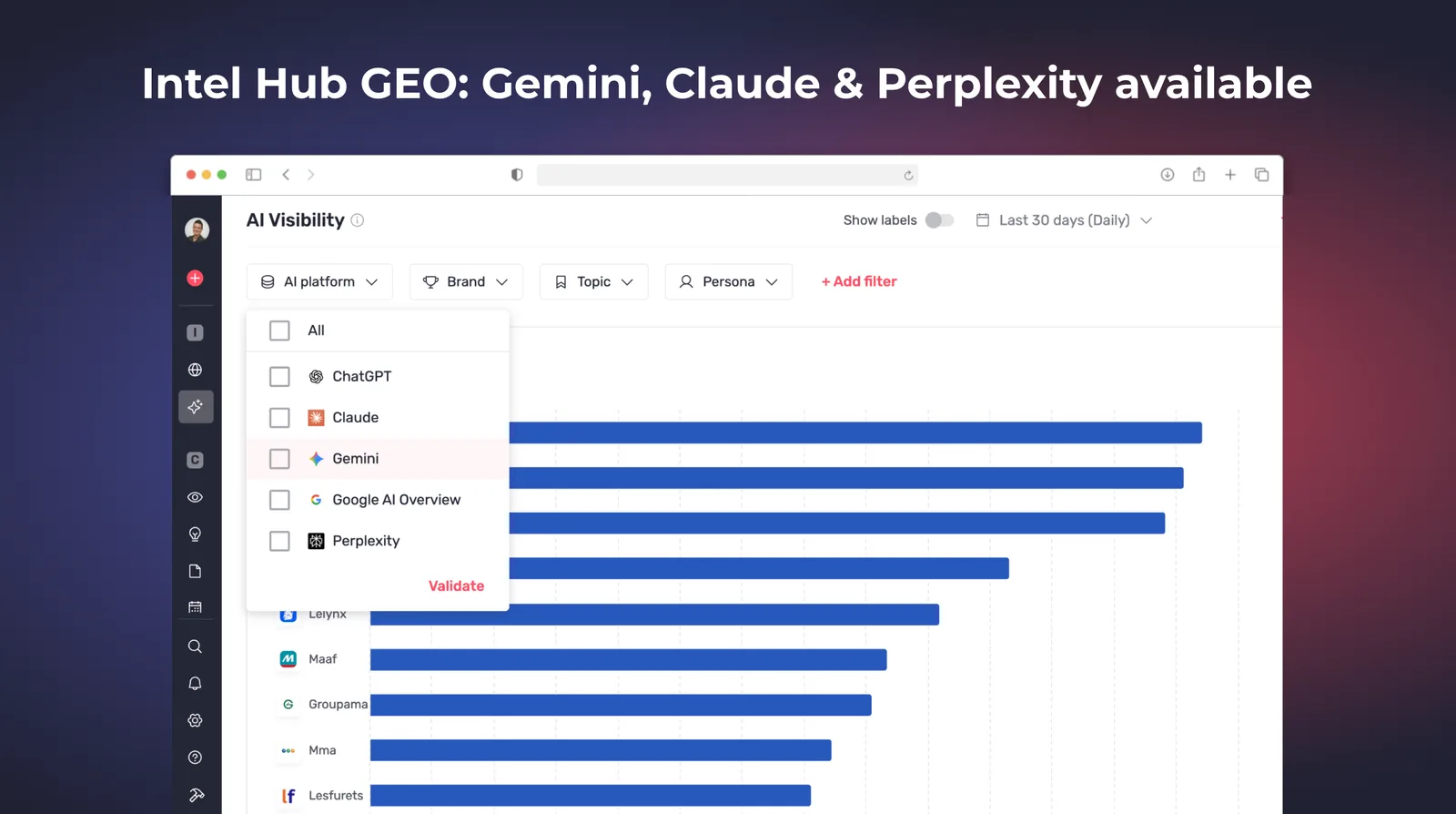
  • Gemini, Claude and Perplexity join ChatGPT and AI Overviews — mentions and citations are now collected from five AI engines, and engines outside your plan can be added.Intel Hub GEO tracking five AI engines

Customer-reported fixes10

Agents3
  • Agents no longer end as completed with no output when the model invents a tool name.

  • Content Localizer, From Scratch and the other content-editing agents no longer silently drop their edits on an unexpected model output.

  • Long-running agents no longer fail after a few minutes on an infrastructure error, so runs are not lost and credits are not spent for nothing.

Atomic Content1
  • Fact-checking no longer shows raw ** markers or drops parts of facts, including inside table cells.

Editor5
  • Opening content in Atomic review mode no longer crashes.

  • No more slowdowns after several minutes of writing.

  • Occurrence counters and usage examples for related terms work on Greek and Bulgarian workspaces.

  • Version history shows the synced content score after a website sync, not the old one.

  • The before/after magnifying glass targets the right phrase.

Platform1
  • Limited Guest Writer users can create drafts from existing content again.

Fixes9

Intelligence Hub — GEO1
  • Daily AI scraping no longer leaves prompt responses stuck in "Pending" after a transient infrastructure issue.

Editor6
  • The cancel and continue buttons on Atomic generation and review are large enough to click comfortably.

  • The agents chat disclaimer no longer breaks in the middle of a word.

  • A competitor page's H1 is readable in full instead of truncated in the column.

  • The Ask AI template list stays visible while you edit a template.

  • Saving a prompt as a template pre-fills the description with the prompt instructions, and version comparison lists versions in chronological order.

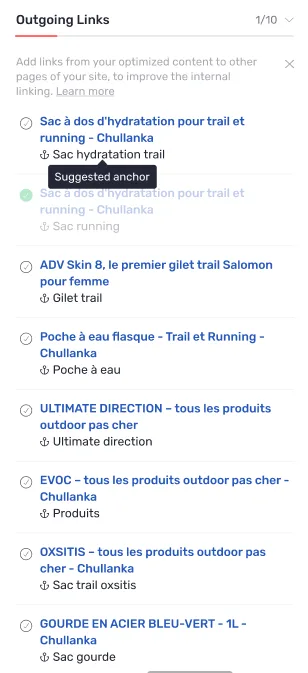
  • The custom agent appears at the top of the agents list, and outbound links come before inbound links in the internal-linking sidebar.

Settings1
  • User access toggles are aligned again on the workspace users screen.

Planning1
  • The import loading indicator no longer stays stuck after the import has completed.

21.2.0Minor release

32 changes

GEO becomes operational

Intel Hub > GEO gets the tools that make it a working surface: competitor visibility inside every AI response, bulk editing and a filtered export. Agents fail loudly rather than silently.

New features3

Intelligence Hub — GEO3
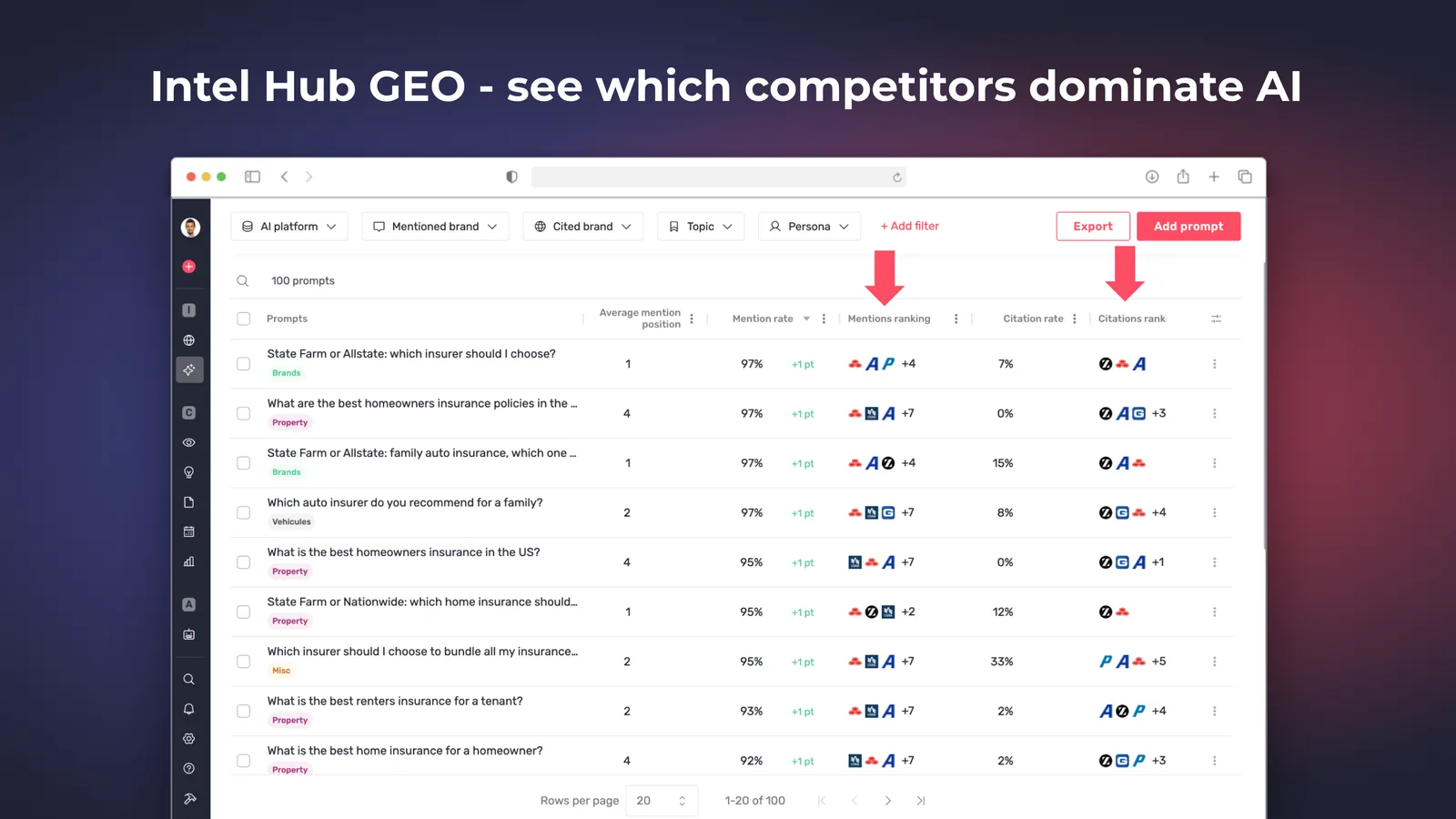
  • Competitor Visibility — the Prompts table shows a mentions ranking and a citations ranking per prompt, and each AI response lists which competitors are mentioned and cited, in the order they appear.Prompts table showing competitor mention and citation rankings

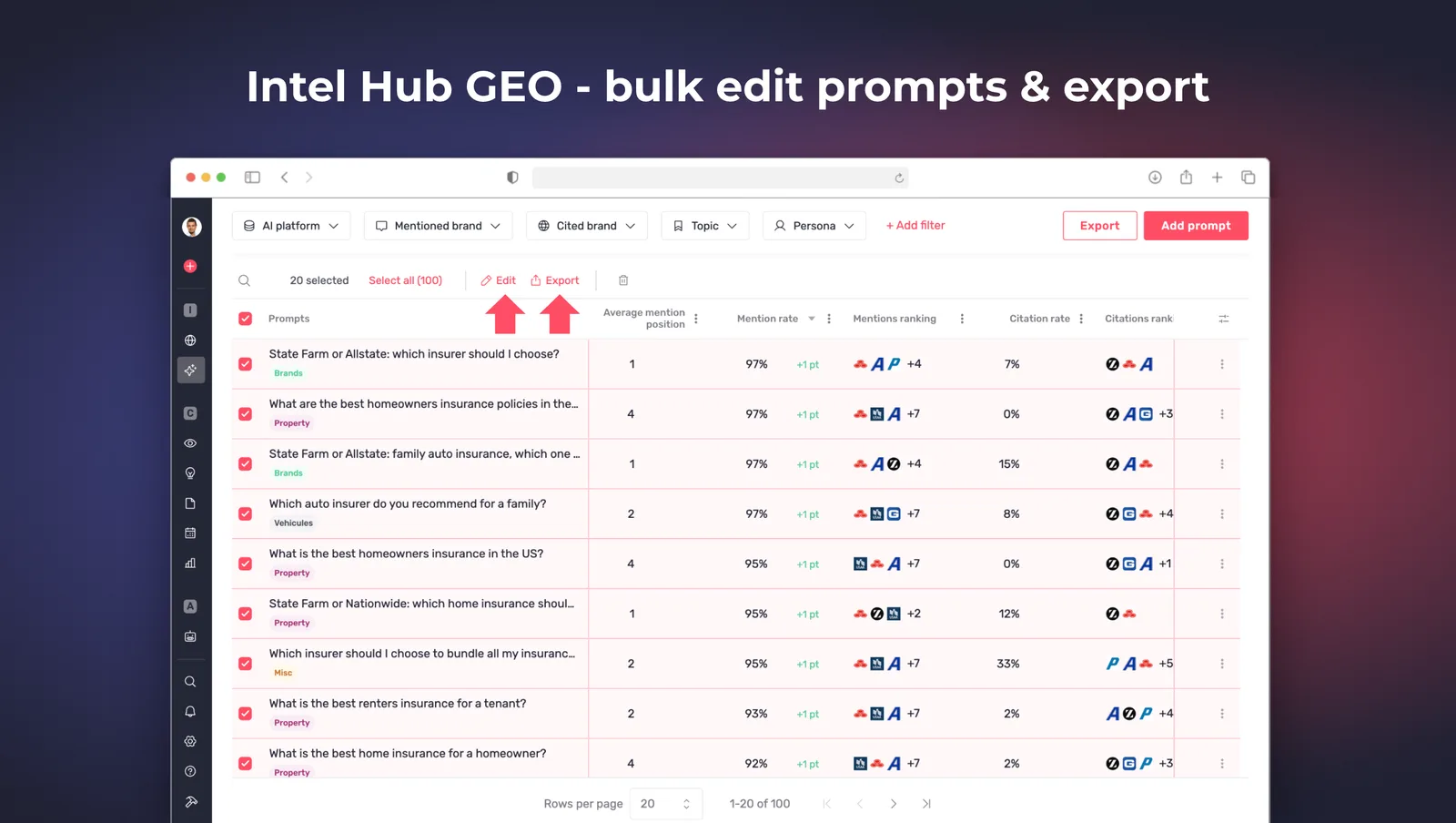
  • Bulk and inline editing of prompts — select one, several or all prompts to bulk-edit topic, funnel stage and persona, bulk-export or bulk-delete with a typed confirmation, and edit or delete a single prompt from its row menu.Bulk editing selected prompts in Intel Hub GEO

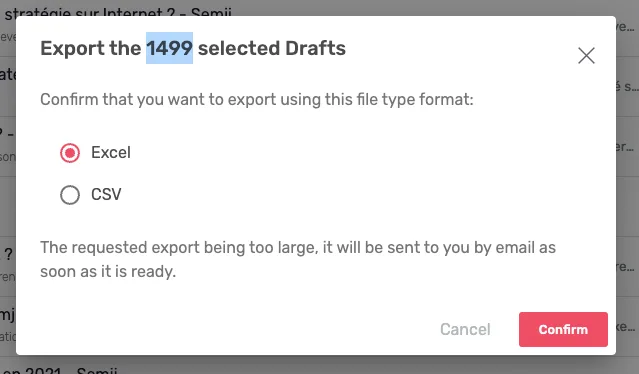
  • Prompts export — export the Prompts table to Excel or CSV in one click with every active filter preserved; large exports arrive by email.

Improvements5

Agents4
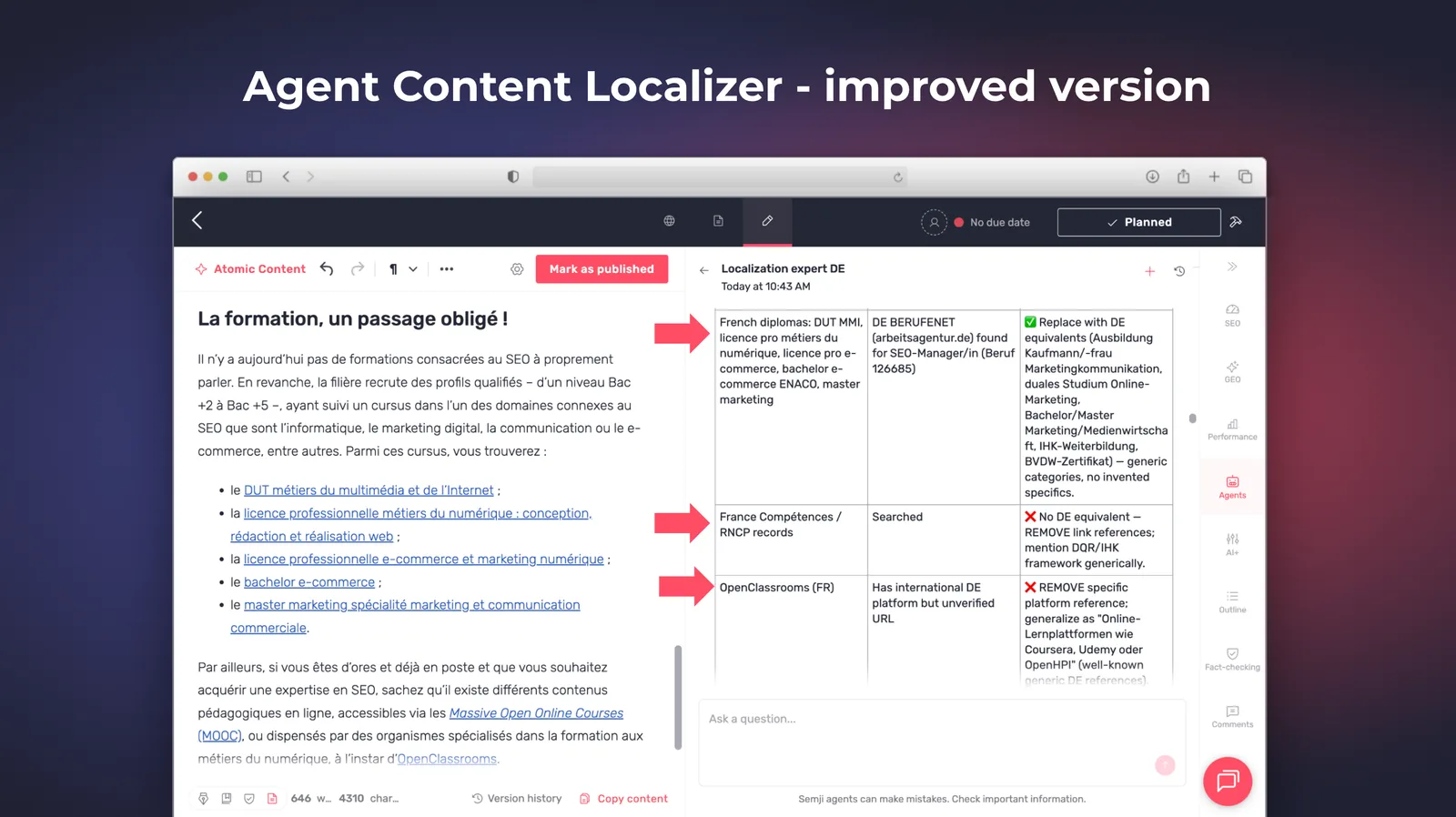
  • Content Localizer handles regions and local sources properly — a reworked prompt brings native-quality writing, correct localization of local institutions, regulators and statistics instead of foreign authorities left in a translated article, and per-locale typography for decimal separators, currency placement and date formats.Content Localizer agent output

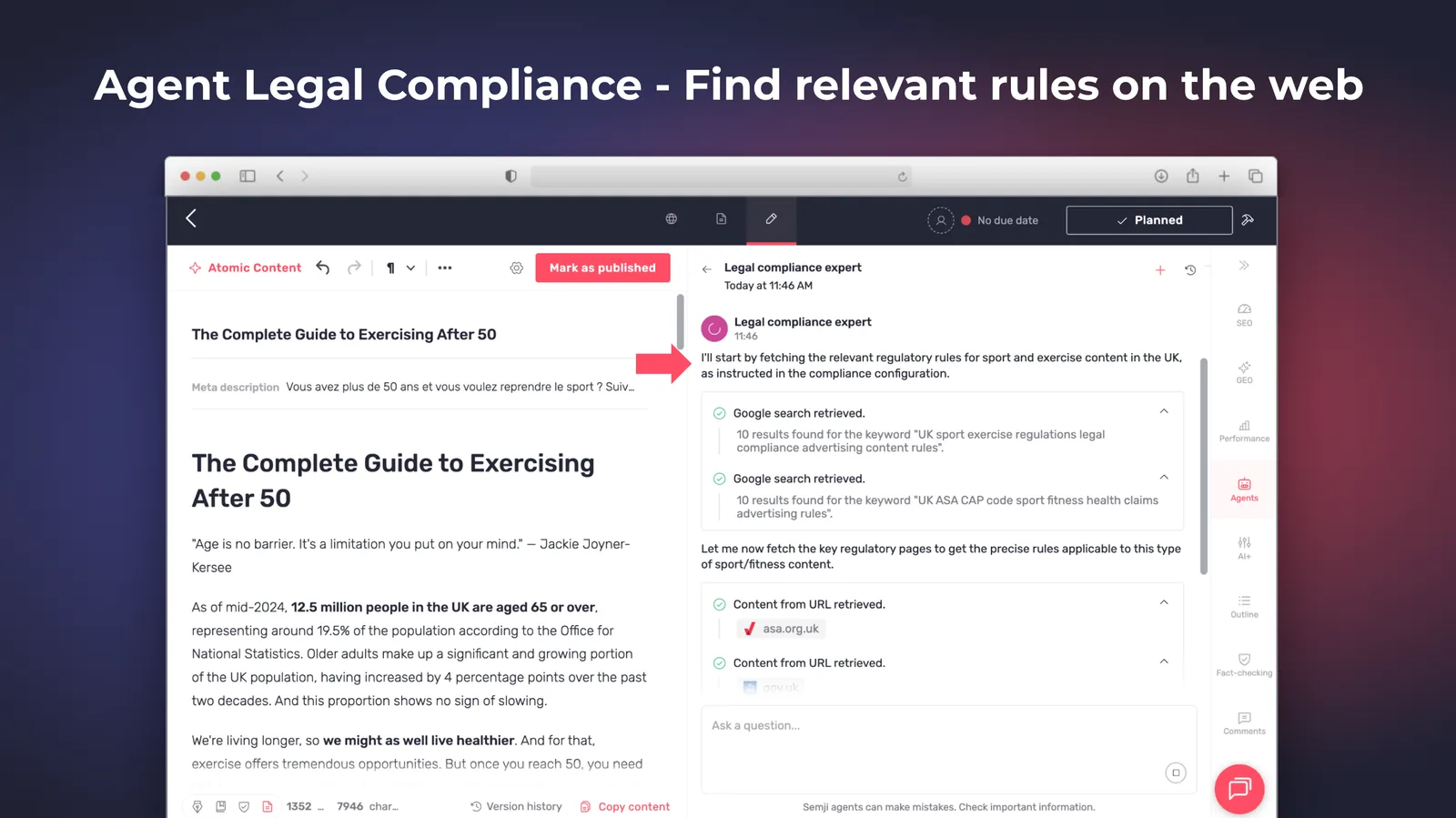
  • Legal Compliance checks regulated facts on official sources — on demand, the agent confirms a regulated fact online against government domains, regulators, Légifrance and EUR-Lex, and nothing else.Legal Compliance agent verifying a regulated fact

  • Agents stop reporting work they did not do — a new behaviour layer blocks silent failures, false "done" messages and invented facts, with stricter rules again on Legal Compliance.

  • Bulk agents and Atomic Content survive large batches — fewer execution errors when agents and Atomic Content run in bulk.

Billing & Credits1
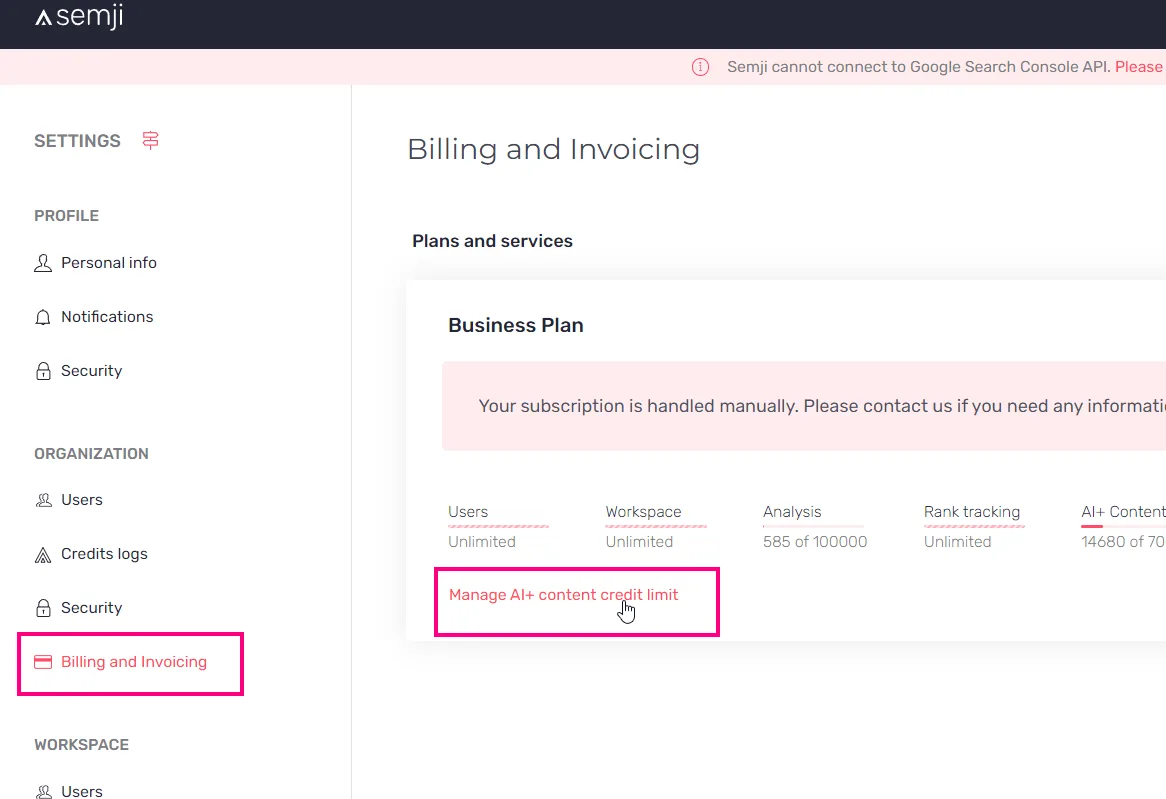
  • GEO prompt consumption in Billing — admins see a live count of prompts used against the plan limit in Billing & Invoicing.

Customer-reported fixes5

Editor2
  • Changing the content no longer redirects to the previous optimization.

  • Ask AI advanced mode no longer truncates the instructions box.

Planning1
  • The publication date field shows on first connection.

Pages1
  • Export scheduling fields reflect the real schedule, and competitor top-pages exports work on large catalogues.

Intelligence Hub — SEO1
  • Search-intent analyses no longer fail on heavy workloads.

Fixes19

Intelligence Hub — GEO5
  • Brand ranking in AI response details is correct.

  • Prompts can be sorted by persona and funnel stage.

  • The latest-responses table and the extracts panel are lighter to read.

  • Mentions and citations ranking tooltips show rank and rate side by side.

  • The # prefix is gone from the rank columns in competitor rankings by topic.

Intelligence Hub — SEO1
  • The brand-excluded filter is back on the traffic chart.

Agents1
  • The Top 3 agent no longer shows a duplicated Name field.

Planning2
  • Bulk status changes no longer fail silently.

  • Draft titles are sized more sensibly.

Atomic Content1
  • Leaving with unsaved changes shows the confirmation popup again.

AI Writing2
  • Fixed a rare crash when the model was overloaded.

  • The "set as default" button on AI+ presets stays visible while scrolling.

Pages1
  • The bulk delete button is no longer wrongly disabled.

Editor4
  • Links in related-term extracts are clickable again.

  • The usage-example modal shows the related term you clicked rather than the focus keyword.

  • Versions appear in a sensible order in the history panel.

  • H4 matches paragraph size, so the heading hierarchy reads correctly.

Settings1
  • Fixed an icon size glitch in the organization creation flow.

Platform1
  • Labels and icons line up in the sidebar menu.

21.1.0Minor release

14 changes

Intel Hub GEO goes live & 4 new agents

Intel Hub > GEO reaches general availability, so you can track how your brand and your competitors show up in AI answers prompt by prompt. Four new agents join the library, all runnable in bulk.

New features3

Intelligence Hub — GEO1
  • Track your brand in AI answers, prompt by prompt — daily monitoring across ChatGPT, Perplexity, Claude and the other main engines shows how often your brand is mentioned against the competition on the prompts that matter to your market, with a drill-down into every individual AI answer to see who is quoted and a filter by your own brand or a given competitor. On the GEO plan.

Agents2
  • Four new agents in the library — Content Master, a conversational SEO and GEO writer that proposes work based on the draft and adapts its output format; EEAT Auditor, with YMYL classification, a top 3 SERP benchmark and before/after suggestions; Editorial Assistant Top 3, a comparative analysis against the top 3 SERP competitors; and Product Page Specialist, covering HTML template reading, semantic optimisation of limited editorial space and regulatory fact-checking.

  • Bulk execution on all four new agents — run them on several drafts at once from the Planning. EEAT Auditor and Product Page Specialist write their before/after rewrites straight into the draft in bulk-with-editing mode; Editorial Assistant Top 3 stays display-only by design.

Improvements1

Platform1
  • AI credit indicators are gone — the counters are removed across the platform, so teams run AI workflows without watching a number.

Customer-reported fixes3

Editor2
  • Drafts imported from CSV no longer show an empty initial version in the history panel.

  • SEO analysis no longer loops indefinitely when a scraped competitor heading contains an emoji or a special character.

Agents1
  • The GEO Expert agent no longer fails silently when analysing content with many large external sources.

Fixes7

Planning2
  • Sorting on the last-modified column works.

  • Bulk CSV imports no longer leave orphaned content versions behind.

Editor1
  • The top keyword report no longer surfaces the wrong report from an optimistic identifier.

AI Writing1
  • Generations no longer stay stuck after a deployment.

Agents3
  • Agents no longer stay in a reasoning state after finishing their work.

  • The editor step no longer fails on leftover thinking blocks.

  • Social Repurposer no longer blocks in bulk mode.

21.0.0Major release

21 changes

Agent Showcase & Ask AI twice as fast

A Discover screen makes agents browsable and configurable without help, and Ask AI answers in half the time it used to.

New features2

Agents2
  • Agent Showcase — a Discover screen is the default entry point for agents: browse every template, read what each one does, and configure it yourself.

  • Two new built-in agents — Fact-Checker verifies claims against sources automatically, and Editorial Assistant Top 3 now runs in auto mode.

Improvements5

Agents1
  • Agent Hub rebuilt — tab-based navigation, one unified Activities screen with clearer columns, updated visuals for every template, and a simpler configuration for editor agents.

AI Writing1
  • Ask AI is twice as fast — average wait times halved since early April, and generations over thirty seconds are four times rarer. Simple queries are close to instant, and long articles with rich context gain the most.

Atomic Content1
  • A better Strategist for Atomic Deep and Optimize — stronger output on FAQ-type questions, with related terms worked in properly.

Platform2
  • New navigation menu — the updated menu ships with a dedicated Agents entry for reaching agent configuration quickly.

  • Isolate one series in an Intel Hub chart — Ctrl-click or Cmd-click a legend item to show that series on its own.

Customer-reported fixes4

Planning2
  • A page can be deleted again during keyword selection in the content creation flow.

  • Bulk imports no longer return a 403.

Integrations1
  • The Matomo token is no longer sent as a GET parameter, which some customer setups blocked.

Performance1
  • Session and bounce-rate trend curves display correctly.

Fixes10

Performance2
  • Clicking "Details" on a KPI no longer disconnects the user on legacy workspaces.

  • Untranslated English text and typos corrected on the Performance screen.

Data Explorer1
  • Clicking a row opens the drill-down instead of redirecting to the report.

Content Ideas1
  • The black tooltip is readable.

Editor2
  • GEO related terms no longer show English extracts or duplicate sources.

  • Bold keywords are back on German questions.

Intelligence Hub — SEO1
  • Fixed the widget height on traffic and pages trends.

Chrome Extension1
  • The web extension works again.

Planning1
  • Wording corrected on the GEO draft, the Planning filters and the Pages section.

Platform1
  • Date picker labels fit on one line.

20.6.0Minor release

21 changes

GEO in Atomic Content

Content generated by Atomic Content now follows the GEO recommendations as well as the SEO ones, with nothing to configure, and agents can be launched on several contents at once.

New features2

Atomic Content1
  • Atomic Deep and Flash apply the GEO recommendations — generated content takes the ChatGPT and AI Overview recommendations into account alongside classic SEO, automatically and with no setup.

Agents1
  • Launch agents in bulk — run an agent on several contents at once.

Improvements8

AI Writing2
  • Ask AI+ answers three times faster — a new model also follows the instructions more closely on requested length, format and number of items.

  • Fact-checking raises fewer false alarms — it recognises when the information already exists in the customer's documents or in the search results, instead of flagging it for review.

AI Hub1
  • Knowledge search picks better sources — when the custom instructions ask for a given kind of source, such as government sites, the search targets them, and thin sources like empty product sheets, directories and classified ads are set aside.

Agents2
  • A unified activities listing in the Agent Hub — one set of columns across agent activity.

  • Better Norwegian localization, and the Content Localizer warns when search intent does not match between languages.

Intelligence Hub — SEO1
  • Competitor data calls retry automatically on a transient error, and AI properties use newer models for more accurate results.

Planning1
  • Bulk import V2 ships with its corrections, and exporting content is far faster on large volumes.

Platform1
  • GEO citation tooltips name their source, ChatGPT or AI Overview, and alert components are consistent across the app.

Customer-reported fixes3

Settings1
  • Renaming an AI property option no longer throws an error.

Intelligence Hub — SEO1
  • The brand-excluded filters work correctly again, on the drill-down and on brand classification.

Planning1
  • Published content lands in the right folder.

Fixes8

Intelligence Hub — SEO2
  • Competitor reports are no longer blocked after creation, and reports awaiting approval are no longer wrongly marked as failed.

  • Fixed the wrong icon on the Traffic tab.

AI Writing1
  • Fixed special characters in AI-generated lists.

Agents1
  • The tooltip on custom agent configuration is readable.

Platform2
  • Repaired 33 broken help links across the app, plus the "allow semjibot" link.

  • Fixed a broken icon in the organization creation flow.

Pages1
  • The page deletion modal is clearer.

Performance1
  • Overview counters no longer load forever.

20.5.0Minor release

15 changes

Better titles and related terms

New models behind title generation and related terms, and Atomic Content leaves beta.

Improvements7

AI Writing1
  • A new model generates titles — better quality on the TITLE tag.

Atomic Content2
  • A better Strategist for Atomic Deep and Optimize — higher-quality output, with related terms worked in properly.

  • Atomic Content is out of beta — the Beta label is gone.

Editor1
  • More relevant related terms — the SEO recommendations come from a new model.

Agents1
  • Help links point at the current documentation across AI+ Agents.

Platform2
  • AI presets save more smoothly and detect changes properly.

  • Competitor favicons and heatmap cells are clickable, and open in a new tab.

Customer-reported fixes4

Atomic Content1
  • Atomic Deep Research no longer generates empty content.

AI Writing1
  • Ask AI+ no longer fails to generate on long content.

Planning2
  • The due date survives adding a page to the Planning from Pages.

  • The date picker displays correctly again.

Fixes4

Agents1
  • Search and replace works in tables, in bulleted lists and when deleting text.

Editor2
  • AI-generated bulleted lists display correctly.

  • The "add another source" link works again.

Platform1
  • Fixed agreement errors in the notification messages.

20.4.0Minor release

10 changes

Faster, steadier Atomic Content

Atomic Content with the Knowledge Base enabled now takes ten minutes instead of fifteen, and fails far less often.

Improvements4

Atomic Content2
  • Atomic Content with the Knowledge Base takes 10 minutes instead of 15 — and the app says so when the Knowledge Base is on, since more context means more work.

  • Fewer failed Atomic runs — the errors that led to cancelled or broken Atomic Content are down, so runs are more reliable.

AI Writing1
  • Better prompts for titles and meta descriptions.

Planning1
  • The publication date is on the published content tab.

Fixes6

Platform3
  • Number formatting is correct.

  • Repaired broken links and several translations across the app.

  • The search bar behaves sensibly.

Brand Voice1
  • The last modified date updates.

Intelligence Hub — SEO1
  • Sorting by an AI property works again.

Editor1
  • Fixed the navigation bug on the Performance panel.

20.3.0Minor release

10 changes

Custom date selection

Reports can be run on a date you choose rather than a preset range, and agents gain an instruction generator, excluded terms and AI Overview recommendations.

New features4

Performance1
  • Pick an exact date — configure a specific date rather than choosing from the preset ranges.

Agents3
  • An "Improve instruction" button — generate the instruction for a custom agent instead of writing it from scratch.

  • Excluded terms apply to agent output — terms you exclude stay out of what an agent writes.

  • The GEO Expert agent covers AI Overview — recommendations for Google's AI Overview alongside the ChatGPT ones.

Improvements2

Editor2
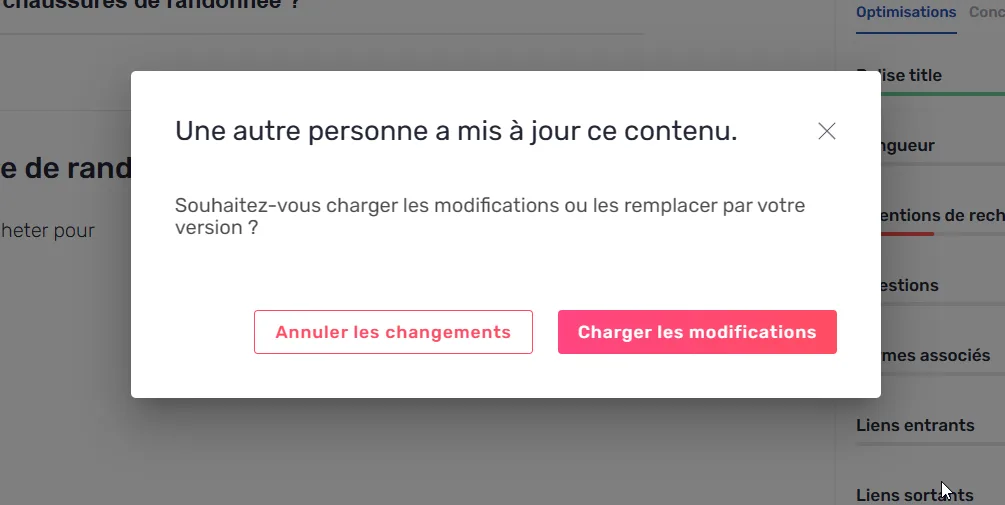
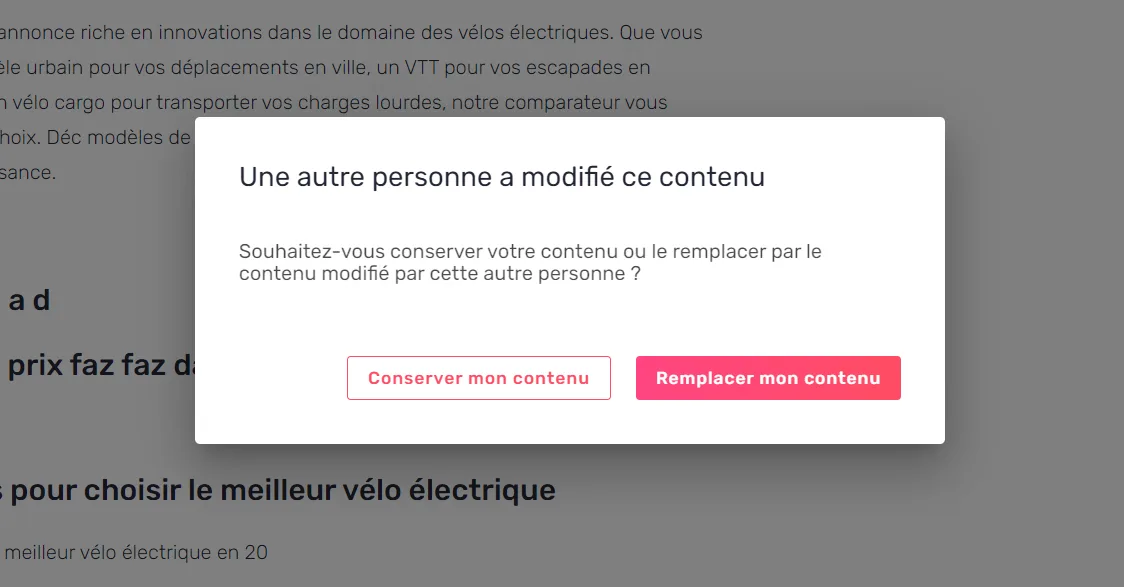
  • The conflict modal names who edited last — you see that another editor is active and get a clear action, without being blocked.

  • AI presets update in place, which makes them quicker to configure.

Customer-reported fixes2

Platform1
  • Going back preserves the previous URL.

AI Writing1
  • Excluded terms are respected in AI generations.

Fixes2

Billing & Credits1
  • Fixed the broken display of the credit logs, and standardised how agent credits are named.

Editor1
  • Fixed scrolling in the outline tab.

20.2.0Minor release

14 changes

Atomic Content enhancements

Atomic Optimize moves to a stronger model, agents can analyse AI Overview, and you decide which sources AI+ is allowed to use.

New features2

Agents1
  • AI Overview analysis in AI+ agents — the From Scratch and GEO Expert agents can analyse the AI Overview alongside the SERP.

Editor1
  • Turn off web search in AI+ settings — disable the web search source so generation works from your own material only.

Improvements6

Atomic Content2
  • A stronger model behind Atomic Optimize — better generation quality.

  • Reworked strategist, writer and editor steps for Atomic Optimize and Deep, which makes for more relevant drafts and a smoother run.

Reports1
  • Intelligence Hub reports run automatically — a report starts on its own rather than waiting for a manual launch.

Platform3
  • Scrollbars fade after a second of inactivity in tables.

  • The focus keyword is in the editor tab title, so several open drafts are tellable apart.

  • A clearer bulk modal when launching Atomic Content on a selection.

Customer-reported fixes2

Atomic Content1
  • Atomic Optimize no longer blocks while reading the draft, so generation runs through.

Editor1
  • The credit limit is handled correctly on Atomic generation.

Fixes4

Platform2
  • Analyses are no longer triggered after their expiry.

  • URLs can be up to 4,000 characters.

Editor1
  • The lock badge works again.

Settings1
  • Fixed the settings grid layout.

20.1.0Minor release

8 changes

HTML analysis for agents

Agents can read a page's full HTML, so technical audits cover schema markup, semantic structure and accessibility. A command bar makes everything reachable with a keystroke.

New features3

Agents1
  • Agents analyse a page's full HTML — an AI+ agent retrieves the complete HTML of a web page, which makes a technical audit of schema.org tags, semantic structure and accessibility possible.

Performance1
  • Add a page to the Planning from Performance — one click from a Performance report puts the page in the Planning.

Platform1
  • Command bar — Cmd+K or Ctrl+K reaches any page, module or draft: type what you are after and press Enter.

Improvements1

Platform1
  • A new icon library across the app, with the technical and UX work behind it.

Customer-reported fixes2

Settings1
  • AI settings are no longer fully locked for users who have access to the AI suite without the "manage AI files" option.

Planning1
  • Marking several drafts as published no longer leads to a blank page.

Fixes2

Intelligence Hub — SEO1
  • Fixed persona filter sorting in the grid headers.

Agents1
  • Special characters are no longer escaped in the From Scratch prompt.

20.0.0Major release

15 changes

Atomic Deep, GEO agent and AI Overview

A GEO Expert agent audits content for AI answers, the editor recommends terms for Google's AI Overview, and Atomic Content Deep writes from scratch through an agentic workflow.

New features4

Agents1
  • GEO Expert agent — it audits your content and returns targeted, actionable recommendations for showing up in ChatGPT answers, with AI Overview coming.

Editor2
  • Recommendations for AI Overview — Semji previews the AI Overview present on a SERP and recommends the related terms to cover, ahead of the feature reaching France.

  • Set the focus prompt by hand — define the exact search intent you want the content to serve, and Semji tailors its ChatGPT recommendations to that prompt. After the first GEO analysis it also proposes four more prompts to choose from.

Atomic Content1
  • Atomic Content Deep — writing from scratch runs through an agentic workflow, which lifts the quality of a first draft.

Improvements9

Agents3
  • Agents read more of the SERP — people-also-ask blocks and ads join the top pages, so recommendations rest on a full view of the results.

  • Show and hide sections in an agent's answer — audits are long, so they are now easier to read through.

  • Agents read comments — an agent uses a colleague's review comment as an input when improving the content.

Editor2
  • A steadier editor — smoother and more robust, with fewer conflict modals and a layout that holds at every screen width.

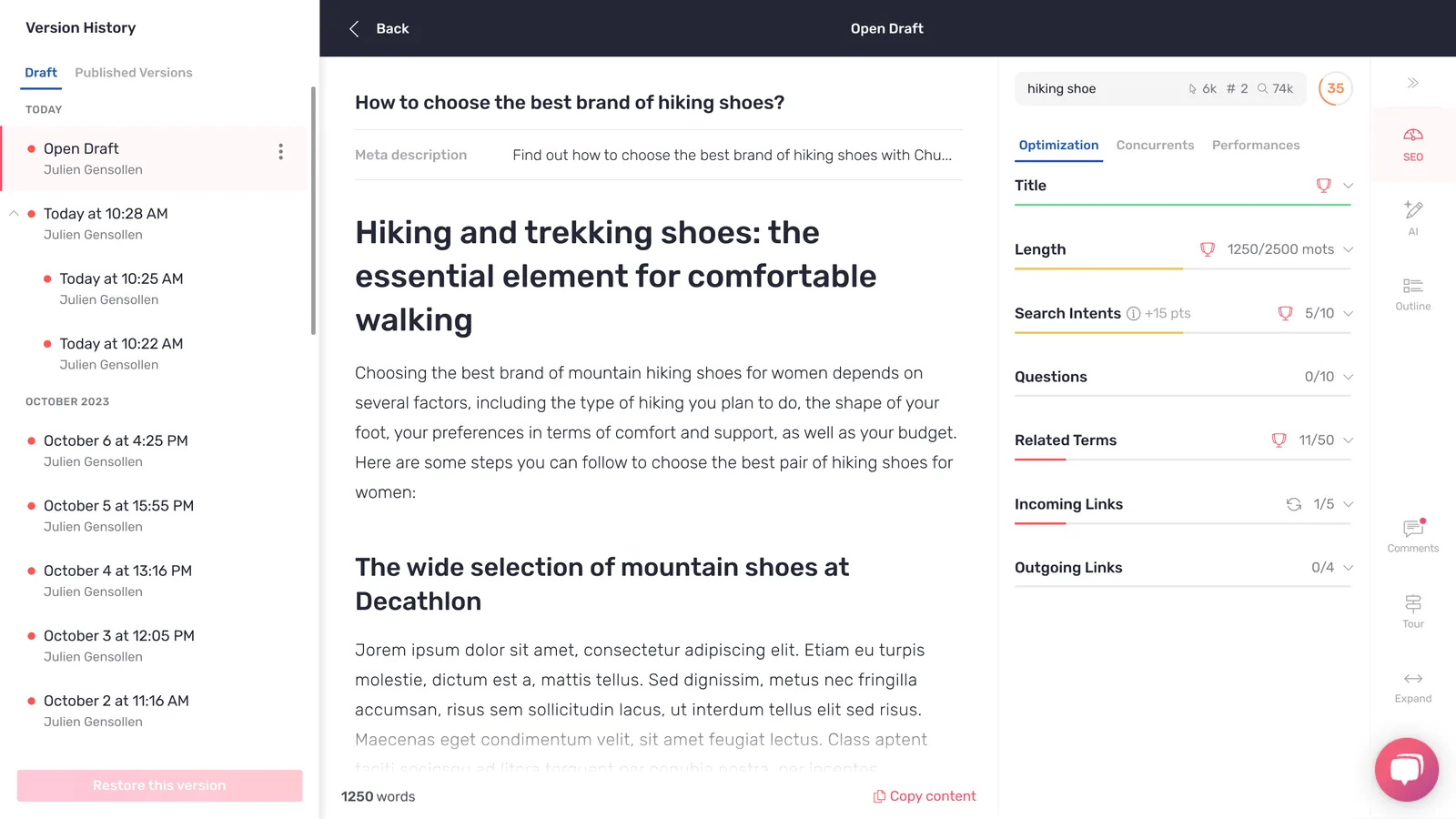
  • A new version history — easier to read, and the content score shown matches its version.

Platform1
  • Choose your columns — each user sets the order and visibility of table columns across the platform.

Performance2
  • Position tracking covers the top 30.

  • Tables load faster.

Planning1
  • GEO data is included in analysis exports for workspaces with access.
Customer-reported fixes2

Performance1
  • Fixed the display of the position filter.

AI Writing1
  • Fixed text replacement in Ask AI+.

19.4.0Minor release

8 changes

Localization agent and AI Presets

An agent template that rewrites a master content for another market, agents that can edit directly in the editor, and saved AI settings you can reuse across drafts.

New features3

Agents2
  • A Localization Expert agent template — it takes a market's own context into account when adapting a content, so an English master can be rewritten for the Dutch market rather than translated word for word.

  • Agents can edit content in the editor — an agent can insert before or after a block, or replace it, instead of returning text for you to paste.

Editor1
  • Save your AI settings as presets — the generation options you use most are stored once and picked up again in every draft.

Improvements3

Agents2
  • Compare a content before and after an agent has worked on it — the two versions sit side by side with the full modification history.

  • Point an agent at a specific block — selected text is passed to the agent with its highlight, so the work stays on the passage you chose.

Intelligence Hub — GEO1
  • Focus Prompts are better aligned with the search intent behind the keyword.

Customer-reported fixes2

Pages2
  • Search volume and average position appear straight away instead of after a delay.

  • Exporting the URLs from the Pages tab works again.

19.3.0Minor release

7 changes

Agents with SEO and GEO tools

Agents can now read the editor's Page tab and call the SEO and GEO tools, so their recommendations come from your own measured data rather than from the draft alone.

New features2

Agents2
  • Agents can call the SEO and GEO tools — an agent runs the same audits the platform does and writes its recommendations from those results, which makes them specific enough to act on.

  • Agents can read the Page tab in the editor — the page's own metrics are part of what the agent sees before it answers.

Improvements3

Intelligence Hub — GEO1
  • GEO analyses stop instead of looping — when an analysis fails, the interface says why in plain language and you relaunch it, rather than watching it spin.

Intelligence Hub — SEO1
  • Competitor analysis can be narrowed to specific parts of a site rather than the whole domain.

Settings1
  • The "AI+ Suite" is called "AI+ features" in the settings.

Customer-reported fixes2

Atomic Content1
  • Cancelling an optimization works again, and the progress indicator reports the real state.

Pages1
  • Opening the text behind a page from the Pages tab lands on the right content.

19.2.0Minor release

10 changes

Editor navigation and Atomic Content fixes

The side panel remembers where you were, the editor opens faster, and a run of Atomic Content and Performance defects are closed.

Improvements2

Editor2
  • The side panel remembers your navigation — moving between recommendations and back no longer resets the panel to its first screen.

  • Opening the editor from a list is faster.

Customer-reported fixes2

Atomic Content2
  • The generation footer reports the right status.

  • The bulk settings dialog applies the choices it shows.

Fixes6

Pages1
  • A page that is not published and has no URL shows a proper empty state.

Atomic Content1
  • An Atomic Content in review with no HTML no longer breaks the screen.

Planning1
  • The query parameter for an existing content resolves correctly.

Performance2
  • Positions display a real "-" where there is no position, instead of a blank cell.

  • The Focus keyword's last known position is shown again.

Platform1
  • Several interface defects across the app.

18.6.0Minor release

25 changes

A steadier Performance screen

The average Content Score is kept over time so its chart stops falling to zero, and the unexplained red error banners are largely gone.

Improvements6

Performance3
  • The average Content Score persists over time — the chart draws a real history instead of dropping to zero where nothing was stored.

  • Switching workspace keeps you on Performance — you land on the same screen for the next workspace rather than back at the top of the app. On Legacy plans the screen opens on the Organic Search channel.

  • Tooltip and chart-title wording corrected across the screen.

Editor2
  • An analysis can be relaunched the same day — a second run no longer has to wait until tomorrow.

  • The paragraph and heading selector is usable on small screens.

Platform1
  • Far fewer "An error has occurred" banners — the unexplained red snackbars that appeared during ordinary use have been traced and removed.

Customer-reported fixes6

Planning2
  • A draft assigned to another user opens correctly.

  • The assignment icon shows the right person.

Platform1
  • The page no longer flickers while data loads.

Performance1
  • The all-channels tab shows the correct overview figures.

Editor1
  • The metadata bar renders correctly.

Pages1
  • Importing several URLs at once works.

Fixes13

Performance5
  • Filtering on a position beyond 100 returns the right rows.

  • Multi-channel metric deltas show the right value and suffix.

  • A channel card with no service connected says so instead of showing an empty metric.

  • Analytics requests no longer return 403 on multi-channel screens.

  • Multi-channel filters apply as selected.

Editor1
  • The AI Settings error message is correct when the optimized content is in review.

Pages1
  • The side panel resizes in the Pages tab.

AI Writing1
  • AI+ template usage is recorded in the version history.

Brand Voice1
  • The "Take a tour" button no longer appears on the Brand Voice screen.

Intelligence Hub — SEO1
  • Intelligence Hub loads when no AI Properties are configured.

Platform3
  • Icon alignment and style overrides corrected in several dialogs and screens.

  • Pagination survives a page refresh.

  • Concurrent requests no longer collide and return 409.

18.5.0Minor release

8 changes

Multi-channel Performance

Performance covers your other acquisition channels alongside organic search, and the largest workspaces load about ten times faster.

New features2

Performance1
  • Performance covers every channel, not just organic search — the contribution of content is measured against the brand's other channels, which is what turns an argument about the value of SEO into a comparison.

Atomic Content1
  • Optimize a batch of contents in one run — bulk Atomic Content is available on request ahead of its general release.

Improvements2

Performance1
  • Large workspaces load about ten times faster — the screens that used to stall on the biggest accounts return in seconds.

Platform1
  • The Beta label is gone from Atomic Content and Content Ideas — both are now stable features, and the label is reserved for what is genuinely still in development.

Customer-reported fixes4

Performance1
  • Position tracking is accurate again, closing an issue that had run for several months.

Planning1
  • The Content Score shown in Planning and in the editor agree for the same content.

Pages1
  • Bulk content imports report what happened in clearer terms.

Platform1
  • About fifteen display defects across the interface.

18.4.0Minor release

10 changes

German interface

Semji speaks German, in the application and the extension, and Multi Channel Performance reaches production in its first version.

New features2

Platform1
  • German as an interface language — the whole application and the browser extension are available in German.

Performance1
  • Multi Channel Performance, first version — content performance is reported across acquisition channels rather than organic search alone, switched on for customers from 16 September 2025.

Customer-reported fixes3

Chrome Extension1
  • The extension no longer closes unexpectedly mid-session.

Pages1
  • Connecting a service integration no longer triggers an unwanted score recomputation.

Platform1
  • An analysis with no keywords returns a clear result instead of an error.

Fixes5

Editor1
  • The meta description dropdown opens in the right place.

Performance1
  • The folder filter works on the multi-channel view.

Atomic Content1
  • The dialog resets its choices correctly, and additional sources are selectable on a bulk run.

Pages1
  • Redirected URLs are followed when outgoing links are computed.

Platform1
  • The grid header stays in place when it is sticky.

18.3.0Minor release

5 changes

New menu

The navigation was rebuilt to keep more of each screen visible and to make moving between organizations and workspaces a shorter trip.

Improvements2

Platform1
  • A new menu — it gives back the room the old one took from each screen, holds up on a small display, and switching organization or workspace is now two clicks from anywhere.

Intelligence Hub — SEO1
  • Filters survive a change of report date, and a date range can be read as before and after values.

Customer-reported fixes2

Planning1
  • Changing a due date applies immediately and stays applied.

Brand Voice1
  • Links are no longer inserted in the Brand Voice and knowledge base editor, where they were never used.

Fixes1

Platform1
  • Outline icons use the right colour.

18.2.0Minor release

8 changes

Resizable recommendation panel

The recommendation panel in the editor can be widened, and Intelligence Hub can isolate the pages where you rank beyond position 100.

Improvements3

Editor1
  • The recommendation side panel is resizable — drag it to the width you work at, which matters most on the screens that carry a lot of recommendations at once.

Intelligence Hub — SEO1
  • Filter on "My Position > 100" — the keywords where you are effectively absent, which is the shortest route to a list of content worth creating.

Platform1
  • Turkish content is analysed one item at a time. It is slower, and every analysis completes.

Fixes5

AI Writing1
  • Fact-checking uses the other sources you configured, as it was meant to.

Performance1
  • Custom goal names are readable in the interface instead of showing their internal key.

Settings2
  • Several display and wording defects around the other-sources setting.

  • The user limit for the extension is reported correctly.

Chrome Extension1
  • Plan limits display correctly in the extension settings.

18.1.0Minor release

8 changes

Fixes across the editor, Planning and Pages

A maintenance release. The editor's crash on certain drafts is gone, and the Limited Guest Writer role sees the right contents and folders again.

Customer-reported fixes2

Planning1
  • A Limited Guest Writer sees the real number of contents, and the full list of folders they have access to.

Editor1
  • The meta description displays correctly.

Fixes6

Editor2
  • A JavaScript error that could take down the editor is fixed.

  • The version history no longer shows two conflicting states at once.

Intelligence Hub — SEO1
  • A display regression in the reports is corrected, and the competitor's name appears in the report tooltips.

Pages1
  • "Already in Planning" is reported accurately when importing pages.

Platform2
  • Number filters apply the operator you selected.

  • Several interface defects across the app.

18.0.0Major release

7 changes

Atomic Content on existing pages

Atomic Content now runs on a content you have already published, and five Asian markets are available as workspace geolocations.

New features2

Atomic Content1
  • Optimize an existing content in one click — Atomic Content rewrites what is already published, replacing the parts that have gone out of date, so refreshing an old page costs minutes instead of an afternoon. Available on current offers, not on Legacy.

Platform1
  • Five new geolocations: Hong Kong, Singapore, Taiwan, Japan and South Korea — workspaces can be created for those markets.

Customer-reported fixes2

Platform2
  • Tooltip wording corrected.

  • The right title is shown where the wrong one appeared.

Fixes3

Editor2
  • Comparing two versions of a content returns the real differences.

  • The content conflict dialog appears when it should.

Platform1
  • Product tour icons display correctly.

17.6.0Minor release

13 changes

Sharper AI prompts and a round of editor fixes

The outline, title and meta description prompts now read the competing pages and your own knowledge, and a dozen editor and filter defects are gone.

Improvements2

AI Writing2
  • Outlines are built against the competing pages — the generated outline takes the outlines already ranking on the keyword into account, so it covers what the SERP expects rather than what a model guesses.

  • Titles and meta descriptions read your knowledge and the search intent — generation now uses the knowledge you supplied and the intent behind the SERP, instead of the draft alone.

Fixes11

Editor4
  • Copying and pasting a heading keeps its level.

  • Links behave correctly when clicked and edited.

  • Starting an optimization shows a loader instead of an apparently idle screen.

  • The floating AI button sits where it should.

Pages1
  • Content prefetch on the page overview works again.

Planning2
  • The folder filter is labelled "All content" rather than "All folders", which is what it actually selects.

  • Applying a filter no longer closes it, and selecting everything no longer closes the secondary filters.

Brand Voice1
  • The sidebar displays correctly while editing a brand voice.

Intelligence Hub — SEO1
  • Graphs report their loading state accurately.

Platform2
  • The funnel stage label is translated.

  • Grid selection on the dashboard works again.

17.5.0Minor release

3 changes

Greek workspaces

Greece joins the supported geolocations, so a workspace can be created in Greek.

New features1

Platform1
  • New geolocation: Greece — workspaces can be created in Greek, with the keyword and position data that goes with that market.

Customer-reported fixes1

Editor1
  • A content on a Legacy plan with no meta description loads correctly.

Fixes1

Chrome Extension1
  • The browser extension builds and installs again.

17.4.0Minor release

10 changes

A third folder level

Planning takes a third level of folders, and folder names are searchable in every selector.

New features1

Planning1
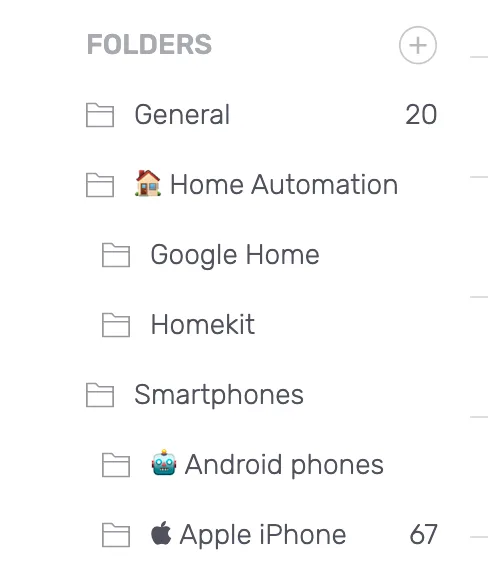
  • A third level of folders — content can be segmented one level deeper, which is what large editorial plans were missing, and folder names are searchable in the selectors rather than scrolled to.

Improvements3

Editor1
  • Text Compare reads more clearly on long contents.

Intelligence Hub — SEO1
  • The reports render faster.

Platform1
  • Data grid headers wrap onto two lines, so a long column name is readable.

Customer-reported fixes2

Intelligence Hub — SEO1
  • Keyword classification on the top pages matches the report's own categories.

Editor1
  • Copying a content into a document workspace keeps its formatting.

Fixes4

Intelligence Hub — SEO1
  • Page type filtering and its configuration behave consistently.

Data Explorer1
  • The keyword length filter takes the right type of value.

Atomic Content1
  • The lock icon appears on the Atomic Content button where the feature is not available.

Platform1
  • Several interface defects across the app.

17.3.0Minor release

13 changes

Faster Pages, better fact-checking

AI+ fact-checking handles long contents properly, and the Pages screen loads quickly even on the workspaces with the most URLs.

Improvements7

AI Writing1
  • AI+ fact-checking on long contents — it covers more of the text, returns a more detailed verdict per claim, and Ask AI+ stays responsive on large drafts where it used to slow down.

Pages1
  • Pages loads significantly faster — the gain is largest on the workspaces with the highest page counts, which are the ones that felt it.

Editor1
  • Meta descriptions are capped at 140 characters, and copy-paste keeps the formatting it should.

Intelligence Hub — SEO1
  • The reports render faster.

Planning1
  • The title is optional when creating a content, so a draft can start from a keyword alone.

Settings1
  • SAML certificates can be rotated without an interruption.

Platform1
  • Further work on the new menu.

Customer-reported fixes1

Platform1
  • The grid resizes correctly when the menu is collapsed.

Fixes5

Data Explorer1
  • A page with no title no longer shows an empty row.

Editor2
  • The focus keyword analysis no longer reports an invalid date.

  • Pasting a table keeps its structure.

Planning1
  • Deleting from the bulk "mark as published" dialog works.

Platform1
  • A failing data refresh no longer retries in a loop.

17.2.0Minor release

16 changes

Faster Pages and Data Explorer

Data Explorer answers in two to three seconds instead of eight, Pages holds up on large workspaces, and Planning gains a "Last modified" column.

New features2

Planning1
  • A "Last modified" column — you can see at a glance which drafts have moved and which have been sitting untouched.

Content Ideas1
  • "New content" is recommended where you rank beyond position 100 — Content Ideas and Data Explorer stop suggesting you optimize a page that has no position to improve.

Improvements5

Data Explorer1
  • Load time down from eight seconds to two or three — and AI Properties are processed faster, which is what the wait was mostly spent on.

Pages1
  • The Content Hub Pages screen loads faster — and keeps its display performance on the workspaces with the most URLs.

Intelligence Hub — SEO1
  • The Persona and Funnel Stage columns can be sorted.

AI Writing1
  • The QUESTIONS recommendation prompt was rewritten for relevance.

Platform1
  • A batch of interface improvements across the app.

Customer-reported fixes1

Editor1
  • Table cells keep their row and column spans when a content is imported.

Fixes8

Intelligence Hub — SEO2
  • Chart colours are consistent between reports.

  • AI properties filters load, and drilling into one returns the right rows.

Data Explorer1
  • The result count no longer reads as undefined.

Performance1
  • The Content Score equality filter matches exactly.

Planning1
  • The product tour runs to the end.

AI Writing1
  • A malformed model response is handled instead of failing the generation.

Brand Voice1
  • The side menu behaves correctly.

Platform1
  • Menu item width corrected.

17.1.0Minor release

17 changes

Search intents and self-served AI properties

Search intent recommendations are cleaner and stay in the workspace language, and a workspace owner can configure Intelligence Hub's AI properties without waiting on anyone.

New features1

Intelligence Hub — SEO1
  • Configure your own AI properties — a workspace owner sets the persona, topic and funnel stage definitions directly, which removes the back and forth that used to make setup the slowest part of an Intelligence Hub rollout. Available from 24 April 2025.

Improvements5

Editor1
  • Search intent recommendations are more distinct — near-identical variations are collapsed, capitals and accents are handled properly, and intents are filtered to the workspace's language.

Brand Voice1
  • A Brand Voice's style carries through Ask AI+ templates.

Intelligence Hub — SEO2
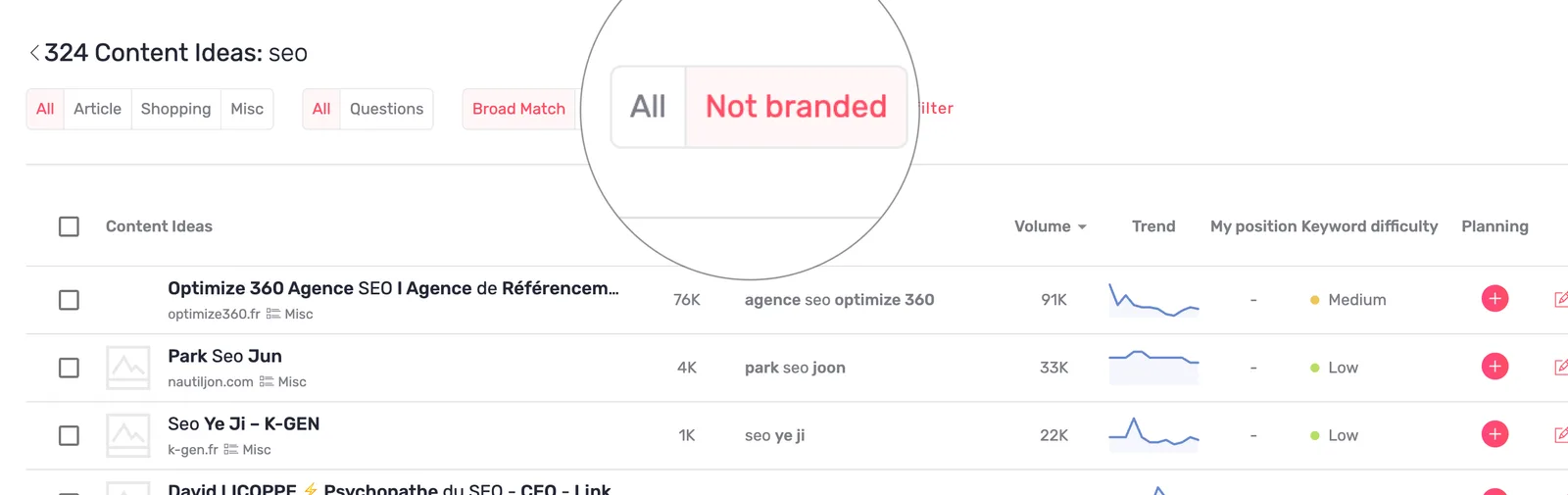
  • Content can be filtered on non-branded and other-brand terms, and reports can be filtered by URL, keyword or title.

  • Several improvements to how the filters look and behave.

AI Writing1
  • Creating your first Ask AI+ template is a shorter path.

Customer-reported fixes5

Platform1
  • An expired session redirects to the login page instead of failing.

Performance2
  • Evolution cells refresh with the rest of the table.

  • Tooltip and wording corrections across the screen.

Intelligence Hub — SEO1
  • The evolution chart is dated correctly.

Integrations1
  • Connecting a Google Analytics account works again.

Fixes6

Editor2
  • The back button in version history returns where it should.

  • The AI generation selector scrolls properly, and the Ask AI+ dropdown behaves.

AI Writing1
  • Knowledge base errors are explained, and content extraction from knowledge base entries is more reliable.

Performance1
  • Custom goal data is included in a page export.

Settings1
  • AI access is correct on the smaller offers, and the limited guest role works on Intelligence Hub only workspaces.

Platform1
  • Dropdown typography, number formatting, and overflow in the collapsible menu and profile header.

17.0.0Major release

11 changes

Better question recommendations

The questions the editor recommends are no longer near-duplicates of each other, they respect the workspace's language, and there are up to twenty of them.

Improvements4

Editor2
  • Question recommendations are cleaner and there are more of them — redundant and near-identical questions are removed, spelling and grammar are corrected, every question respects the workspace language, and the list holds up to twenty: five from People Also Ask and fifteen generated.

  • Font and size corrected for updates shown in the editor's Pages view.

Content Ideas1
  • Typography corrected in the input, and the Mind Map view switch was redrawn.

Performance1
  • A clearer tooltip on the position evolution metric.

Fixes7

Planning1
  • An edit applies immediately and stays applied.

Intelligence Hub — SEO1
  • A competitor's top page with an empty SERP is handled instead of failing.

Editor1
  • Inserting an optimization saves it.

Pages1
  • The grid reloads correctly when you cancel adding a page to the Planning.

Chrome Extension1
  • The extension's links open the right screen in the app.

Platform2
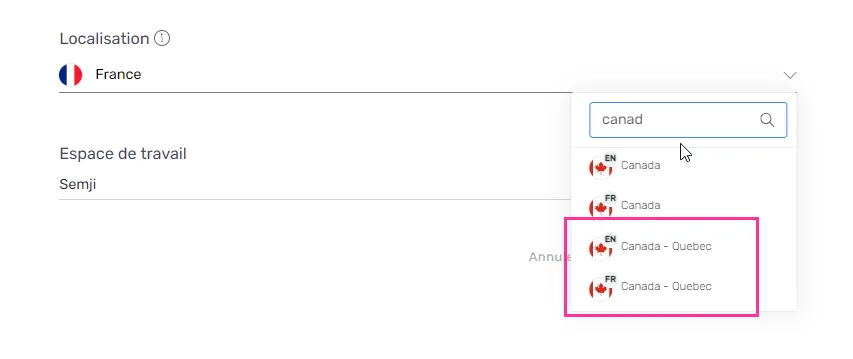
  • Creating a workspace on the Quebec French market no longer returns an error.

  • The hub menu displays correctly.

16.5.0Minor release

16 changes

New menu

The app's navigation has been restructured around the two Hubs, revenue figures follow each workspace's own currency, and Content Ideas gains a third traffic type.

New features3

Platform1
  • A new menu across the app — features and sections are reorganised so both Hubs are visible from anywhere and reaching either takes fewer clicks.

Settings1
  • Revenue in your workspace's currency — pick the currency in Workspace > General Settings; existing workspaces were set to their country's currency automatically, so revenue KPIs read in the money the team actually reports in.

Content Ideas1
  • Filter on "other brand" traffic — a third traffic type joins branded and non-branded in Content Ideas and the Intelligence Hub, so traffic arriving on a competitor's or a partner's name can be separated out.

Improvements1

Editor1
  • Text Compare shows only what changed — the text view lists added and removed terms rather than the whole paragraph, and the coloured background is gone so only the text itself is coloured. On current offers, not Legacy.

Customer-reported fixes6

Editor3
  • Adding a highlighted comment no longer removes the text it was anchored to.

  • The term detector counts occurrences correctly when stop words are involved.

  • The conflict modal no longer appears while saving content that is not in conflict.

Planning1
  • The date picker works.

Platform2
  • An analysis no longer fails under CPU load.

  • The "tracking limit reached" message is shown only when the limit really is reached.

Fixes6

Pages1
  • The count of pages to analyse is correct.

Intelligence Hub — SEO1
  • Several interface defects are corrected.

Planning2
  • The "Due Date" column header is back in the listing.

  • The Content Score filter applies.

Atomic Content1
  • Generating Atomic Content in bulk no longer errors partway through.

Editor1
  • Adding a comment no longer toggles the sidebar.

16.4.0Minor release

14 changes

AI+ file previews

Files added to AI+ can be previewed without leaving the screen, and a round of fixes lands across the editor, Planning, reports and sign-in.

New features1

AI Writing1
  • Preview your AI+ files in place — the files you have given AI+ can be opened and read from the interface, so you can check which document you uploaded without downloading it again.AI+ content file preview

Fixes13

Editor5
  • Navigating between versions with the outline open no longer crashes the editor.

  • Saving content no longer strips spaces.

  • Inserting a table works.

  • The title and meta description alerts say which device they concern.

  • The generation modal no longer leaves a large gap above the content.

Planning1
  • The publication date is shown in the right colour.

Reports1
  • The wording and the figures agree.

Integrations1
  • Several interface defects on webhooks are corrected.

AI Writing1
  • The Manage AI Files tooltip uses the right typography.

Settings1
  • Adding a user to an organisation no longer crashes.

Platform3
  • Signing up and signing in with Google works again.

  • The keyword limit message is accurate.

  • Links in emails point at the app.

16.3.0Minor release

3 changes

Root domains in the Intelligence Hub

A workspace can now be configured on its root domain, so every subdomain's data is pulled in without setting each one up separately.

New features1

Intelligence Hub — SEO1
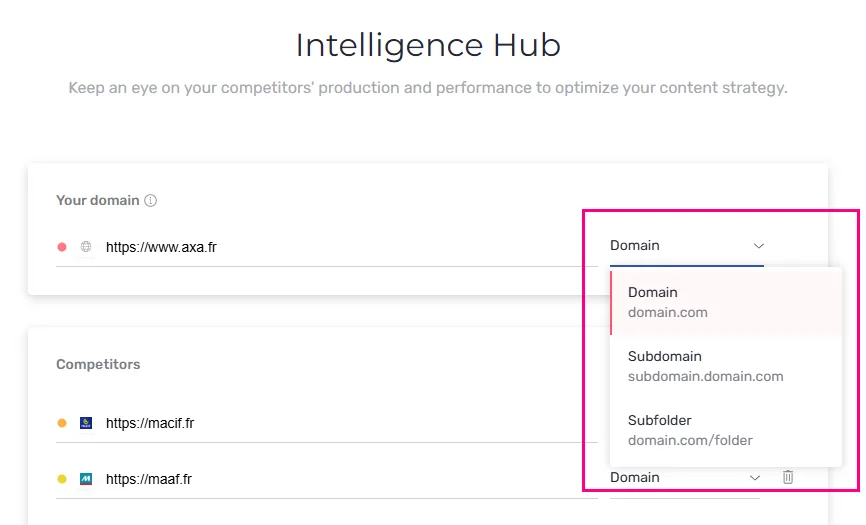
  • Configure a workspace on its root domain — set the root domain and the Intelligence Hub collects the URLs of every associated subdomain automatically, which is the complete picture for a brand whose traffic is spread across several of them.Workspace domain configured as a root domain

Improvements1

Data Explorer1
  • Clearer filters and columns — Persona filter items are capitalised and the estimated traffic column is labelled "Est. Traffic", so the header fits without truncating.Capitalised Persona filter items in the Data Explorer

Fixes1

Data Explorer1
  • Sorting holds its state, including on the "my position" column.

16.2.0Minor release

18 changes

Webhook on publication

Marking content as published can now trigger an automation elsewhere, page types are editable by hand, and a whole article's missing paragraphs can be generated in one pass.
New features4

Integrations1
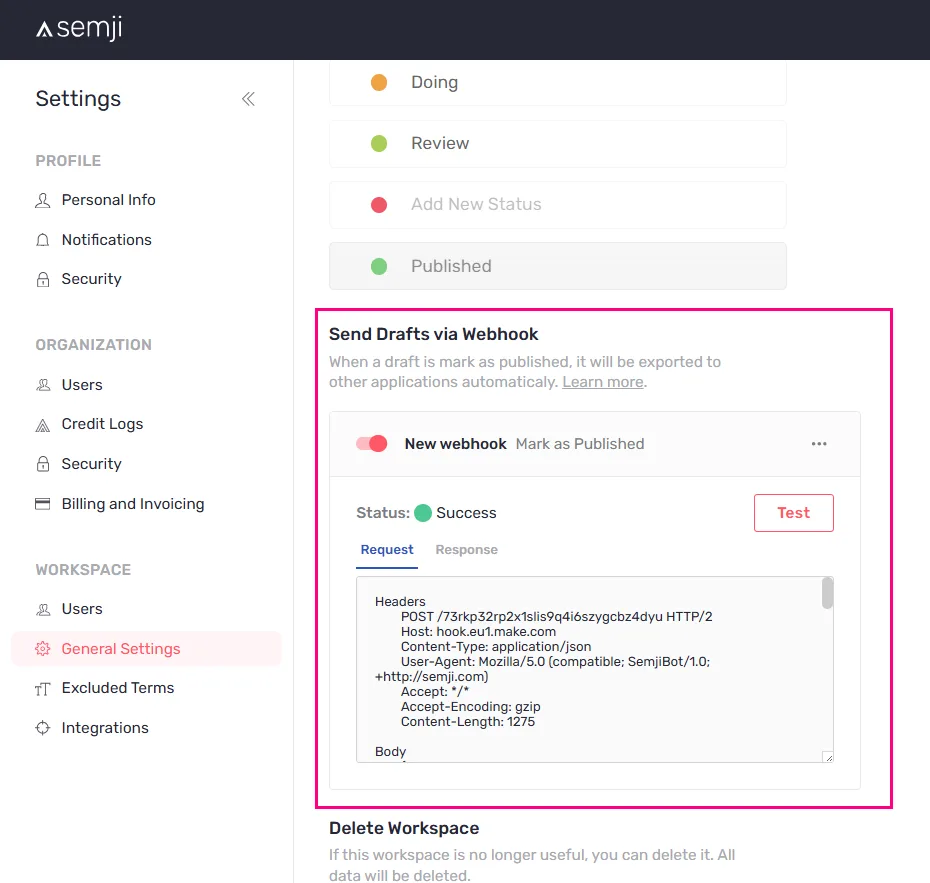
  • A webhook fires when content is marked as published — connect Semji to an automation tool and let publication trigger the rest of the chain, instead of repeating the same manual steps after every article.Webhook configuration for the mark as published event

Pages2
  • Correct a page type by hand — the automatic classification can be overridden on one page or in bulk, so the categories your analyses are grouped by are the ones you chose.Page type open for editing in the listing

  • Two new page types, Local and Video — pages that are neither articles nor products can be classified as what they are, and measured as a format.

Atomic Content1
  • Generate the missing paragraphs and key points in one go — from an existing outline and a first written section, the rest of the article's AI paragraphs and key points are produced in bulk rather than block by block.Bulk generation of AI paragraphs and key points in the editor

Fixes14

Intelligence Hub — SEO7
  • Classifications are correct.

  • Routing between screens works.
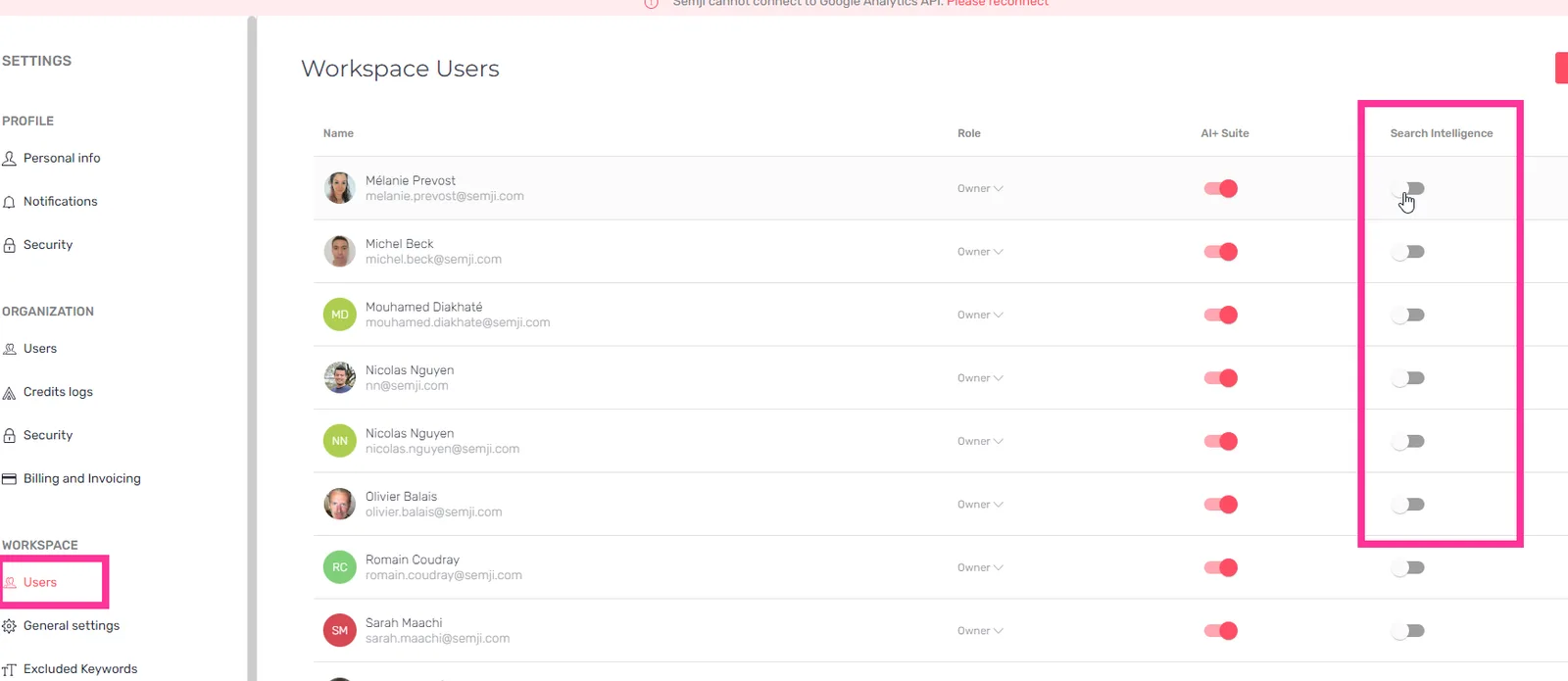
  • Optimizing an existing page from the Hub no longer fails.
  • Reports on branded keywords are accurate.

  • Pipeline notifications are sent.

  • The traffic filter applies.

  • The monthly top page reference is retrieved.

AI Writing3
  • The Knowledge Base no longer times out.

  • Ask AI+ renders and formats its answers correctly.

  • Fact check results render.

Editor2
  • Inserting content no longer leaves an empty line behind, and insertion itself works.

  • Headings render correctly in the content plan.

Brand Voice1
  • Activating and deactivating a brand voice works.

Content Ideas1
  • Removing an idea from the planning works.

16.1.0Minor release

17 changes

Intelligence Hub

Search Intelligence is now the Intelligence Hub, and AI+ Templates let you save an instruction set once and reuse it on every draft.

New features1

AI Writing1
  • AI+ Templates — write your AI instructions once, save them as a template and apply them to any content, instead of retyping the same brief on every generation.

Improvements3

Intelligence Hub — SEO2
  • Search Intelligence becomes the Intelligence Hub — the name matches what the module does and how the offers are now organised.

  • Graphs show twelve months rather than thirteen — the extra partial month is gone, so period comparisons line up.

Editor1
  • A loader on SERP Insight — the panel says it is working instead of looking empty.

Fixes13

Editor3
  • The Ask AI and comment tooltips are positioned correctly.

  • Switching versions in the content history no longer crashes.

  • The title and meta description alerts no longer truncate their text.

Reports3
  • Trends display correctly.

  • Column widths in Report Positions are usable.

  • Navigating between reports no longer shows the previous report's data.

Planning1
  • The new draft button responds to a single click, the form is usable on a narrow screen, and an error during creation no longer locks the screen.

Intelligence Hub — SEO1
  • Competitor computation respects its limit, the saved configuration keeps the right competitor, and ranked URL positions are computed correctly.

Atomic Content1
  • Markdown is parsed correctly during a bulk run, the automatic retry sends the right payload, and a threshold error says what actually happened.

Settings1
  • Folder edit modals and status selectors are styled correctly.

Platform3
  • Translations are corrected across the app, including the dashboard.

  • A repeated call for remaining AI units no longer runs on every screen.

  • Comparing grid columns no longer closes open dropdowns.

16.0.0Major release

26 changes

AI+ Templates and bulk Atomic Content

Reusable AI instruction templates, Atomic Content launched on a whole selection from Planning, a one-click FAQ block, and a search intent summary in the editor's competitors tab.

New features6

AI Writing2
  • AI+ Templates — save a set of AI instructions and reuse it, so a brief you have already refined is applied in one click on the next content.

  • Add a FAQ to a content in one click — a FAQ block is generated at the end of the article, answering the questions readers arrive with and lifting the Content Score.

Atomic Content1
  • Launch Atomic Content on a selection — start generation on many contents at once from Planning rather than opening each draft.

Editor2
  • SERP Insights in the competitors tab — a summary of the search intent behind the main keyword, so the editorial angle is decided against what Google is actually answering.

  • Character counts on the title and meta description — the length is shown as you type, with an alert when it will be cut in the results page.

Platform1
  • Croatian, Bulgarian and Slovenian — three more languages are supported.

Improvements7

AI Writing2
  • Fact-checking reads every knowledge source — website knowledge, the Knowledge Base and other sources are all used, which makes the verdicts more reliable.

  • A failed AI generation retries itself — a transient error no longer means restarting by hand.

Intelligence Hub — SEO2
  • The month in progress is marked on three-year graphs — an incomplete January no longer reads as a collapse against the year before.

  • The ranking algorithm has been improved.

Editor1
  • A new look for heading tags — the outline tab and the competitors' outlines use the same treatment as the rest of the app.

Settings1
  • Managing AI files is available to every workspace owner.

Platform1
  • Public forms that take an email address are protected by a captcha.

Fixes13

Platform3
  • Changing workspace keeps you on the page and tab you were on.

  • Data grid columns resize correctly, trend cells are wide enough, and several interface defects are corrected.

  • Translations are corrected.

Planning1
  • The partial content status filter works.

Editor4
  • The fact-checking loop is fixed, its card is positioned correctly, and the icon no longer disappears.

  • The floating AI button is available on meta fields and content.

  • The meta description length limit is correct and its alert no longer blinks.

  • A new content starts from the right initial body, and the AI placeholder is hidden in read-only mode.

Brand Voice1
  • The character limit is enforced correctly.

Billing & Credits1
  • The remaining credits counter updates immediately, credit usage is sorted correctly, and the upgrade modal appears when it should.

Reports1
  • The wording of the executive reports is corrected.

Pages1
  • A crash on the Pages screen is fixed.

Settings1
  • AI settings survive a logout.

15.2.0Minor release

8 changes

Key points

A new AI+ block drafts the key points under a paragraph, and fact-checking covers more of the text it is given.

New features1

AI Writing1
  • Key points, from the editor's slash menu — a list of key points is written under the paragraph you are on, built from the SERP knowledge, the related terms and what the content already says, so a writer staring at a blank section has somewhere to start.

Improvements3

AI Writing1
  • Fact-checking covers more of the content — more of what you write is checked, and the verdicts are more relevant.

Pages1
  • The "Page type" filter lists its values in alphabetical order.

Intelligence Hub — SEO1
  • The button that turns labels on in a graph is easier to find.

Fixes4

Performance2
  • Position tracking history lost to the srsltid URL parameter has been recovered.

  • The chart title for the Conversions KPI displays correctly.

Content Ideas1
  • Topic generation computes its clusters more reliably.

Platform1
  • The French interface says "Knowledge Base" rather than "Base de connaissances", matching the name used everywhere else.

15.1.0Minor release

16 changes

AI+ Knowledge Base and Custom Instructions

You can now give AI+ your own sources to write from, and tell it how the output should be structured.

New features4

AI Writing2
  • AI+ Knowledge Base — add your own information sources from the Knowledge Base screen and switch them on per content from the editor's side panel, so generated text is built on what your company actually publishes rather than on what a model remembers.

  • AI+ Custom Instructions — define how generated content should be shaped, from the outline format to a call to action at the end, and the instruction applies to the content you set it on.

Editor1
  • Highlight text — passages can be highlighted in the editor.

Pages1
  • Filter pages by import date — a new filter narrows the list to what you imported in a given window.

Improvements7

Editor2
  • Pasting from a word processor keeps its formatting — copying out of Google Docs or Word into the editor no longer arrives as flattened text.

  • Inserting a related term or a search intent inside a bulleted list behaves correctly.

Chrome Extension1
  • Search intents and questions can be added to a draft as H2 headings from the extension.

Pages1
  • Existing pages are easier to spot in the "All pages" view while searching.

AI Writing1
  • Single generations such as an introduction or a paragraph show the rating prompt that full generations already had.

Intelligence Hub — SEO1
  • The "Conversion" funnel stage is now called "Decision".

Platform1
  • Semji works alongside the Merci App writing assistant in the editor.

Fixes5

Editor2
  • Outgoing link suggestions no longer propose the content's own URL with a trailing slash.

  • The meta description field is editable again on Legacy offers, where a regression had blocked it.

AI Writing1
  • The fact-checking icon stays visible while AI+ content is being regenerated.

Intelligence Hub — SEO1
  • Several translations are corrected.

Platform1
  • Columns on the data grids resize and keep their width.

15.0.0Major release

14 changes

Calendar view in Planning

Planning can be read as a calendar and rescheduled by dragging, and a failed Atomic Content run restarts where it stopped instead of from the beginning.

New features4

Planning1
  • A calendar view of the planning — switch between the list and a weekly or monthly calendar, hide the weekends, and drag a content to a new date to change its deadline.

Chrome Extension1
  • Set a draft's planning options from the extension — assignee, due date, status and folder can all be changed without opening the app.

Pages1
  • Page type as a property — pages and reports carry the type of page they are, article, product, news and the rest, so analyses can be grouped by format.

Platform1
  • Saudi Arabia and the United Arab Emirates — both locations are available in English.

Improvements6

Atomic Content1
  • Restart an Atomic Content where it stopped — errors on Atomic Content and on single generations now say what failed, and the run resumes from the point it broke rather than from the first block.

Intelligence Hub — SEO1
  • Two more columns in the export — positioned URLs and traffic type, branded or non-branded.

Reports1
  • The srsltid query parameter is taken into account on reports and on incoming and outgoing links, so the URLs carrying it are no longer counted as separate pages.

Pages1
  • An "Import date" column and filter make it clear when a page arrived.

Planning1
  • Deleting a content asks for a firmer confirmation.

AI Writing1
  • Brand Voice and the Knowledge Base state plainly what happens to the data you give them.

Fixes4

Planning1
  • The folder you were in is assigned to a draft you create from it.

Brand Voice1
  • A tone of voice can be activated after one of its training contents has been deleted.

Intelligence Hub — SEO1
  • The configuration screen showed the previous year's total traffic instead of the current one.

Pages1
  • Decimal numbers are formatted correctly.

14.0.0Major release

7 changes

AI+ Brand Voice

Brand Voice opens in beta, so AI+ generations can follow a brand's own tone, and a list of forbidden terms keeps specific words out of them.

New features4

Brand Voice1
  • AI+ Brand Voice is available in open beta — configure a voice once and the AI writes body copy that follows the brand's tone instead of a neutral default.

AI Writing2
  • AI+ Knowledge Website from the AI+ Settings sidebar — point the AI at the site it is writing for, and switch Fact-checking and Brand Voice on from the same sidebar.

  • Exclude forbidden terms from AI+ generations — list the words the AI may never produce, so compliance wording is enforced at generation time rather than caught in proofreading.

Platform1
  • Dedicated URLs for the Content Hub and the Executive Hub — both open in their own tab and can be bookmarked.

Fixes3

Editor2
  • The AI editor menu opens on the right item by default.

  • The AI+ Fact-checking highlighting option starts on its intended value.

Chrome Extension1
  • Empty folder names no longer appear in the web extension.

13.0.0Major release

8 changes

New table version

Every listing screen moves to a new table, and the SERP analysis now recognises ten page types instead of three.

New features4

Platform2
  • New table across the listing screens — the Dashboard, Pages, Planning, Content Ideas, Reports and Search Intelligence share one table with resizable columns, faster Planning and better pagination, and a search or a page number can be shared as a URL.

  • Ten content types in the SERP analysis — the Editor's Competitors tab, Content Ideas and Search Intelligence classify results into ten types rather than three, from home page and article listing to ecommerce category, product, news, tool and forum, with a matching page-types filter in Content Ideas.

Planning1
  • Separate views for Drafts, My Drafts and Published Contents — filter a folder once and read each state on its own, with "Published Contents" now named the same way it is in Reports.

Chrome Extension1
  • Refresh an analysis from the extension — no round trip through the application, plus a set of interface corrections.

Fixes4

Content Ideas2
  • Adding to the planning from the mind map works again.

  • The "Add to planning" action works on an idea with no focus keyword.

Editor2
  • The featured snippet displays correctly in the Competitors analysis.

  • Disabled search intents are listed in the right order.

12.15.0Minor release

4 changes

Paragraph generation on GPT-4o

Generated paragraphs move to GPT-4o and read more naturally, and a production and performance email report is built and dated for activation.

New features1

Reports1
  • Email report on team production and performance — owners and members receive a recurring report on what the team produced and how it performs, switched on 1 October 2024, and the mail notifications screen in Settings grows the options to configure it.

Improvements1

AI Writing1
  • Paragraph generation moves to GPT-4o — phrasing is more fluid, and the model leans far less on transition words such as "then", "finally", "however" and "nevertheless".

Fixes2

Editor1
  • Outgoing Links no longer proposes duplicate URLs, or URLs outside the workspace.

Content Ideas1
  • Clusters stop loading on a search that returned no content ideas.

12.14.0Minor release

1 change

Normalized traffic in Search Intelligence

Estimated organic traffic is rescaled against the workspace's own Search Console, so the numbers in Search Intelligence match what the site actually receives.

New features1

Intelligence Hub — SEO1
  • Semji normalized traffic — a coefficient built from the workspace's Search Console is applied to the estimated organic traffic for the domain and its subdomains, so the figures line up with real performance. On semji.com the raw third-party estimate was 58K a month against roughly 11K in reality.Normalized traffic against the raw estimateNormalized traffic detail in Search IntelligenceTraffic comparison across domain and subdomains

12.13.0Minor release

2 changes

Search Intelligence access control

Search Intelligence access is now decided per workspace rather than granted to everyone, and the editor's source code modal can show Markdown.

New features2

Settings1
  • Block access to Search Intelligence for some users — workspace users have no access by default, and only an owner can open or close it, whatever the other roles are. The setting appears once Search Intelligence is enabled for the organization.Search Intelligence access toggle in SettingsMessage shown to a user without access

Editor1
  • Markdown view in the source code modal — read and copy the content as Markdown, which most CMSs and text editors import without a reformatting pass, and which stays readable as plain text while you check the structure.Markdown view in the source code modalMarkdown output for a draft

12.12.0Minor release

4 changes

Czech and Slovak markets

Two new Google markets open, and the paragraph and fact-checking models move to a newer generation.

New features1

Platform1
  • Czech and Slovak geolocations — workspaces can now target google.cz and google.sk, with recommendations drawn from those SERPs.

Improvements3

AI Writing2
  • New paragraph model — more relevant output, better handling of languages other than French and English, including the distinction between Mexican and European Spanish, and a higher Content Score on the paragraphs it writes.

  • Fact-checking targets more precisely — the check picks the claims that are worth verifying rather than flagging broadly.

Atomic Content1
  • Atomic Content runs about 15% faster — a 700-word text finishes in roughly two minutes instead of two minutes twenty.

12.11.0Minor release

1 change

Text Compare

Two versions of a content can be compared side by side in the editor, and a version can be given a name.

New features1

Editor1
  • Compare two versions of a content — open Text Compare from the editor options or from the version history to see what changed between a draft and the published page, and rename a version so the history reads as something other than a timestamp.Text Compare showing two versions side by side

12.10.0Minor release

8 changes

Outgoing Links V2

Outgoing link recommendations now suggest the anchor text as well as the destination, and the navigation gains a Hub menu.

New features1

Editor1
  • Outgoing Links V2 — Semji proposes both the link and the anchor text to use, in the application and in the extension.Outgoing link and anchor recommendations in the editor

Improvements2

Platform1
  • New intermediate Hub menu — one entry point into the hubs instead of a flat list.The new Hub menu in the navigation

Editor1
  • Version history and final version — a clearer flow through the versions, with a dedicated interface for workspaces on the older offer.

Fixes5

Platform3
  • The oversized scrollbar is gone.

  • The add-workspace-not-authorized screen no longer renders dark.

  • Clicking slightly off a filter's cross removes the filter.

Planning1
  • Creating a draft by pasting several keywords no longer errors.

Chrome Extension1
  • Accordion alignment and padding are correct in the extension.

12.9.0Minor release

2 changes

Version history in the editor

Every saved version of a content is readable from the editor.

New features1

Editor1
  • Version history in the editor — open the list of versions a content has been through and read any of them without leaving the page.Version history panel in the editor

Fixes1

Intelligence Hub — SEO1
  • A set of interface corrections across Search Intelligence.

12.8.0Minor release

4 changes

AI credit limits per workspace

An organization admin can cap AI+ credit consumption workspace by workspace, and the side panels across the application are standardized.

New features1

Billing & Credits1
  • Set an AI+ credit limit for each workspace — configure the cap from the Billing and Invoicing menu, over a rolling window of 365, 90 or 30 days, so one workspace cannot spend the organization's budget. Only the organization admin can change it.Billing and Invoicing menu entryCredit limit configuration per workspaceRolling period selection for a credit limit

Improvements3

Intelligence Hub — SEO1
  • Search Intelligence gains bulk actions and history — act on several rows at once in the data explorer, open previously generated reports, and move between the screens without losing your place.

Platform1
  • Standardized side panels — Content Ideas, Pages, Search Intelligence, Planning, Reports and Settings all open the same panel, with the same layout and the same controls.Standardized side panel in PagesStandardized side panel in Content IdeasStandardized side panel in Settings

Planning1
  • Clearer folder creation in the Planning — the background "+" folder was redrawn.Folder creation control in the Planning

12.7.0Minor release

11 changes

Extension language from the application

The Chrome extension takes its language from the application's settings, so a writer does not configure it twice.

New features1

Chrome Extension1
  • Set the extension's language from the application — the extension follows the language configured in the app instead of carrying its own setting.Extension language setting in the applicationThe extension rendered in the configured languageLanguage selection applied to the extension panel

Improvements4

Content Ideas1
  • Better SERP similarity calculation — content ideas group more accurately on how close their result pages actually are.

Integrations1
  • Support for the new GA4 conversion name — conversions keep reporting after the rename.

Planning1
  • Faster bulk content addition — fewer steps to add a batch of contents.

Platform1
  • Redrawn modals — mark as published, add to schedule and their siblings share one layout.

Fixes6

Platform1
  • The horizontal scrollbar is the right size.

Planning1
  • The application no longer crashes on a planning row with empty values.

Content Ideas1
  • Zooming in and out of the mind map works again.

Atomic Content1
  • The credit limit error is handled instead of failing silently.

Reports1
  • The Content Score chart in a report carries its title.

Editor1
  • Comment spans in the source code no longer break the editor.

12.6.0Minor release

3 changes

New Reports tab

Reports gets a rebuilt tab where new and existing content sit on one screen, with an average Content Score alongside the other metrics.

New features1

Reports1
  • Rebuilt Reports tab — new content and existing content are read on a single "All contents" screen, an Overview tab puts every metric on one page, and average Content Score joins the KPIs in the Dashboard, in Reports and on the editor's Performances tab.

Improvements1

Planning1
  • Bulk actions on draft creation and content update — act on a selection instead of a row at a time.

Fixes1

Editor1
  • The version selector works again.

12.5.0Minor release

5 changes

Workspace selector search

The workspace selector is searchable, which matters on an organization with dozens of them, and the sidebars across the application look the same.

Improvements2

Platform2
  • Search in the workspace and organization selector — type a name instead of scrolling a long list.Search field in the workspace selectorFiltered workspace list

  • Harmonized sidebars — Pages, Planning, Content Ideas and Settings share one sidebar, and Reports follows in the next version.Harmonized sidebar in PagesHarmonized sidebar in Settings

Fixes3

Settings1
  • Deleting an expired workspace works again.

Editor1
  • The user selection icon is styled correctly.

Planning1
  • The message shown when a page URL is already in use says which content holds it.

12.4.0Minor release

7 changes

More content ideas

Searches that used to return a short list of content ideas now return a full one, and the pages import gains an HTTP code filter.

New features2

Pages2
  • HTTP code filter on the top pages listing — filter the import on 200, 301, 302 or 404 before deciding what to bring in.

  • Delete pages during an import — drop rows you do not want without restarting the import.

Improvements2

Content Ideas1
  • More ideas on thin searches — a search that generated fewer than 100 content ideas now returns more of them.

Editor1
  • Interface corrections in the editor and in the mind map.

Fixes3

Performance1
  • Rank tracking counts tracked pages correctly once the credit limit is reached.

Content Ideas1
  • Mind map alignment is corrected.

Editor1
  • The fact-checking filter dropdown closes when you click outside it.

12.3.0Minor release

8 changes

Canada Quebec geolocation

Workspaces can target the Quebec province rather than Canada as a whole, and generated titles come out of a rewritten prompt.

New features2

Platform1
  • Canada – Quebec geolocation, in French and in English — a geolocation specific to the province rather than to the country, so the SERP and the recommendations match the market being written for, with more French results than a Canada-wide French setting returns. Google still decides what it serves, so some keywords come back in English even on the Quebec French setting.Quebec geolocation selected on a workspaceArea covered by the Quebec geolocationSERP returned for Canada Quebec in FrenchSERP returned for Canada in English

Editor1
  • Trigger the AI from a "+" button in the margin — a control sits opposite every new paragraph line, so the AI can be started with the mouse instead of by typing a slash.The "+" control in the editor margin

Improvements6

AI Writing1
  • Rewritten title prompt — generated titles avoid imperative verbs unless the SERP uses them, place the main keyword earlier where that reads naturally, take the SERP's angle and search intent into account, avoid copying a competitor's wording, and vary between one generation and the next.Title generation in the editor

Settings1
  • Remove a user from the organization out of the workspace settings — removing someone from a workspace no longer leaves them attached to the organization, which is what made re-adding them fail.User removal before the changeUser removal from the workspace settings

Platform1
  • The support chat bubble no longer blocks the interface — it stopped sitting over controls in the corner it occupies.The chat bubble clear of the interface controls

Editor2
  • The inactive fact-checking icon reads as inactive — grey now means disabled, which is what the state was already meant to say.Fact-checking icon before the changeFact-checking icon greyed out when disabled

  • The mind map information modal stays closed — dismissing it is remembered for the user instead of being asked again every time.

Content Ideas1
  • Listing filters carry into the Mind Map — traffic, search volume and keyword difficulty apply to both views.

12.2.0Minor release

4 changes

Mark as published from the extension

A content can be marked as published from the Chrome extension, so a writer working entirely in the extension never has to open the application to close the loop.

New features1

Chrome Extension1
  • Mark as published from the Chrome extension — if no matching content exists in the application it is transferred automatically; if one does, you choose whether to replace the application's version or keep it, and the end of the flow is the same screen the application shows. The extension updates itself, so nothing has to be installed.Mark as published in the extensionChoosing whether to replace the version held in the applicationEnd of the flow on an existing contentEnd of the flow on a new content

Improvements2

Chrome Extension1
  • Notification when an extension licence is assigned — the user gets an email telling them they have access, with the link to install the extension.Extension licence notification email

Reports1
  • "Last draft – assigned user" column in the Reports export — read who was assigned to a content that has been published, and how production is spread across a writing team.The assigned user column in the export

Customer-reported fixes1

Performance1
  • URLs that differ only by a trailing slash are now matched, so a page ranking sixth on Google no longer reads as beyond 100 in Semji.

12.1.0Minor release

2 changes

Credit history export

Credit consumption can be exported from the credit history, which is what an organization with thirty workspaces needs to see where the credits went.

New features1

Billing & Credits1
  • Export the credit history — analysis credits, AI+ Content credits and content idea credits all export together, so consumption can be read per user and per workspace in a spreadsheet or charted over time in a reporting tool.Credit history screen with the export actionExported credit history in a spreadsheetCredit consumption charted from the export

Improvements1

Platform1
  • Better URL classification — the AI sorts URLs into article, shopping and other more reliably.

12.0.0Major release

15 changes

AI Fact-Checking

Fact-checking arrives in the editor, and the comment system around it gets the behaviour a reviewer expects.

New features1

AI Writing1
  • AI Fact-checking in the editor — claims in the draft are checked as you write, and each one can be reviewed in place.Fact-checking results in the editor

Improvements10

Editor5
  • Unread comment notification — the editor says when comments are waiting rather than leaving you to find them.Unread comment indicator in the editor

  • Comment behaviour reworked throughout — opening, resolving and reopening a thread behave consistently.Comment thread in the editor sidebar

  • Settings menu to highlight fact checks and comments — turn the highlighting on or off instead of living with one choice.Highlighting options in the editor settings menu

  • A missing H1 is flagged in the outline — the content plan says so rather than staying silent.Outline flagging a missing H1

  • Placeholders name the selected heading — the editor shows which level you are writing at.Heading placeholders in the editor

Planning2
  • All publications appear in the charts — none is dropped from the graphs on the drafts screen.Publications shown in the drafts charts

  • A new folder inherits its parent — creating a subfolder no longer means picking the parent again.Folder creation with the parent preselected

Chrome Extension2
  • Clearer message when the extension is not in the plan — the message says what is missing.Message shown when the extension is outside the plan

  • Turn recommendations off in the extension, and read credit consumption without leaving it.

Content Ideas1
  • Better brand keyword filter — brand and non-brand keywords separate more reliably.Brand keyword filter in Content Ideas

Fixes4

Atomic Content1
  • The stray space at the start of the meta description is gone when Atomic Content runs.Meta description generated without the leading space

Editor2
  • The responsive editor regression is corrected.

  • The dropdown behaves correctly again.

Settings1
  • Email addresses display in full in Settings.Full email addresses in Settings

11.7.0Minor release

3 changes

Nested comments

Comments were rebuilt from the ground up, so a thread can be nested inside another one and a resolved thread can be commented on again.

New features1

Editor1
  • Nest comments inside comments — comment on a word inside an already commented sentence, as many levels deep as the review needs, the way a document editor allows. A resolved thread can be commented on again without reopening it.Commenting before the rebuild, with no nesting possibleSeveral comments nested inside one sentenceCommenting on a resolved thread

Customer-reported fixes1

Planning1
  • Every folder is visible on the Planning screen again, instead of the list stopping short.Full folder list on the Planning screen

Fixes1

Editor1
  • A browser dialog after creating a draft no longer blocks the way back to the Planning.Returning to the Planning after creating a draft

11.6.0Minor release

1 change

Romanian

Romanian joins the markets Semji can analyse, covering Romania and Moldova.

New features1

Platform1
  • Romanian workspaces on google.ro — create a workspace for the Romanian market and get recommendations drawn from that SERP. Two countries are covered, Romania and Moldova.Romanian market selection on a workspaceAnalysis run against google.ro

11.5.0Minor release

1 change

Piwik PRO connector

Performance data can come from Piwik PRO instead of a Google analytics stack.

New features1

Integrations1
  • Piwik PRO connector — connect a Piwik PRO account with its instance URL, an access key and a secret key, and Semji reads performance from it.Piwik PRO in the integrations listPiwik PRO connection form

11.4.0Minor release

6 changes

Editor and interface polish

The AI menu reads the cursor's position before it offers anything, the editing conflict message says what the two choices actually do, and the user selector is the same everywhere.

Improvements5

Editor3
  • The AI+ Content menu preselects the right model — start the AI under a heading and it offers to write the paragraph, rather than asking you to pick from the full list each time.AI menu preselecting a paragraph under a heading

  • Clearer editing conflict message — the modal now states the two options, keeping your version or taking the one the other person saved, instead of describing the conflict in the abstract.Conflict modal before the rewriteRewritten conflict modal stating both choices

  • Editor and comment stability — technical work under both, for fewer defects.

Reports1
  • The right message for members who cannot connect an integration — the Dashboard and Reports used to invite a member to connect Search Console or an analytics tool their role does not allow; they are now told to ask the workspace owner.Previous message inviting a member to connect a serviceNew message pointing the member at the workspace owner

Platform1
  • One user selector across the application — the same dropdown everywhere, searchable, and able to invite a new user by email.The harmonized user selector

Fixes1

Editor1
  • The sidebar is available on a published content in the "Text" section.

11.3.0Minor release

13 changes

New editor sidebar

The editor's sidebar was rebuilt to give the content plan, the comments and the competitive matrices room, and two new markets open alongside an Adobe Analytics connector.

New features3

Editor1
  • New editor sidebar — a modern layout with the Plan, Comments and the competitive matrices easier to reach, a Content Score that takes less vertical space, and a panel you can widen to read the recommendations properly. Everything the old sidebar did, including turning recommendations off, still works.Editor sidebar before the rebuildRebuilt editor sidebar

Integrations1
  • Adobe Analytics connector — read performance from Adobe Analytics.

Platform1
  • Hungarian and Malaysian English markets — workspaces can target google.hu and google.com.my, with recommendations drawn from those SERPs.Hungarian market selectionMalaysian English market selectionNew markets in the workspace creation list

Improvements6

Editor1
  • Deleted comments survive in the history — deleting the commented text keeps the comment, and keeps the text it was anchored to, so the thread still makes sense. Comments also survive a transfer from the Chrome extension and a draft synchronisation.Comment history keeping a deleted anchor

Planning2
  • Search in the user assignment dropdown — assign a draft in an organization with dozens of users without scrolling.Search field in the assignment dropdown

  • Published contents sorted newest first — the default sort is reversed, so the latest published version of a content is the one you land on.Published contents sorted newest first

Content Ideas2
  • The Mind map and List toggle is easier to see — the control was redrawn.Mind map and list toggle beforeMind map and list toggle after

  • Content ideas always come from the richer data source — more ideas on markets such as Canadian French and Belgian French, where the previous source was thin.

Settings1
  • Connector messages say what the plan allows — either the connector is an option on the current offer or an upgrade is needed, instead of the generic "available on request".

Customer-reported fixes1

Performance1
  • GA4 metrics are retrieved correctly on the workspaces where they were failing.

Fixes3

Settings1
  • The account creation screen renders correctly on a small screen again.Account creation screen on a small viewport

Chrome Extension1
  • Recommendations can be turned on and off again from the Chrome extension.Recommendation toggle in the extension

Platform1
  • The Planning widget on the Dashboard refreshes when you switch workspace.

11.2.0Minor release

4 changes

AI credits and AI+ permissions

AI+ Content and Content Ideas move onto a credit system, and a workspace owner can decide which users reach the AI+ features at all.

New features2

Billing & Credits1
  • Credit system for AI+ Content and Content Ideas — consumption is now metered for every workspace, switched on for everyone at 09:00 local time on 21 November 2023. In the editor the credits a generation costs and the credits left are shown before you run it; in Content Ideas the warning appears once you are within five credits of the limit. Totals and limits are readable under Settings, in the credit history and in Billing, and reaching the limit opens a message explaining how to raise it.Credit balance in the applicationCredit consumption detailCredits shown before an AI+ Content generationRemaining credits in the editorContent Ideas warning as the limit approaches

Settings1
  • AI+ access permissions per user — a workspace owner can switch the AI+ suite off for a given user, which covers Atomic Content, the AI+ Content models and the extension's AI chat. Everyone has access by default.AI+ permission switch on a workspace user

Improvements1

Content Ideas1
  • Themes read in the right direction in the Mind map — the layout was reversed so the branches follow the reading order.Mind map theme layout beforeMind map theme layout after

Fixes1

Content Ideas1
  • The proximity rate no longer reads 1% when the main keyword is the search keyword.Proximity rate on a matching keyword

11.1.0Minor release

7 changes

Clusters and the Mind map

Content ideas are grouped into named themes and can be read as a mind map, and the editor gets a meta description field. The three were opened to customers on 25 October 2023.

New features3

Content Ideas2
  • Clusters on content ideas — up to ten themes are generated alongside the ideas themselves, named by the model from each idea's main keyword, its SERP and the content behind its URL, so the groups are usable as they stand for a content plan rather than needing a sorting pass. Clicking a cluster filters the ideas down to it.Content ideas grouped into clusters
  • Mind Map view — read the same ideas and clusters as a map instead of a list, with every list filter still applied. Click a cluster to zoom into it, open or close a theme, switch each idea between a simple and a detailed card, and add a main keyword to the planning with the same "+" the list uses.Content ideas as a mind mapZoomed into a single cluster

Editor1
  • Edit or generate a meta description — a dedicated field in the editor, filled by hand or by AI+ Content, so a writer can copy it straight into the CMS at publication. It does not affect the Content Score. Synchronising a published content reads the existing meta description into the field.Meta description field in the editorGenerating a meta description with AI+ Content

Improvements2

Atomic Content1
  • Atomic Content keeps a title and meta description you wrote — it no longer overwrites them, and an existing title steers the content it generates. It still asks before replacing body content.Atomic Content run with a title already written

Editor1
  • Clearer editor placeholders — the focused and unfocused states are distinguishable.Editor placeholder, unfocusedEditor placeholder, focused

Fixes2

AI Writing1
  • A set of interface corrections across AI+ Content.
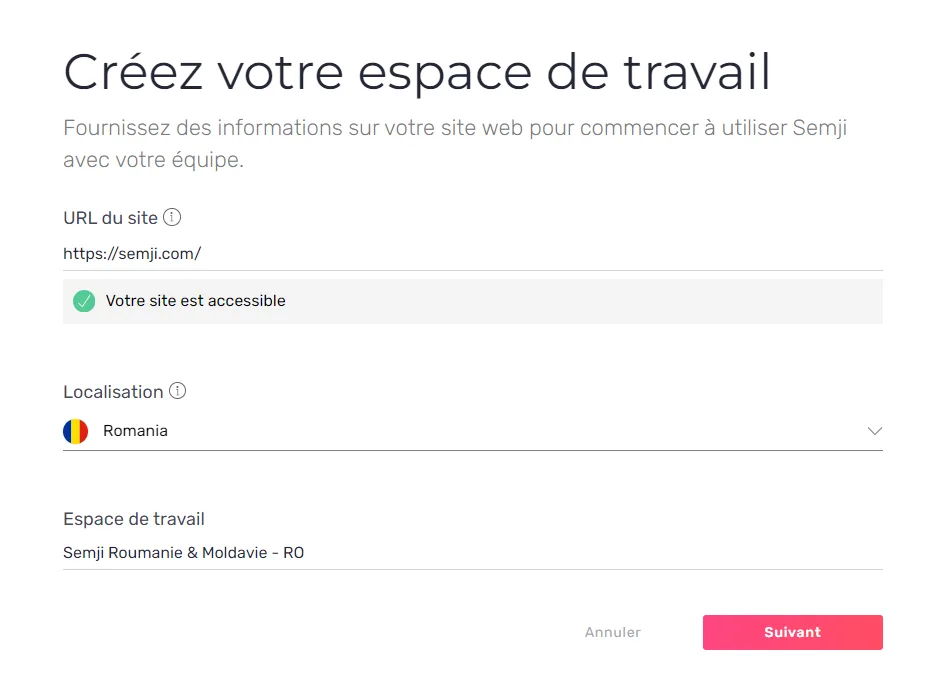
Editor1
  • A line break inside a bold bullet list works again.

11.0.0Major release

2 changes

AI+ Content

The editor gets an AI menu with three models behind a keyboard shortcut, and Atomic Content turns a finished piece into the shorter formats around it.

New features2

Editor1
  • An AI menu inside the editor — pressing Shift + / opens a menu offering three models without leaving the draft, so a rewrite or an expansion happens where the text already is.AI menu opened in the Semji editor

Atomic Content1
  • Atomic Content — a published piece can be turned into the shorter formats that usually get written from scratch afterwards, from the content already in the workspace.Atomic Content generating derived formats

10.5.0Minor release

2 changes

Chrome extension assignment

An organisation admin now decides which users get a Chrome extension seat, and content extraction reaches text hidden behind accordions.

New features1

Settings1
  • Assign the Chrome extension user by user — an organisation admin sees how many extension seats the organisation holds and picks who uses them, from the organisation settings.Chrome extension seats in the organisation settingsAssigning an extension seat to a user

Improvements1

Pages1
  • Extraction reads collapsed content — text sitting behind an accordion or a similar collapsed block is now picked up when a page is analysed, instead of being counted as missing.

10.4.0Minor release

5 changes

Position tracking in the Reports export

Position-tracking metrics now come out in the Excel and CSV exports, and Chrome extension access is granted user by user from the organisation settings.

New features2

Reports1
  • Position-tracking metrics in the Reports export — the Excel and CSV exports carry new position-tracking columns, so the numbers you read on screen are the numbers you hand to a spreadsheet.New position columns in the Reports Excel exportPosition columns in the exported file

Settings1
  • Chrome extension access is set per user — an organisation admin grants or removes the Chrome extension user by user from Settings, then Users, and from 25 September a user needs that access set explicitly before the extension opens for them.Chrome extension access set per user in organisation settings

Improvements2

Performance1
  • A dash instead of "New" past position 100 — comparing a before and after position beyond the top 100 now prints "-", which was previously shown as "New" and read as a ranking that had just appeared.Position comparison printing a dash past position 100

Editor1
  • One Volume tooltip across the application — the editor's Volume tooltip now carries the same wording as every other screen that shows a search volume.Previous Volume tooltip wording in the editorUpdated Volume tooltip wording

Fixes1

Editor1
  • A comment that is not the focused one can be edited and deleted again.

10.3.0Minor release

11 changes

Position tracking

Position tracking is switched on: the daily position of your focus keyword and of every organic keyword ranking that URL, on the dashboard, in the editor and in Reports.

New features1

Performance1
  • Position tracking is live — Semji now follows the daily Google position of each published content, both for its focus keyword and for every organic keyword that ranks the URL in the top 100, so a drop shows up the day it happens rather than in the next monthly review. It reads on the dashboard, in the editor's Performance tab and in Reports.Position tracking columns in Reports

Improvements8

Reports1
  • A position filter and clearer keyword trends — Reports gains a "# Position" filter beside Average Position, the "TOP 100 keywords" column is now called Organic Keywords, and the trend curves in the table are easier to read.

AI Writing1
  • AI Chat moves to GPT-3.5 — generated text is richer and more relevant, and it arrives faster.

Planning3
  • Create up to 100 drafts at once — the bulk draft limit goes from a handful to 100 in one pass.Bulk draft creation with the raised limit

  • The draft shows next to its content in the creation flow — the list names the draft associated with each content instead of the folder alone, so a folder mistake is visible before you commit.Draft names shown beside each content during creation

  • Bulk-created drafts inherit the folder you are in — creating dozens of drafts from inside a folder files them there, rather than asking you to assign each one by hand.Folder inherited on bulk draft creation

Content Ideas1
  • Better titles on content ideas — the title is taken from the SERP or from the page's own HTML by a rule that avoids very short titles and Google's rewrites, and the site's brand name is stripped out of it. The cleaner string also feeds the cluster algorithm.Content idea titles with the brand name still attachedContent idea titles with the brand name removed

Editor1
  • A more readable editor — heading sizes, the title size, paragraph size and the text colour were all adjusted, so the levels of a long outline are distinguishable at a glance.Editor with the revised typography

Platform1
  • Tooltips on every column header — each column title in Pages, Planning and Reports explains what it measures.Tooltip on a table column header

Fixes2

Reports1
  • The back arrow on a selected published content returns to Reports.

Editor1
  • The heading level of a search intent added to the content can be changed again.

10.2.0Minor release

7 changes

Mindmap UI improvements

The Content Ideas mindmap now opens an idea's detail on hover and folds a cluster's ideas away on click, and keyword position tracking returns its Top 100 data again.

Improvements3

Content Ideas1
  • Read an idea without leaving the mindmap — hovering a keyword opens its detail panel, clicking a cluster shows or hides the ideas it holds, and the view carries assorted spacing and label adjustments.Mindmap showing an idea's detail on hoverCluster expanded to show the content ideas it holds

Chrome Extension1
  • Better content extraction — the rules that decide which part of a page the Chrome extension reads were reworked, so the analysed text matches the article on more site layouts.

Platform1
  • SERP collection is asynchronous and fetched in bulk — SERP results now come from a third-party data provider in bulk rather than one request at a time, which cuts both the cost and the time a large analysis takes. The Semji scraper stays in place for the job it is fastest at, fetching a single focus keyword's SERP on demand.

Customer-reported fixes4

Performance1
  • Position tracking shows the positions of organic Top 100 keywords and focus keywords again, after the command that collects the data was corrected.Positions tab listing no keywordsPositions tab with the Top 100 keywords back

Planning1
  • Suggested keywords appear again when creating a new content.Keyword suggestions on content creation

Editor1
  • Copying and pasting from Word into Semji works again.

Pages1
  • Pages redirected with a 301 are counted when showing a page's position beyond the top 10 in the heatmap.

10.1.0Minor release

6 changes

Cannibalization improvements

The cannibalization warning now appears at the three moments you can still act on it, and the Planning and Content Ideas exports carry the columns people were re-adding by hand.

Improvements6

Editor3
  • Cannibalization warnings where you act on them — the alert shows in the editor's keyword suggestions, when you create a draft or an optimization, and when you import a URL, rather than only in the reports.

  • Content length recommendation in the brief — the brief states how long the content needs to be to compete on its focus keyword.

  • Your own site appears in the heatmap below position 10 — the analysis heatmap plots your pages even when they rank outside the top ten, so a page at 23 is visible instead of absent.

Content Ideas2
  • Filter content ideas on whether you already rank — a positioned / not positioned filter splits the list in two.

  • Proximity rate in the content ideas export — the column is in the Excel and CSV files, not only on screen.

Planning1
  • Content score, publication date and folder in the Planning export — the three columns people were pasting in by hand ship with the file.

10.0.0Major release

5 changes

Editor and Reports improvements

Reports gain a publication-date filter, the editor lets you take its HTML with you, and a link written relative in your CMS finally counts as an incoming link.

Improvements5

Reports1
  • Filter reports on publication date — the Reports tab filters on the day a content went live, which was the one date the tab could not sort on.Publication date filter in the Reports tab

Editor1
  • Select and copy the HTML — the HTML behind the editor can be selected, copied and pasted somewhere else.Selecting the HTML source in the editor

Pages1
  • Relative links count as incoming links — a link written relative in your CMS is recognised, where only absolute links were counted before, so internal linking measured from Semji matches what the site actually does.Incoming links detected from a relative href

Settings1
  • Remove the profile photo you never chose — the picture inherited from a connected Google account can be deleted.

Platform1
  • A new background on the sign-in screen.Refreshed sign-in screen background

9.0.0Major release

3 changes

Danish market and profile photos

Workspaces can target the Danish market, everyone can set their own profile photo, and an agency can run Semji under its own branding.

New features3

Settings2
  • Workspaces for the Danish market — a workspace can be created against google.dk, so the recommendations come from the market the site is actually competing in.Creating a workspace for the Danish marketDanish market selected on a workspace

  • Set your own profile photo — a photo can be imported in JPG or PNG, and deleting it restores the default avatar rather than leaving a gap.Profile photo settingsImporting a profile photoConfirmation before removing a profile photoDefault avatar restored after removal

Platform1
  • Organizations with their own branding — an organization can be created as a branded one, for an agency that produces content for its own clients and wants Semji to carry its name rather than ours.

8.3.0Minor release

10 changes

Five new markets

Turkish, Finnish, Lithuanian, Norwegian and Swedish workspaces can be created, and the Planning filters on folder.

New features2

Settings1
  • Workspaces for five new markets — Turkish (google.com.tr), Finnish (google.fi), Lithuanian (google.lt), Norwegian (google.no) and Swedish (google.se), so a Swedish site is measured against the Swedish SERP rather than an approximation of it.Market selection when creating a workspaceNew markets in the workspace creation screen

Planning1
  • Filter the Planning by folder — drafts filter on folder, and in the Published view the same filter makes one folder's publication dates readable on their own.Folder filter in the PlanningFolder filter applied to published content

Improvements2

Integrations1
  • Connection buttons say the same thing everywhere — Search Console, Google Analytics and the other connectors showed their connected state three different ways in Settings, Integrations.Connector buttons before the fixConnector buttons after the fix

Platform1
  • The folder selector and the underlying routing and data-fetching libraries were updated.

Customer-reported fixes2

Editor1
  • The content score updates when content is pasted into the editor.

Chrome Extension1
  • An icon is the right size again in the Chrome extension.

Fixes4

Platform3
  • Filters no longer close by themselves while you are using them.

  • Filters keep working when you combine conditions with AND and OR.

  • Filters no longer disappear when you open the cannibalization panel.

Editor1
  • "Refresh from website" retrieves the page's content correctly.

8.2.0Minor release

6 changes

Configurable content extraction

You decide which parts of a page Semji reads, and the interface is available in Spanish and Italian.

New features2

Settings1
  • Choose what counts as the content of a page — extraction rules include or exclude specific parts of the page markup, so navigation, related-article blocks and footers stop being scored as if you had written them.

Platform1
  • Spanish and Italian interfaces — the platform is available in both languages, which opens the Spanish and Italian markets to teams who work in them.

Improvements4

Integrations1
  • AT Internet conversions arrive — conversions are read as visits that led to a conversion; nothing was retrieved before.

Reports1
  • New and existing content are counted separately — Reports states how many of the contents in view are new and how many are updates.New and existing content counts in Reports

Editor1
  • The brief PDF is available in French.French brief PDF

Chrome Extension1
  • The extension's architecture was rebuilt so it can handle a class of CMS it could not read before.

8.1.0Minor release

8 changes

Comments and clusters

A whole organization can now discuss a draft inside the editor instead of around it, and content ideas are grouped into themes.

New features2

Editor1
  • Comment on a draft without leaving it — everyone in the organization can comment on a passage, reply in a thread, resolve it, edit or delete it, and mention a colleague with @, with the whole discussion kept in a history.Comments open in the editorCommented passages marked in the contentHistory of a comment threadActions available on a commentMentioning a colleague in a commentComments shown alongside the contentTurning comments on and off

Content Ideas1
  • Clusters group content ideas by theme — the keyword areas a list of ideas actually covers are visible without reading the list, which is what makes a hundred ideas usable.

Improvements3

Content Ideas1
  • More relevant ideas, computed faster — a similarity-rate column to filter on, irrelevant keywords dropped before you see them, and a shorter analysis thanks to a reworked cache.Similarity rate column in Content Ideas

Settings1
  • One place for notifications — draft assignment and comment notifications are both configured under Notifications in Settings.Notification settings beforeNotification settings after

Integrations1
  • The Help Center link in the AT Internet connection flow names the page it opens.AT Internet help link beforeAT Internet help link after

Fixes3

Planning1
  • Assigning a user to a draft no longer flickers.Assignment flicker before the fixAssignment after the fix

Settings1
  • An invited user is shown as pending until they join the organization.Pending invitation in the user listPending invitation state

Chrome Extension1
  • AI Chat switches on for anyone who has access to the Chrome extension, instead of needing a separate grant.

7.2.0Minor release

7 changes

A narrower Limited Guest Writer role

Limited Guest Writers now see only the folders holding drafts assigned to them, and Pages and Planning can be filtered on HTTP status codes.

New features2

Pages1
  • Filter pages on their HTTP status code — 301s and 404s can be isolated in Pages and Planning, so the redirects to write after a redesign come out as a list rather than a manual pass.HTTP status filter in PagesPages list filtered on 301

Settings1
  • Limited Guest Writers see only their own folders — a Limited Guest Writer now sees the folders containing drafts assigned to them and nothing else, which is what an agency running several clients in one organisation needs. Owners still see every folder.Folder list as seen by a Limited Guest Writer

Improvements4

Integrations1
  • AT Internet is now Piano Analytics — the name and the logo are updated in the Integrations screen and through the whole connection flow.Piano Analytics in the Integrations screen

Reports1
  • Metrics translated into French — the metrics and the time-range options in Reports and in the editor's Performance tab read in French.Translated metrics in ReportsTranslated time-range options in the Performance tab

Settings1
  • Sign in with Google moved to Google Identity — the old Google Sign-in button was due to stop working at the end of March, so the button and the flow behind it now use Google's current service.Previous Google Sign-in buttonNew Google Identity button

Chrome Extension1
  • AI Chat turns on with the extension — anyone with access to the Chrome extension gets AI Chat without a second activation step.

Fixes1

Chrome Extension1
  • The send button in the extension's AI Chat is visible again instead of being cut off.AI Chat with the send button hiddenAI Chat with the send button visible

7.1.0Minor release

13 changes

Content Ideas gets its data cleaned up

Every content idea now carries a word count, off-topic keywords are gone from the results, and the filters read in French across the application.

New features1

Content Ideas1
  • A word count on every content idea — each idea shows how long the page behind it is, which is what decides whether a subject is a rewrite or a full production. Word counts arrive with a new analysis; older analyses are not backfilled, and "N/A" means the page content could not be retrieved rather than that the page is empty.Word count column in Content IdeasWord count shown on a content ideaContent idea listing with word counts

Improvements8

Content Ideas2
  • Off-topic keywords dropped from the results — main keywords with a search volume of zero are what pulled a Wikipedia page about a singer into a search on baby sleep, so they are filtered out, and the number of ideas returned was raised to compensate. One search went from 98 results to 127.Content ideas with an off-topic main keywordContent ideas after the zero-volume keywords are removed

  • Fewer duplicate keywords while the list loads — identical main keywords are collapsed as the ideas come in. Duplicates can still appear briefly while the estimated traffic is still being retrieved.Listing showing the same keyword twiceListing with duplicates collapsed

Editor2
  • Planning options rebuilt in the draft — every scheduling option is one click away and a draft can be assigned to a folder from there, in less horizontal space than before.Previous planning options in a draftNew planning options with a folder selectorPrevious scheduling panelNew scheduling panel

  • A larger H4 — H4 moves to 15px so it is visually distinct from body text in the editor.H4 at the previous sizeH4 at 15px

Planning1
  • Full URLs in Planning and Pages — a URL uses the space it has before being truncated, so the part that identifies the page is visible. Longer URLs still end in an ellipsis.URL column in PlanningPrevious truncated URLsURLs shown in full

Platform2
  • Filters translated into French — the filters on every screen of the application read in French.Filters in EnglishFilters in French

  • One set of rounding rules for every metric — clicks, volumes, estimated traffic and conversion rates are formatted the same way on every screen, after the rules were first applied to Reports alone.Metrics before the formatting rulesMetrics with the shared formatting rules

Chrome Extension1
  • The extension opens on your last workspace — it reopens on the workspace you last selected, as the application does, which matters when an account carries a dozen of them.

Fixes4

Content Ideas3
  • Trend curves that failed to render now display.Content idea with a missing trend curveContent idea with the trend curve displayed

  • Titles no longer load indefinitely: a title that cannot be retrieved reads "Unknown title", as elsewhere in the application.Title stuck in a loading stateTitle replaced by "Unknown title"

  • The domain name is stripped from the end of a title, so the listing shows the words that identify the subject.Titles ending with the domain nameTitles without the domain nameContent idea listing after the change

Chrome Extension1
  • Resizing the extension no longer leaves a band of white space inside the window.White space after resizing the extensionExtension resized without white space

7.0.0Major release

4 changes

AI Chat in the Chrome extension

The Chrome extension gains a chat assistant in beta, and the window it opens in can now be resized and moved out of the way.

New features1

Chrome Extension1
  • AI Chat in the Chrome extension — a chat assistant built on GPT-3 and tuned for SEO and content questions, for drafting an outline, a detailed brief, a table or a rewrite without leaving the page you are on. It ships in beta, with 250 generations a day per organisation.AI Chat open in the Chrome extension

Improvements2

Chrome Extension2
  • Resize the extension window — hovering the extension shows a resize handle in the lower left corner, so a long generation, a table or a full content plan is readable without scrolling. The Google Docs layout is fixed to the right sidebar and stays that size.Resizing the extension windowResize handle in the lower left corner

  • A sliding tab instead of a fixed badge — the extension now opens from a tab on the right edge of the page that slides up and down, rather than a badge pinned to the bottom right where it covered chat widgets and sidebar buttons.Previous badge pinned to the bottom rightNew tab on the right edge of the page

Fixes1

Chrome Extension1
  • The tooltip shown when hovering a main keyword reads correctly.Tooltip with the wrong labelTooltip with the corrected label

6.1.0Minor release

12 changes

Better focus keywords in Content Ideas

Each content idea now carries the keyword that actually drives traffic to the page it came from, which means fewer ideas and far fewer dead ones.

Improvements8

Content Ideas5
  • Focus keywords come from the page's top keyword, not the query that found it — the starting keyword is used only to find the ranking page, and the idea then takes the keyword that generates the most estimated traffic for that page, so ideas whose keyword had zero search volume or whose page had zero estimated traffic are gone. Expect 15 to 30 fewer ideas per analysis.Content ideas with their new focus keywordsA content idea under the previous methodThe same idea after the change

  • An "All" filter shows every idea at once — broad queries and related keywords in one list rather than two tabs.All filter on the content ideas list

  • The focus keyword and content idea tooltips explain what they hold — both were written against the previous method.Updated focus keyword tooltipUpdated content idea tooltip

  • A banner says an analysis will take longer — the pipeline scrapes Google twice and waits on a keyword provider, so a run that used to be quick is not any more and now says so.Banner warning that an analysis takes longer

  • Earlier analyses stay in the history — an analysis run before the change is labelled as such and offers a fresh run, rather than mixing two methods in one list.Older analyses marked in the historyBanner on an analysis predating the change

Chrome Extension1
  • The BETA badge is off the Chrome extension — it disappears once the new build clears the Chrome Web Store review.Chrome extension without the beta badge

Editor2
  • Find and replace is the browser's — the editor's own dialog was not scrolling to the match it found, so it has been switched off in favour of the one the browser already does well.Editor find and replace beforeBrowser find in the editor

  • A link opens in the current tab by default — the link dialog defaulted to a new window, which is not what most people mean when they add a link.Link dialog defaulting to the current tab

Fixes4

Chrome Extension1
  • "See draft" opens the draft rather than the onboarding screen.

Planning2
  • Adding a page to the Planning from Pages opens the editor ready to start optimizing, instead of on an empty document you had to sync by hand.Empty editor before the fixStart optimizing state after the fix

  • Scheduling information in the editor, assignee, status and due date, is correct.

Platform1
  • Dashboard metrics display correctly.Dashboard metrics before the fixDashboard metrics after the fix

6.0.0Major release

11 changes

The new editor

The editor has been rebuilt on a new stack: tables, nested lists, clean pasting from Word and Google Docs, and accents that display on a Mac. Planning and Pages also warn you when two contents target the same keyword.

New features3

Editor1
  • A rebuilt editor — tables, nested bullet lists, copy and paste that survives a round trip through Word or Google Docs, accents that display correctly on a Mac, and better performance throughout.The new Semji editor

Planning1
  • Cannibalization alerts in Planning and Pages — both reports flag a focus keyword already used on another page or draft, with the count of each; changing the keyword or deleting the duplicate clears the alert. It is a warning, so you can still publish anyway.Cannibalization alert in the Planning

Chrome Extension1
  • Exclude text in Google Docs with semji_ignore tags — briefing notes, remarks and a proposed outline wrapped in the tags stay out of the recommendations, as they already could elsewhere.Text excluded from recommendations in Google Docs

Improvements6

AI Writing1
  • The latest OpenAI language model behind AI Writing — generated text is more accurate and more precise.

Platform2
  • Percentages read more cleanly — evolution figures between 0 and 999% drop their decimals.

  • Translation improvements across the interface.

Integrations1
  • HubSpot synchronisation is more reliable.

Content Ideas1
  • Loading states while the analysis history loads, instead of an empty panel.Analysis history beforeAnalysis history with loading state

Planning1
  • A clearer iCal icon.iCal icon beforeiCal icon after

Fixes2

Platform1
  • The content score tooltip no longer appears on the dashboard, where it described nothing.Dashboard without the stray tooltip

Chrome Extension1
  • Outgoing links are counted by the extension in Google Docs.

5.7.0Minor release

11 changes

Draft creation in the Chrome extension

The Chrome extension can now create a draft, list every draft in progress across the workspace and copy recommendations in one click, and the editor shows the Hn outline of a content.

New features3

Chrome Extension2
  • Create a draft without leaving the extension — the Drafts tab and the extension header both carry a New draft button, the flow matches the one in Content Ideas, and the analysis starts as soon as the draft lands in your planning. Keyword suggestions are not offered here, and an analysis started from the Analyse tab still creates no draft.New draft button in the extension headerNew draft button inside the drafts tabDraft creation flow in the extension

  • See every draft in progress, not only your own — a selector switches between the workspace's drafts in progress and yours, with the same search as the application. Limited guest writers keep seeing their own drafts only, and the due-date sort was removed.Extension showing only your own draftsSelector between workspace drafts and your draftsSearching within the drafts list

Editor1
  • See the Hn outline of a page or draft — one panel lists the headings in order, which is how you spot an h3 with no h2 above it, two headings saying the same thing, or a section nobody wrote.Turning on the outline panelOutline of a long content

Improvements6

Chrome Extension1
  • Copy a search intent, a question or a related term in one click — the Optimisations tab copies the recommendation straight to the clipboard, instead of asking you to select the text first. In the application the same items are still added to the editor with a "+".Copying a search intent from the extensionCopying a questionCopying a related term

Integrations1
  • Matomo and AT Internet appear among the connectors — both are listed on the connectors screen with a path to having them switched on, rather than existing only for whoever had heard of them.Matomo and AT Internet listed on the connectors screen

Content Ideas1
  • Content ideas load faster — the query behind the list was reworked.

Platform2
  • Guided tours on the newer screens — short in-app tours cover the iCal planning sync, the export buttons in Reports and the analytics connectors.Guided tour on the iCal planning syncGuided tour on the Reports export buttons

  • More of the interface reads correctly in French — another pass over the French translation.

Settings1
  • The message shown after inviting users from Settings says what actually happened.

Customer-reported fixes1

Content Ideas1
  • Content ideas load normally again on the workspaces where the list was staying empty.

Fixes1

Planning1
  • Sorting on the Main keyword column works.

5.6.0Minor release

16 changes

Matomo and Google Analytics 4 connectors

Semji connects to Matomo and Google Analytics 4, the planning exports to any iCal calendar, and the Chrome extension window can be moved out of the way.

New features6

Integrations1
  • Connect Matomo or Google Analytics 4 — an admin links the workspace to either tool and brings up to three conversion goals back into Semji, next to the rest of the content performance.Matomo and Google Analytics 4 in the connector list

Planning1
  • Sync your planning to an external calendar — Planning gives you an iCal link that any compatible calendar reads, so a deadline set in Semji shows up wherever you already work and can drive a reminder from there.The iCal link in PlanningModal holding the iCal linkA content to optimise seen in an external calendar

Pages1
  • A 404 badge in Pages — an imported URL that answers 404 is badged as such in the listing, where only redirects were visible before.404 badge on an imported page404 badge in the Pages listing

Chrome Extension3
  • Move the extension around the screen — drag it by its header to uncover whatever it was sitting on. The last position is remembered, it stops at the edges of the screen and its height stays fixed.Extension dragged to a different position

  • Related-term examples inside the extension — clicking a related term opens the list of examples showing how it is used, which until now existed only in the application.Clicking a related term in the extensionList of examples for a related term

  • Keep a brief out of the Content Score — wrapping the writer's brief in [semji_ignore] and [/semji_ignore] in a document workspace stops its keywords from counting towards the score, so the brief can live in the same document as the draft.

Improvements8

Platform1
  • A collapsible sidebar on small screens — Content Ideas, Pages and Planning each fold their sidebar away, which is the difference between reading the table and scrolling it on a 13-inch screen.Sidebar open in Content IdeasSidebar collapsed in Content IdeasCollapsible sidebar in PagesCollapsible sidebar in Planning

Content Ideas4
  • Optimisation is recommended for the Google top 30, not the top 100 — a page ranking beyond the thirtieth position is rarely the one that will rank for that keyword, so it is no longer put forward. The recommendation stays a recommendation and you can still work on a page that sits further down.Content ideas limited to pages in the top 30

  • Titles run over two lines — as they already did in Pages and Planning.Content idea titles over two lines

  • "Add to planning" reads "Scheduling" — the old wording was read as a reference to the Planning screen rather than to the scheduling options in front of you.Renamed scheduling modal

  • The history column "Traffic" is now "Volume" — the figures in it were always search volumes.Volume column in the content idea history

Editor1
  • A loader while a page is refreshed from the website — updating a page shows that something is happening instead of an unchanged screen.Loader while the page is refreshedEditor once the refresh completes

Integrations1
  • A clearer disconnect dialog for analytics connectors — rebuilt on the shape the rest of the platform's dialogs use.Previous connector disconnect dialogRebuilt connector disconnect dialog

Planning1
  • Changing the main keyword refreshes the analysis straight away — the new analysis runs on the spot instead of waiting for a reload.Analysis refreshed after a main keyword change

Fixes2

Editor1
  • Accented characters type correctly on macOS.

Platform1
  • A round of interface fixes, typos and translation corrections.

5.5.0Minor release

11 changes

More readable recommendations

Recommendations wrap onto a second line in the app and the Chrome extension so they can be read and copied without hovering, and the editor now counts characters as well as words.

New features1

Editor1
  • Character count in the editor — the editor counts characters alongside words, for the whole draft and for whatever is currently selected, which matters when the brief is written in characters.Editor character count with nothing selectedEditor character count on a selection

Improvements9

Editor1
  • Recommendations on two lines — search intents, questions and the other recommendations wrap onto a second line in the app and in the Chrome extension, so the whole phrase is readable and selectable without hovering it.Search intent recommendations wrapped onto two linesQuestion recommendations wrapped onto two lines

Content Ideas1
  • Fewer near-duplicate ideas — when two keywords return the same top three results, only the one with the higher search volume is suggested, so close variants of one search intent stop taking two slots.Content ideas list with near-duplicate keywords removed

Planning1
  • Change a draft's focus keyword from the listing — the focus keyword can be edited straight from the Planning listing, as it already could from Pages, so spotting two drafts on the same keyword and fixing one is a single screen.Editing a draft's focus keyword in the Planning listing

Reports1
  • Folder column in exports — XLS and CSV exports carry the folder of the page's latest published draft, so an export can be segmented by theme outside Semji.Folder column in an exported report

Settings2
  • A professional address is required when changing your email — the rule that already applied to account creation now applies when someone changes the email on an existing account.Rejection when changing an account email to a personal address

  • The last administrator message names the organisation — when the only administrator of an organisation tries to delete their account, the message says which organisation needs another administrator first.Old message without the organisation nameNew message naming the organisation

Chrome Extension1
  • The extension picks up an analysis started in the app — coming back to a draft with the extension open shows the analysis running, instead of looking as though nothing had been launched.Chrome extension showing an analysis in progress

Platform1
  • Empty states drop their table headers — a listing with nothing in it no longer shows column titles above the empty state.Listing empty state without table headers

Pages1
  • Clearer 301 labels — the 301 badge has a new colour and sits closer to the URL it belongs to.301 badge next to a page URL

Fixes1

Settings1
  • Conversion goals can no longer be managed from the workspace connectors screen on legacy Pro accounts, which the Pages screen already blocked.Connectors screen with goal management still availableConnectors screen with goal management blocked

5.4.0Minor release

19 changes

The Chrome extension in Google Docs

The extension works inside Google Docs and the HubSpot CMS, so a writer stops copying and pasting between the tool they write in and Semji. Content ideas also export, and "Mark as published" says what it actually does.

New features4

Chrome Extension2
  • Use the extension inside Google Docs — Semji's recommendations sit beside the document and the content pushes straight into a draft, which removes the copy and paste that used to sit between the two. Switched on per organization on request.Semji recommendations panel open inside a Google Docs document

  • Use the extension inside the HubSpot CMS — writers working directly in the HubSpot back office push their content to a draft from there.Semji recommendations panel open inside a HubSpot CMS blog editor

Content Ideas1
  • Export the content ideas table — Excel and CSV, so an idea list can go into an editorial plan or a spreadsheet somebody else already keeps.Export action highlighted on a selection of content ideasExport dialog offering Excel or CSV format

Settings1
  • A new sign-up page — account creation asks for a professional email address rather than a personal one.Semji sign-up page asking for a professional email address

Improvements12

Content Ideas2
  • Pages are classified more accurately — the share of pages correctly typed as Article, Shopping or Other went from about 60% to about 80%.A page listed under the Misc type before the classification fixThe same page listed under the Article type after the classification fix

  • Broad queries sort on estimated traffic — the default sort was search volume, which put a high-volume keyword above the page actually drawing the traffic; the new order surfaces the content worth studying.Content ideas table sorted by estimated traffic, with the column highlighted

Planning3
  • "Mark as published" states what it does and does not do — the single and bulk dialogs say the content still has to go into your CMS, link to the Help Center article, and end with a confirmation, because people were reading the action as Semji publishing for them.Mark this draft as published dialog for a single contentMark drafts as published dialog for a bulk selection of contentConfirmation screen after a draft is marked as published

  • Collapse and expand folders — folder trees fold, which is what makes a workspace with deep folder structures readable.Planning folder tree with a subfolder expanded to show nested folders

  • Bulk actions match across Planning, Pages and Content Ideas — Pages gains export, and Planning gains running several analyses at once and setting a due date in bulk.Pages bulk selection toolbar with the export actionPages row menu with update from website and delete actionsPlanning bulk selection toolbar with analyze, mark as published and export actionsPlanning row menu with analyze, mark as published and delete actionsContent ideas bulk selection toolbar with add to planning and export actions

Chrome Extension3
  • The extension no longer opens itself — the side panel stays closed when a page matches one of your workspaces until you open it, instead of covering what you were reading. The extension is still active.Collapsed extension icon in the corner of a page instead of an open panel

  • The extension remembers the last workspace you used, per tab, so changing workspace in one tab leaves the others alone.Extension panel with the workspace selector defaulted to the last-used workspace

  • The close control is a chevron rather than a cross, which reads as collapsing the panel rather than discarding the recommendations.

Platform2
  • Focus keywords and titles wrap onto two lines in Content Ideas, Pages and Planning, so you can read and copy them without hovering.Draft list showing titles and focus keywords wrapped onto two lines

  • The message asking you to contact an organization or workspace administrator for permission was rewritten.

Pages2
  • Loading states on Pages, matching Planning and Content Ideas.Skeleton loading placeholders in the Pages table

  • New and updated content are easier to tell apart in the Planning, and the Type filter wording matches what the labels say.Planning list showing existing and new content status pillsType filter with Existing content and New content options

Fixes3

Integrations1
  • Several HubSpot integration problems are resolved.

Settings1
  • Account deletion can be confirmed with the Enter key.Delete account dialog requiring DELETE to be typed to confirm

Editor1
  • Flash messages in the recommendations have room around them.Search Intents recommendation flash message with padding around itIncoming Links recommendation flash message with padding around it

5.3.0Minor release

7 changes

Reports export

Reports exports to CSV or XLS, filters by folder and by writer, and shows one decimal so a percentage change matches the figures above it.

New features3

Reports2
  • Export the data from Reports — a CSV or XLS download carrying the Content Score, the focus keyword with its volume and position, the publication date and the SEO metrics beside them: clicks, sessions, revenue, transactions, conversions, bounce rate, average pages per session and average session duration.Export button in ReportsExported file opened in a spreadsheet

  • Filter Reports by folder and by writer — the filters read the folder and the assignee of each page's draft, so the performance of what one writer optimised, or of one folder, is a two-click question.Folder and writer filters in ReportsFiltering Reports by writerFiltering Reports by folder

Platform1
  • Platform updates readable inside the app — a panel opens from the navigation bar with what has just shipped.Updates panel open from the navigation bar

Improvements1

Reports1
  • One decimal on the Reports metrics — 6,157 and 6,451 clicks both rounded to "6k", which made a 4.6% change look like an error. They now read 6.2k and 6.5k.Rounded figures before the changeThe same figures with one decimalDecimal precision across the Reports metrics

Fixes3

Chrome Extension1
  • Sending an empty draft's content to the application no longer asks whether to overwrite it.

Editor1
  • Pasting from a word processor keeps the spacing.

Platform1
  • Translation corrections.

5.2.0Minor release

17 changes

Chrome extension improvements

The Chrome extension gains competitor content outlines, reads the title tag from a Google Docs heading, and refreshes incoming link suggestions the way the app does.

New features2

Chrome Extension2
  • Competitor content outlines — the Competitors tab shows the outline of each competing page, as the app already does, so the structure to beat is visible without leaving the document.Competitor content outline in the extension's Competitors tab

  • Title tag read from the Google Docs heading — the title tag is validated from the document's Title field rather than the file name, so a working file name no longer becomes the title being scored.Title field in a Google Docs documentTitle tag validated from the heading

Improvements10

Chrome Extension8
  • Refresh incoming link suggestions — incoming link suggestions get a refresh button and a confirmation message, and show the same "mark this draft as published first" notice the app does.Refresh button on incoming link suggestions

  • Font weights across the extension are heavier and easier to read.Extension panel with updated font weights

  • The confirmation snackbar was redrawn.Updated confirmation snackbar

  • Loading placeholders match the content they stand in for.Ghost loading state in the extension

  • A draft with no focus keyword gets a message saying so, instead of an empty panel.Message shown when a draft has no focus keyword

  • Several descriptions were rewritten to say what the number above them measures.Extension panel with rewritten descriptions

  • Cluster Volume reads 0-10 rather than 0 when the volume is below ten.Cluster Volume shown as a 0-10 range

  • The extension stops making requests it does not need while its sidebar is hidden.

Content Ideas1
  • Results in the workspace's language — a French workspace targeting Canada or Belgium no longer gets English keywords mixed into its content ideas.Content ideas for "crypto" returning French keywords only

Platform1
  • Faster analyses — the analysis pipeline was reworked and returns its recommendations sooner.

Fixes5

Reports2
  • The Overview tab sits in the right position again.Reports with the Overview tab back in first position

  • The 24 and 36 month metrics display correctly.

Content Ideas1
  • The language filter applies to searches run before this release, not only to new ones.

Platform2
  • French translations in Search Intents were corrected, and "Carte thermique" is now "Matrice concurrentielle".

  • Bulk actions display correctly on small screens.Bulk action bar on a narrow screen

5.1.0Minor release

16 changes

Chrome Extension V2

The extension lists your open drafts and pushes content back into the app, the Planning takes bulk status and assignment changes, and customers with long histories can chart up to 36 months.

New features5

Chrome Extension1
  • Chrome Extension V2 — your open drafts are listed in the extension, a draft can be loaded and its content sent to the app, and the extension can be configured against a custom back office or CMS.Open drafts in the Chrome extensionLoading a draft from the extension

Planning2
  • Change the status of several drafts at once — status moves in bulk rather than one row at a time.Bulk status change in the Planning

  • Reassign several drafts at once — the same for the assigned user.Bulk assignment in the Planning

Content Ideas2
  • A rewritten "Add to planning" dialog — the focus keyword can be changed and a folder chosen at the moment the idea becomes a draft, rather than corrected afterwards.Add to planning dialog

  • The page's content is fetched when you start optimizing — starting from a content idea pulls the existing page in instead of opening an empty editor.Content retrieved after adding to the planningEditor opened with the page content

Improvements6

Performance1
  • Up to 36 months of content data — the Performances tab and Reports extend their range for customers who have that much history, with the curve cut visually at the limit of the plan.Extended date range on content data

Editor3
  • "Topics" is now "Related terms" — the old label described the recommendation to nobody but us.Related terms in the editor

  • Inserting a link says where it will open — the option was spelled in markup rather than in words.Link target wording in the editor

  • The cluster volume tooltip in the competitor analysis reads correctly in French and English, and the competitor button is easier to hit.Cluster volume tooltip

Integrations1
  • Connect and disconnect buttons behave the same way across the Google Analytics, Search Console and AT Internet integrations.Integration buttons beforeIntegration buttons after

Platform1
  • The extension and the platform's API calls are faster overall.

Fixes5

Chrome Extension2
  • Incoming links are detected in cases that previously missed them.

  • Images no longer break in the extension on sites served over plain HTTP.

Editor2
  • Related-term validation no longer fails in some cases.

  • HTML characters are no longer injected into the editor in their escaped form.

Content Ideas1
  • Excluding a keyword expires the analysis it belonged to.

5.0.0Major release

4 changes

AI Writing V2

Generated text is longer, more specific and more accurate on recent subjects, and the editor's HTML can be copied out in one click with its formatting intact.

Improvements3

AI Writing1
  • AI Writing V2 — a newer generation of language model behind the feature, with introductions that are longer and more specific and noticeably better handling of recent subjects.AI Writing generating an introduction

Editor2
  • Copy the editor's HTML in one click — links, images, bold, italic and headings survive the paste, so a draft lands in Google Docs or WordPress looking like the draft.Copy HTML button in the editorPasted into Google DocsPasted into WordPressText formatting preserved

  • The competitor analysis icons are always visible — they only appeared on hover, and enough people were missing the button that it now shows permanently in the optimizations.Competitor analysis icons in the optimizations

Fixes1

Billing & Credits1
  • Creating a free trial no longer displays the wrong plan name.

4.11.0Minor release

3 changes

Merged settings

Organization and workspace settings are one screen instead of two, which is where most people were looking for them anyway.

Improvements2

Settings1
  • Organization and workspace settings are one place — the two screens merged after repeated feedback that nobody could predict which one held a given option, so the per-workspace settings button in the user menu is gone and everything is reachable from the user menu.Merged organization and workspace settingsPer-workspace settings button removed from the user menuSettings reachable from the user menu

Platform1
  • Show the password you are typing — a reveal button on the password field.Show password button

Fixes1

Settings1
  • Changing a password no longer loads indefinitely.

4.10.0Minor release

4 changes

SemjiBot renders JavaScript

Our crawler executes JavaScript before extracting a page, so sites that build their content in the browser are read in full, and a content score no longer freezes on a half-published page.

Improvements4

Platform3
  • SemjiBot executes JavaScript while crawling — content injected in the browser rather than served in the HTML is extracted in full, which changes what Semji sees on a site built that way. It is enabled per site on request.Content blocks extracted after JavaScript rendering

  • The content score after publication is checked several times — marking a draft as published makes the crawler revisit the page repeatedly over the following 48 hours, so a CMS cache, a partial update or a click made too early no longer leaves a wrong score sitting in Pages.

  • Search volumes come from the Google Ads API — volumes arrive from one provider first for speed and are consolidated against Google Ads a few hours later, and the whole keyword database refreshes continuously rather than once at collection, so the figures stay equal to Google's over time.

Planning1
  • Empty states say what is missing — a folder with no content, a folder with no drafts and a workspace with nothing published each say so instead of showing an empty table.Empty state for drafts assigned to youEmpty state for a folder with no draftsEmpty state before anything is published

4.9.0Minor release

5 changes

Archiving content ideas

Irrelevant content ideas can be archived and brought back, and a published content's assignee, due date and folder can still be changed.

New features2

Content Ideas1
  • Archive the ideas that do not apply to you — ideas are archived one at a time or in bulk and kept in a dedicated pane, where they can be restored, added to the planning or optimized like any other.Archive action highlighted on a content idea rowConfirmation toast after archiving a content idea, with an Undo optionConfirmation toast after restoring an archived content ideaBulk-selected content ideas with the archive action highlighted

Planning1
  • Edit a published content's assignee, due date and folder — the three fields were frozen at publication, which is exactly when a piece changes hands.Assignee dropdown open on a published content's header

Improvements3

AI Writing1
  • Rate a generation — a prompt appears after roughly one generation in five, so the quality of the feature can be tracked as its prompts and models change rather than guessed at.Feedback prompt asking whether the generated content is satisfactoryFlag this content dialog for reporting a low-quality AI Writing output

Platform1
  • Faster pages, contents and metrics — the API calls behind all three are quicker on large workspaces.

Editor1
  • The AI Writing button is visible by default in the editor and in the Quick Start Guide, and table row backgrounds are consistent across listings.AI Writing button highlighted in the editor toolbarAI Writing button highlighted in the Quick Start GuidePlanning table with normalized row background colors

4.8.0Minor release

4 changes

Quick Start Guide and credit consumption

A rebuilt Quick Start Guide for new users, a clearer view of how credits are being spent, and search volumes that mean the same thing everywhere.

New features1

Platform1
  • A rebuilt Quick Start Guide — the guide that walks a new user through their first workspace was rewritten.The new Quick Start Guide

Improvements3

Billing & Credits1
  • Credit consumption is legible — the screens showing what has been consumed were redesigned, so an organisation can see where its credits went.Credit consumption screenCredit consumption detail

Content Ideas1
  • A cleaner Content Ideas listing — the module's interface was reworked.Content Ideas listing

Platform1
  • Search volume means one thing everywhere — Suggested Keywords used to show the aggregated volume of the whole keyword cluster behind a suggestion; it now shows the volume of the keyword displayed.Search volume shown against the keyword itself

4.7.0Minor release

6 changes

Folders

Drafts can be organised into folders, exports are no longer capped at 50 lines, and Planning loads up to four times faster on workspaces holding thousands of drafts.

New features2

Planning1
  • Folders for drafts — drafts can be grouped into folders, filtered by folder, assigned one at creation or in bulk from Planning, which is what a planning holding a few thousand drafts needs to stay usable.Filtering drafts by folderAssigning a folder while creating contentAssigning a folder from PlanningAssigning drafts to a folder in bulk

Content Ideas1
  • Filter out branded keywords — one click removes branded keywords from a Content Ideas result set.Branded keyword filter in Content Ideas

Improvements4

Planning1
  • Export more than 50 drafts at once — the 50-line cap on draft and brief exports is gone; a large export is prepared in the background and sent by email when it is too heavy to return on the spot.Export of drafts and briefs

Platform3
  • Pages and Planning load up to four times faster — measured on workspaces storing more than three thousand drafts.

  • Analyses are queued rather than dropped — importing a thousand pages at once no longer blocks everyone else: the surplus is queued, other analyses keep running, and the person who queued them is told.Message shown when analyses are queued

  • New icons on draft creation and page import — the two flows were given clearer icons.New icons on draft creationNew icons on page import

4.6.0Minor release

1 change

Content Ideas in beta

The Content Ideas module is open to every user in beta.

New features1

Content Ideas1
  • Content Ideas opens in beta — the module is enabled for all users, so a keyword can be turned into a list of subjects worth writing without leaving the platform.The Content Ideas module

4.5.0Minor release

1 change

Unlimited analysis credits

Analyses stop being rationed on the Custom plan.

Improvements1

Billing & Credits1
  • Analysis credits are unlimited — running an analysis no longer draws down a credit balance, on the Custom plan.

4.4.0Minor release

6 changes

Content Ideas in alpha

The first version of Content Ideas, with URL classification, question keywords and search volume trends, plus a nearly complete French interface.

New features4

Content Ideas4
  • Content Ideas opens in alpha — a first version of the module that turns a keyword into a list of subjects, available to a limited set of users.

  • URLs are classified — each result is labelled Article, Shopping or Misc, so a commercial page is distinguishable from an editorial one at a glance.

  • Question keywords are detected and filterable — queries phrased as questions are identified and can be isolated with a filter.

  • Search volume trends — each keyword carries its volume over time, which is what separates a seasonal subject from a declining one.

Improvements2

Content Ideas1
  • More keywords, and fewer irrelevant ones — the module retrieves a larger keyword set and filters the related keywords that were adding noise.

Platform1
  • The French interface is nearly complete — most of the application reads in French.

4.3.0Minor release

5 changes

The new sidebar

Recommendations open several at a time and each one explains what it is for. Published content shows its publication date, and large listings are usable on a phone.

New features1

Editor1
  • A rewritten recommendations sidebar — the Page, Brief and Editor tabs let several recommendations stay open together, so Questions and Search Intents can be read side by side, and each suggestion carries an explanation and a link to the Help Center article behind it.The new recommendations sidebar

Improvements4

AI Writing1
  • Introductions know where they sit — AI Writing distinguishes an article introduction from the introduction to a section and writes the appropriate one, rather than opening every heading with a pair of questions.AI Writing generating a section introduction

Pages1
  • Page snapshots keep their stylesheet — the CSS is backed up during capture, so a snapshot resembles the page it came from on far more sites.

Planning1
  • Published content shows its publication date — the Published tab replaces the due date column, which was almost always in the past and therefore almost always red.Publication date column on published content

Platform1
  • Large listings are usable on a phone — the Planning and the editor with its sidebar zoom out by default on a small screen instead of columns running over one another.Planning displayed on a small screen

4.0.0Major release

4 changes

AI Writing in beta

AI Writing enters beta: introductions, outlines and related terms generated in the editor, with a way to flag any result as poor so it gets reviewed. The editor also counts words, and a draft can be assigned to someone who does not have an account yet.

New features3

AI Writing1
  • AI Writing, in beta — generate an introduction, an outline or related terms from the editor, and flag anything that comes back badly so the team reviews it. It is a beta, and the quality varies.Flagging a generation as poor qualityGenerating an introductionGenerating an outlineGenerating related terms

Planning1
  • Invite someone from the assignee dropdown — assigning a draft to an email address that has no account sends the invitation, so a new writer does not have to be created in Settings first.Assigning a draft to a new email addressInvitation sent from the assignee dropdown

Editor1
  • Word count in the editor — the total and the count for any selection, computed the way Google Docs computes it, and the side panel now counts the same way so the two figures agree.Word count in the editor

Improvements1

Editor1
  • Questions and Search Intents carry their context in the brief — each suggested question shows the excerpt Google returns for it, which is often the answer, and each search intent shows what competitors cover, so the brief tells you something instead of only listing prompts.Questions with their context in the briefSearch intents with their context in the brief